
3Commas Review 2026: Hands on Trading Bot Guide for Beginners
Affiliate Disclosure:
GNCrypto editors review services independently. If you click on affiliate links, we may earn commissions, which help support our testing. The goal of our reviews is to provide our readers with the most objective and unbiased overviews of available platforms for spot crypto trading.
3Commas

3Commas is a solid pick if you want an easy way to run Grid or DCA bots on multiple exchanges from one dashboard. In our view, it is less suitable for tiny accounts or for anyone not ready to handle API keys with strict security habits.
GNcrypto's Verdict

Our testers treated 3Commas like a beginner workflow test: connect an exchange via API, launch a basic bot, pause or stop it during market moves, and review the bot history and performance screens. We found the platform feature rich for no code automation, especially with TradingView alerts, but the trade offs are subscription costs, plan limits, and the added responsibility of API security.
- One dashboard across many exchanges, with a clear map of supported features
- Practical starter tools: DCA and Grid, plus SmartTrade and signal execution
- Backtesting options that help sanity check settings before going live
- Subscription pricing can outweigh results on small balances
- Feature coverage and limits vary by exchange and by plan
- API security is a must, especially given the platform past security headlines
On this page

Fees & Funding
4.5/5
Leverage & Margin
4.5/5

Fees & Funding
4.2/5
Leverage & Margin
4.2/5

Fees & Funding
4.2/5
Leverage & Margin
4.3/5

Fees & Funding
4.4/5
Leverage & Margin
4.2/5

Fees & Funding
4.5/5
Leverage & Margin
4/5
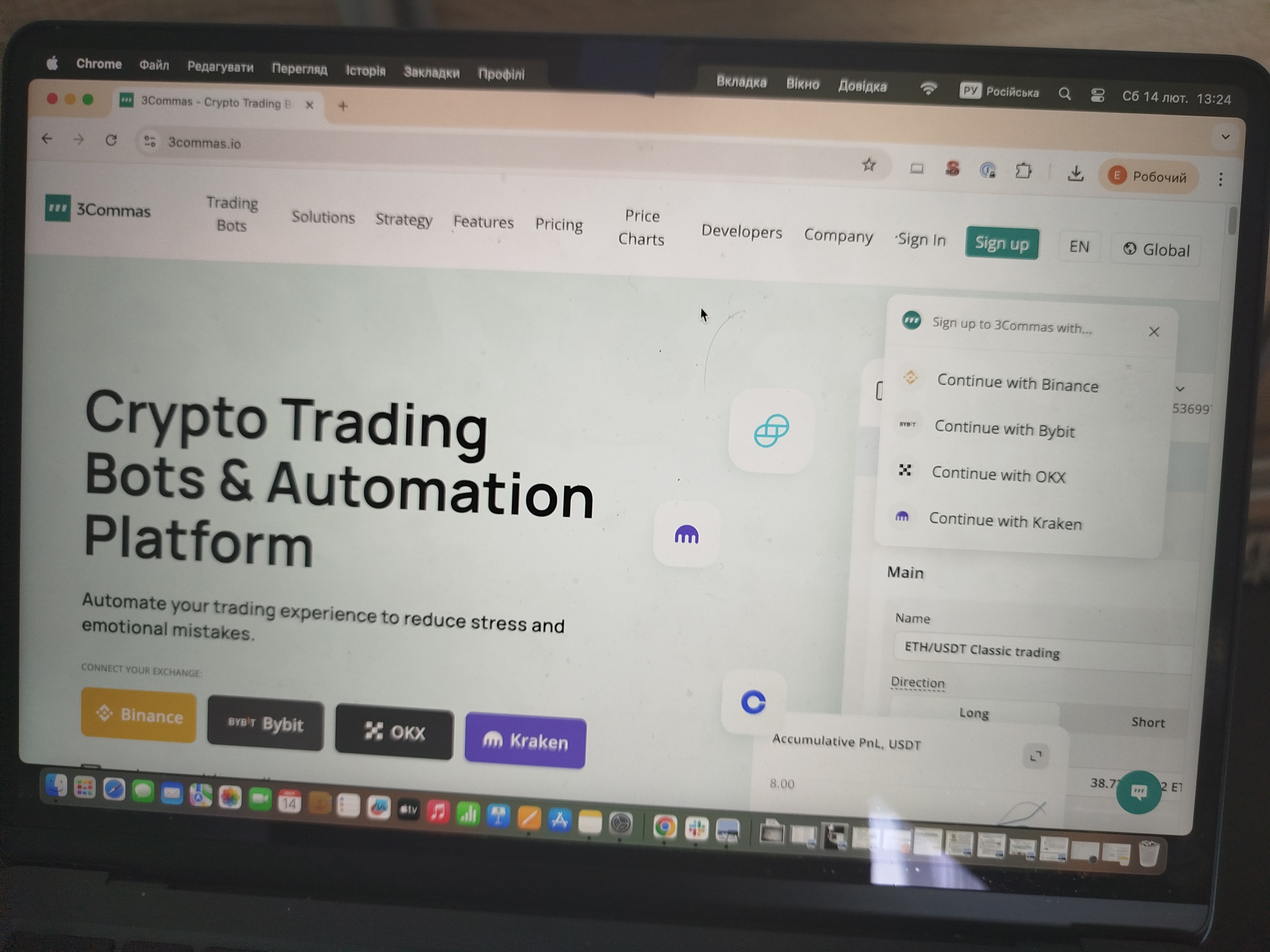
In this review, GNcrypto tests 3Commas as a beginner friendly way to automate crypto trades without code. Key idea: 3Commas is the bot layer, but your exchange still sets fees, limits, and market access. We explain what 3Commas is, how to set it up, and the practical trade offs before you run your first bot.
What is 3Commas?
3Commas is a third party crypto trading platform that helps you run automated strategies on exchanges through API connections. In this 3Commas review, we think beginners should understand the split of responsibilities: 3Commas can provide bot logic, signals, and a dashboard, but the exchange still decides trading fees, order types, minimum order sizes, rate limits, and which pairs are available.
In practice, most new users follow a simple flow. First, you choose an exchange you already use and create an API key with trade permissions only. Then you connect that key to 3Commas, pick a tool such as a DCA bot or a Grid bot, set basic rules like budget and safety limits, and monitor results from the 3Commas interface.
A good beginner use case is someone who wants one clear dashboard to test a small bot budget on a familiar exchange, without building their own scripts or dealing with complex server setups.
3Commas Trading Bots and Core Tools
In this section of our 3Commas reviews, the GNcrypto team focuses on the tools that actually matter for a first time user: which bots you can run, how you trigger trades, and how you sanity check settings before you risk real money. When we reviewed 3Commas, we approached it like a beginner would, starting from the exchange connection screen and checking how quickly we could get to a clean, understandable bot setup.
3Commas centers around a few core tools. The most beginner friendly is the DCA Bot, which can spread entries over time instead of trying to pick one perfect price. The Grid Bot is aimed at range bound markets, placing buy and sell orders inside a price corridor. If you prefer manual control but want better order handling, SmartTrade is the in between option: it helps you place structured orders and manage exits more cleanly than a basic exchange ticket. Finally, Signal Bots let you run automated entries based on external triggers.
For many beginners, the simplest no code path is TradingView alerts. This is one place our testers paid special attention, because it can remove the hardest step for newcomers: you do not need to write scripts to automate a basic idea. You define the alert logic on TradingView, send it to 3Commas, and the bot can execute the trade on your connected exchange.
Backtesting is another practical feature we look for when evaluating bots. 3Commas includes backtest capabilities, but the depth depends on your plan. We think that is useful as a reality check: if your settings look great on a one week snapshot but fall apart on a longer window, it is a sign to go smaller or adjust expectations. In our workflow, we treat backtests as a quick filter for obviously unrealistic parameters, not as a promise of future returns.
One more beginner note we flagged: exchange support is not always identical. 3Commas can connect to many exchanges, but specific features and market types can vary by exchange and by plan. Before we recommend a setup, we always check the supported features list for the exact exchange where the bot will run.
Quick tool match for beginners:
- If you want slow, structured entries without constant chart watching: start with a DCA bot
- If you expect a sideways market and want to work a range: try a Grid bot on a liquid pair
- If you already use TradingView signals and want auto execution: start with alerts to a Signal Bot and keep size small
Test Setup and Results
We created a 3Commas account (Starter plan, $29/month), connected Binance via API (trade-only permissions, no withdrawals), and ran a DCA bot for 14 days with $200 capital.
Registration & API setup:
- 3Commas account creation: 5 minutes (email verification)
- Binance API key creation: 8 minutes (trade permissions only, IP whitelist enabled)
- First bot launch: 12 minutes (DCA bot, BTC/USDT, $200 budget split into 5 orders)
DCA Bot test (BTC/USDT, 14 days):
- Bot type: DCA, 5 safety orders, $40 base order
- Market conditions: BTC ranged $66k–$69k
- Orders executed: 3 of 5 (base + 2 safety orders triggered)
- Gross PnL: +$8.20
- Binance fees: -$0.60 (0.1% taker on 6 fills: 3 buys, 3 sells)
- 3Commas subscription (prorated 14 days): -$13.50
- Net result: -$5.90
Observation: Subscription cost ($13.50 for 2 weeks) exceeded trading profit ($7.60 net after fees). On a $200 account, you’d need 18%+ monthly returns just to break even on subscription + exchange fees.
Configuration mistakes caught:
- The initial API key had withdrawal enabled by accident. We caught this during setup review and regenerated the key with trade-only permissions.
- Grid bot spacing too tight (0.3% on ETH). Backtest showed 40+ trades in 7 days, fees would eat 60%+ of profit. We widened to 0.8% before going live.
- TradingView alert test fired 3x in 5 minutes due to webhook misconfiguration. Bot tried to open 3 identical positions. We paused the bot and fixed the alert logic.
What worked well:
- Pause/resume during volatility: BTC spiked 6% in 1 hour on day 9. We paused all bots via mobile app in under 30 seconds.
- Multi-exchange view: We added KuCoin API (read-only for testing) and could monitor both exchanges from one dashboard.
- TradingView integration: After fixing webhook config, alerts executed cleanly with <5 second latency.
Friction points:
- Subscription economics brutal for small accounts: $29/month = 14.5% of $200 capital
- Feature limits on Starter plan: 1 active API key, 1 simple bot only (no Grid or SmartTrade)
- Backtest data limited to 30 days on Starter (Pro plan gets 180 days)
Pros and Cons Overview
In this part of our 3Commas trading bot review, we keep it practical: the pros and cons that felt most real to our GNcrypto testers when we used 3Commas as a day to day bot dashboard.
Strengths:
- The multi-exchange dashboard worked as advertised: we connected Binance and KuCoin via API in under 10 minutes total, monitored both from one screen, and paused all bots with a single click when BTC spiked 6% in 1 hour. Managing this via two separate exchange interfaces would have taken longer and increased error risk.
- If you already use TradingView alerts, the webhook style flow can remove the most common beginner pain point: missing an entry because you were not watching the screen.
- If you tend to over tweak settings, backtesting and structured bot templates can act like a sanity check before you go live with real money.
Weaknesses:
- Subscription economics brutal for small accounts: Starter plan costs $29/month. On our $200 test account, the bot earned $7.60 net after exchange fees over 14 days, but the prorated subscription ($13.50) turned this into a -$5.90 loss. You’d need 18%+ monthly returns just to break even. Accounts under $1,000 struggle with this math.
- If you are not ready for strict API hygiene, the operational risk is higher than with exchange native bots. With third party tools, you are responsible for permissions, key storage, and key rotation habits.
- If you expect the same features everywhere, you may be disappointed. 3Commas supports many exchanges, but features and market types can vary by exchange and by plan, so it is worth verifying your exact venue before you commit.
Trustworthiness Check
When we reviewed 3Commas, we treated trust and operational safety as part of the product, not an afterthought. With third party bots, your funds stay on the exchange, but your API keys can still place trades, so the risk profile is different from using an exchange native bot.
Here are the key security and compliance headlines we found, listed in plain language for beginners:
- October 2022 – phishing post mortem: 3Commas described a phishing wave where users entered API keys on fake sites, and the stolen keys were later used for unauthorized trades. Their write up framed this as user key compromise via phishing, not a direct platform breach.
- December 2022 – API data disclosure incident: 3Commas published a public FAQ about an incident involving exposed API data. The takeaway is simple: if an API key and secret are exposed, it can be used to place trades on the connected exchange.
- January 2023 – legal follow up reported: a class action complaint was filed related to losses and the 2022 incident. We treat this as allegations in a lawsuit, not a confirmed finding.
- December 2022 to 2023 – law enforcement coverage reported by media: some outlets reported that authorities were looking into the 2022 incident. We treat this as reported coverage rather than an official outcome.
- October 2023 – account level incident notice: 3Commas published a notice after complaints about unauthorized trades following password resets. They said the issue involved unauthorized access to customer account data, and they noted that accounts without 2FA were impacted more often. They also stated that after a password reset, exchange API connections are disabled.
What this means for traders: 3Commas can be used responsibly, but only if you treat API safety as non negotiable. We would start with a small test budget, enable 2FA, create API keys with trade only permissions (never withdrawals), use IP whitelisting where possible, and rotate keys if anything looks suspicious. If you are not comfortable with that routine, an exchange native bot may feel safer.
3Commas Trading Bot Rating Breakdown (Out of 5)
| Criteria | Rating (out of 5) |
|---|---|
| Automation Quality and Execution | 3.6 |
| Strategy Performance and Backtesting | 3.8 |
| Risk Management and Controls | 3.5 |
| Costs and Fee Transparency | 3.3 |
| Exchange Coverage and Asset Support | 4.1 |
| User Experience and Setup | 3.6 |
| Customer Support and Documentation | 3.6 |
| Overall rating (weighted) | 3.7 |
Conclusion
3Commas makes the most sense for beginners who want a single dashboard to run simple Grid or DCA experiments on a familiar exchange, then gradually add features like alerts and basic automation as they learn. It is also a strong fit for traders who already rely on TradingView signals and want to turn alerts into execution without writing code.
We would be more cautious recommending 3Commas in three cases. First, if you are trading with a very small balance, the monthly subscription can outweigh any realistic edge. Second, if you are not comfortable managing API security, the platform is simply not forgiving, because your keys can place trades even if funds stay on the exchange. Third, if your goal is strict cost optimization at scale, you may find that fee outcomes depend more on the exchange venue and your trading frequency than on the bot layer.
Is 3Commas legit? Yes, but only if you treat API security as non-negotiable and understand subscription economics. Our test showed the Starter plan ($29/month) turned a $7.60 trading profit into a -$5.90 net loss on a $200 account. Accounts under $1,000 will struggle to justify the cost unless returns consistently exceed 18%+ monthly.
Our safe start playbook: connect one spot exchange, create a trade only API key with no withdrawals, enable 2FA, start with one liquid pair and a small budget, and run your first bot for 7 to 14 days as a learning test before scaling.
Methodology – Why You Should Trust Us
We use a weighted, category based model and hands-on testing with real capital. We score each bot from 1.0 to 5.0 in 0.1 increments based on execution quality, real world performance, and beginner usability.
Categories and weights:
- Automation Quality and Execution – 30%
- Strategy Performance and Backtesting – 25%
- Risk Management and Controls – 15%
- Costs and Fee Transparency – 10%
- Exchange Coverage and Asset Support – 10%
- User Experience and Setup – 5%
- Customer Support and Documentation – 5%
Latest News





Recommended Articles/Reviews




The material on GNcrypto is intended solely for informational use and must not be regarded as financial advice. We make every effort to keep the content accurate and current, but we cannot warrant its precision, completeness, or reliability. GNcrypto does not take responsibility for any mistakes, omissions, or financial losses resulting from reliance on this information. Any actions you take based on this content are done at your own risk. Always conduct independent research and seek guidance from a qualified specialist. For further details, please review our Terms, Privacy Policy and Disclaimers.