Alternative to Phantom wallet for 2026: best wallets for Solana users
If you are searching for a Phantom Wallet alternative in 2026, the right choice depends on how you actually use crypto. Some wallets are best for Solana-first activity and NFTs, others are stronger for multi-chain portfolios or safer everyday sending. This guide compares the practical trade-offs so you can pick a wallet that matches your workflow, not just a feature checklist.
GNcrypto’s verdict: best Phantom Wallet alternatives 2026
After testing five Phantom alternatives with real funds, here’s our ranking:
Best overall: MetaMask (4.6/5). Strongest EVM dApp compatibility, clear signing screens, supports Arbitrum/Optimism/Avalanche that Phantom doesn’t.
Best for Binance users: Binance Wallet (4.2/5). Seedless MPC setup, fast EVM coverage including BSC, tight exchange-to-Web3 bridge.
Best desktop experience: Exodus (4.2/5). Polished interface with Trezor integration, but watch 2-5% swap spreads.
Finance-style alternative: Uphold (3.9/5). Custodial multi-asset hub (crypto + fiat + metals), instant internal swaps, but slow withdrawals.
Beginner option: SoFi Wallet (3.8/5). Simple buy-and-hold inside U.S. fintech app, no DeFi or Web3.
Quick decision framework:
- EVM DeFi user who needs max compatibility? → MetaMask
- Binance user who wants easy Web3 access? → Binance Wallet
- Desktop portfolio manager with Trezor? → Exodus
- Want crypto + fiat + metals in one custodial app? → Uphold
- U.S. beginner who wants simple buy-and-hold? → SoFi Wallet
Full breakdowns below.
Why consider alternatives to Phantom wallet
Phantom is a strong Solana-first wallet that also offers a practical multi-chain view. In 2026 hands-on testing, it scored 4.0/5, with standout usability and clear safety prompts. The app makes the basics easy, tokens and NFTs are organized cleanly, suspicious airdrops are filtered by default, and the signing flow includes previews and warnings that help reduce common mistakes.
Still, there are a few reasons you might want a Phantom wallet alternative.
- You need broader EVM coverage. In testing, Phantom did not support BSC, Arbitrum, Optimism, or Avalanche, which can force you to keep a second wallet if those networks are part of your routine.
- You swap often and care about total cost. Built-in swaps charged about a 0.85% wallet fee plus gas, and cross-chain actions added bridge and network fees. That convenience can get expensive compared with routing trades directly on a DEX.
- You prefer a strict seed-only model. Phantom offers Seedless Login via Apple or Google, which is fast, but some users prefer to avoid any cloud-account dependency.
- You want a faster data-heavy experience. Token pages and market panels sometimes load slower than the core portfolio view, which is minor, but noticeable if you check details constantly.
If any of these points match your workflow, switching wallets, or using a second wallet alongside Phantom, can reduce friction and lower your long-term costs.
Top alternatives by user needs
If you are looking for the best alternative to Phantom wallet, start with your real workflow. Phantom is optimized for Solana-first daily use, NFTs, and a clean mobile experience. Many people do not replace it outright. Instead, they add a second wallet that covers what Phantom is weaker at, especially broader EVM access, BNB Smart Chain activity, or an exchange-connected Web3 flow.
Binance Wallet
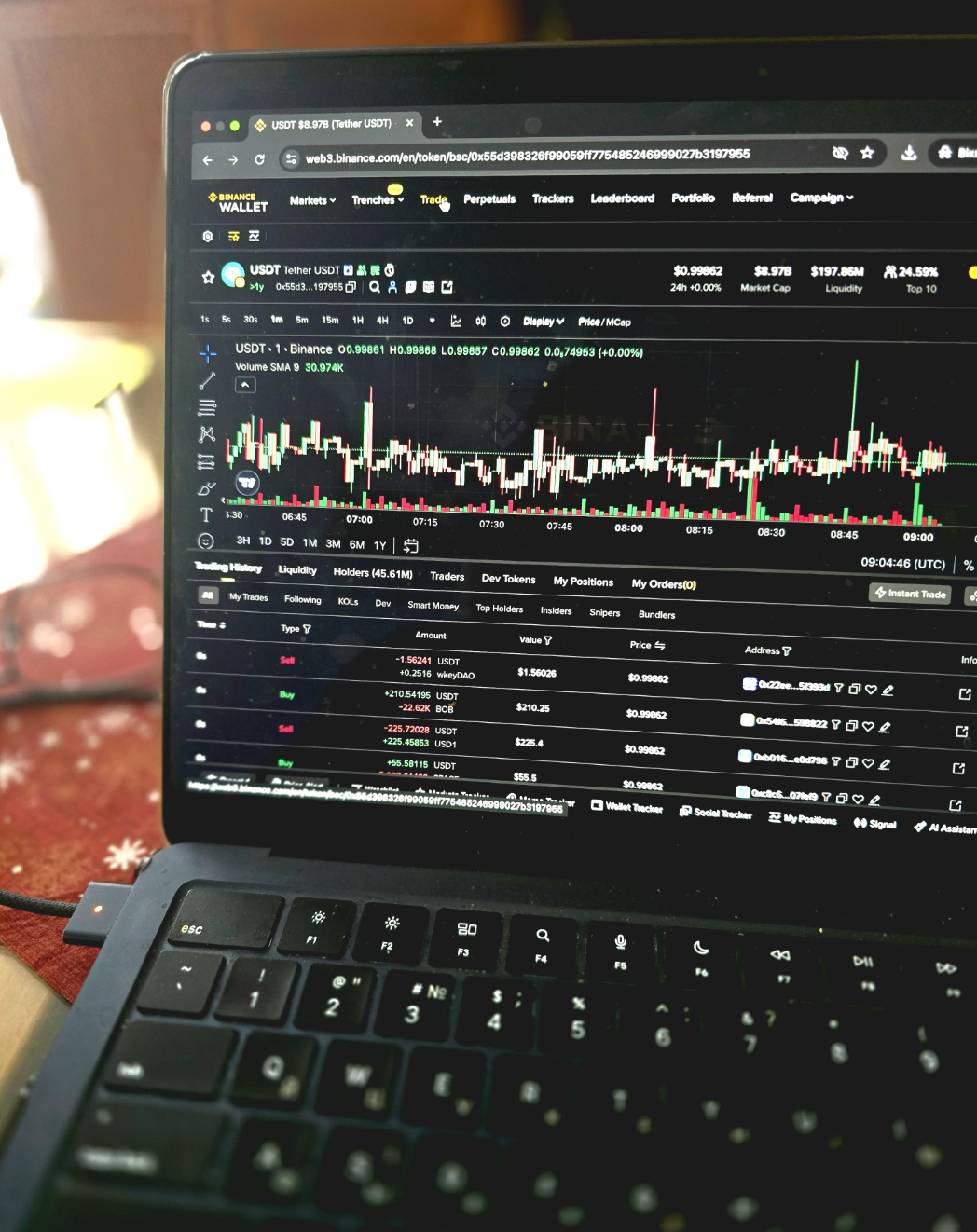
In 2026 testing, Binance Wallet scored 4.2/5 overall. It is a self-custody wallet that lives inside the Binance mobile app and uses MPC key management, so there is no seed phrase to write down. That design lowers the chance of user mistakes and makes it feel familiar for anyone already using Binance.
As an alternative to Phantom, Binance Wallet makes the most sense if you routinely use Ethereum and EVM networks that Phantom did not support in testing, including BNB Smart Chain and Arbitrum. It is also a strong fit if you want Web3 access that stays close to your exchange workflow, since moving funds between Binance exchange accounts and the wallet is quick.
Fees are straightforward for the most common use cases. On BNB Smart Chain, built-in swaps used a 0.25% protocol fee plus network gas. In the swap test, $50 USDC to ETH cost $0.37 total (0.74%) and executed in 6 seconds. For comparison, Phantom’s built-in swaps charged about a 0.85% wallet fee plus gas in testing.
Benefits
Seedless setup, strong EVM coverage, and a low-friction bridge from exchange activity into on-chain DeFi and NFTs.
Limitations
Binance Wallet is not fully independent. Recovery depends on Binance account access and 2FA, and the wallet cannot be restored in other apps the way a seed phrase wallet can. It is also not a cold-storage tool for large, long-term holdings.
Best for
Existing Binance users who want an easy way to use Web3, DeFi, and NFTs across major EVM networks without managing a seed phrase.
Strengths:
- Fast onboarding, setup took under 2 minutes.
- Simple recovery on a second device, under 1 minute after account login and 2FA.
- Clear send flow with guardrails, a $10 USDT send on BNB Smart Chain confirmed in 8 seconds with a $0.08 gas fee.
- Competitive BNB Smart Chain swap costs, 0.25% protocol fee plus gas, with a $50 USDC to ETH test swap costing $0.37 total (0.74%).
Weaknesses:
- Tightly coupled to Binance, less portable than a seed phrase wallet.
- Less flexibility for advanced users who want granular control or a standalone wallet experience.
- Not designed as a hardware-level security replacement
SoFi Wallet

In 2026 testing, SoFi Crypto Wallet scored 3.8/5 overall. It is a custodial wallet built into the SoFi app. You do not manage private keys or seed phrases. Instead, custody is handled on your behalf, which keeps setup and recovery simple for mainstream users.
As an alternative to Phantom, SoFi Crypto Wallet only makes sense if you want crypto exposure inside a traditional fintech app and you do not plan to use Web3. There are no dApp connections, no DeFi, and no NFTs. Asset support is intentionally narrow, about 20 major tokens, so it is designed for buying, holding, and occasionally selling, not exploring new ecosystems.
Costs are clear at the point of trade, but withdrawals and transfers can be restrictive. The review notes 7-day ACH holds and a $2.50 minimum withdrawal fee, which can equal 10% on small transfers. If you want the freedom to move assets on-chain whenever you want, this is a major trade-off.
Benefits
A familiar, finance-first crypto experience inside one app, with easy recovery and a support structure closer to a mainstream brokerage than a crypto-native wallet.
Limitations
This is not self-custody. Access is tied to your SoFi account, withdrawals can be delayed or fee-heavy on small amounts, asset selection is limited, and there is zero Web3 functionality.
Best for
SoFi users and beginners who want a simple way to buy and hold major cryptocurrencies inside a regulated U.S. fintech ecosystem, without managing keys.
Strengths:
- Easy onboarding and day-to-day use, with a 5-minute setup noted in testing.
- Strong recovery flow through standard account processes, rated 4.5/5 for recovery and backups.
- Clean interface integrated with other financial products, rated 4.5/5 for user experience.
- Solid mainstream security profile for its category, rated 4/5 for security and key management.
- Better support infrastructure than many crypto-native wallets, rated 4.0/5 for support and education.
Weaknesses:
- Lower overall score than Binance Wallet in testing, 3.8/5 vs 4.2/5.
- Fully custodial model, no private key control and no portability to other wallets.
- Limited asset support, around 20 major tokens.
- No DeFi, dApps, or NFTs, with 1.5/5 for DeFi and dApp integration.
- Withdrawal friction, including 7-day ACH holds and a $2.50 minimum fee, which can be costly on small transfers.
Exodus Wallet
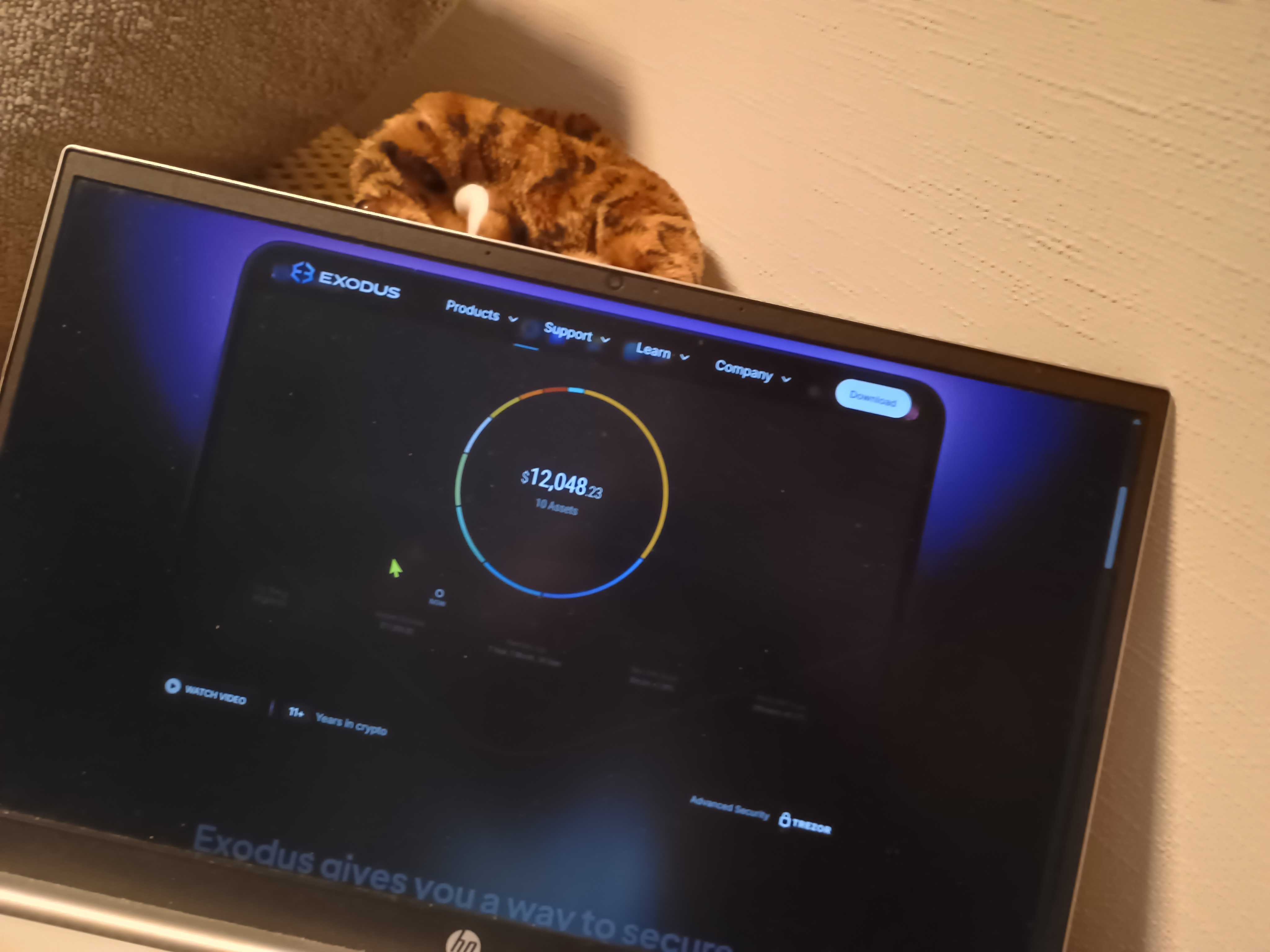
In 2026 testing, Exodus scored 4.2/5 overall. It is a non-custodial, multi-chain wallet designed to feel “ready out of the box,” with both desktop and mobile apps that sync smoothly. Exodus stands out for deep Trezor integration on desktop, which lets you manage cold storage through the same clean interface.
As an alternative to Phantom, Exodus is less about Solana power use and more about portfolio management across many assets. If you want a desktop-first wallet experience, a polished interface, and strong hardware wallet support, Exodus can be a better fit. The trade-off is cost. The review found that its built-in swaps often come with 2% to 5% spreads, which is noticeably higher than Phantom’s built-in swap fee (about 0.85% plus gas) if you swap frequently.
There is also a transparency trade-off. Exodus is not fully open source, so you are trusting the company more than verifying the code. On the upside, the company is publicly listed (NYSE American: EXOD) and files regular reports with the U.S. SEC, which adds a layer of accountability that many wallet teams do not have.
Benefits
A best-in-class interface with desktop and mobile sync, plus a strong bridge between hot wallet convenience and Trezor cold storage.
Limitations
Swap costs can be high due to 2% to 5% spreads, and the wallet is largely closed source. Advanced fee control on mobile is also limited compared with power-user wallets.
Best for
People who want a polished portfolio dashboard and plan to pair a software wallet with a Trezor for long-term holding.
Strengths:
- Strong overall score: 4.2/5.
- Top marks for supported assets and networks (5/5) and user experience (5/5).
- Hardware wallet integration is a core feature, not an afterthought, with deep Trezor support.
- Responsive customer support in testing, with a human reply in about 40 minutes.
Weaknesses:
- Lower value for frequent swaps, since spreads often ranged from 2% to 5%.
- Not fully open source, which limits independent verification.
- Transaction costs and speed scored 3/5, reflecting the premium you often pay for convenience.
MetaMask
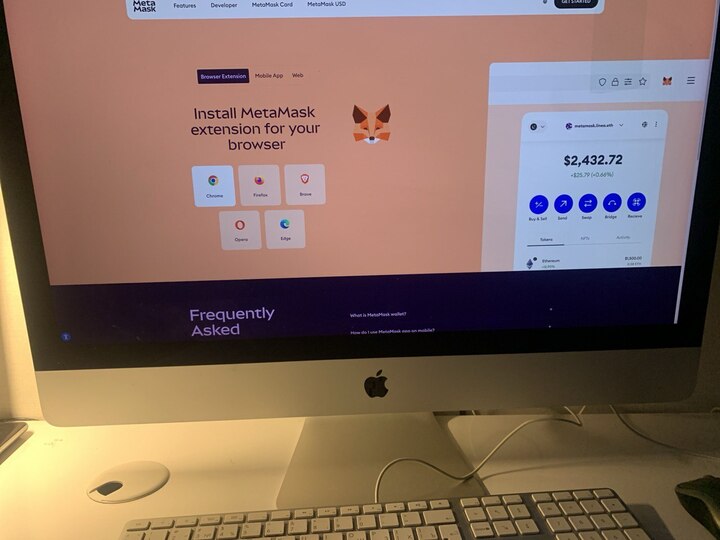
In 2026 testing, MetaMask scored 4.6/5 overall. It is the default wallet for Ethereum and EVM chains, built around fast dApp connections and clear signing screens. If your main pain point with Phantom is limited EVM coverage, MetaMask solves it. It supports major EVM networks out of the box, including Arbitrum, Optimism, Avalanche (C-Chain), BNB Smart Chain, Polygon, Base, Linea, zkSync Era, and Sei.
As an alternative to Phantom, MetaMask is best viewed as an EVM specialist. It is not trying to replace Phantom’s Solana-first experience for NFTs and everyday Solana activity. Instead, it gives you a reliable second wallet for Ethereum-based DeFi, bridging, and anything that requires full EVM compatibility.
Fees are easy to understand. MetaMask swaps add a 0.875% wallet fee plus network gas. That is close to Phantom’s built-in swap fee (about 0.85% plus gas), so the decision is less about saving on swaps and more about which chains you actually use.
Benefits
Best-in-class EVM dApp compatibility, clear signing and approval screens, and a familiar workflow across most Ethereum-based apps.
Limitations
MetaMask is extension-first on desktop, with no standalone desktop app, and it cannot remove user risk around approvals. It is also not a Solana-first wallet, so you will still want Phantom or another Solana wallet for that ecosystem.
Best for
Anyone who uses Ethereum and EVM-based DeFi regularly and wants a wallet that works with most dApps without friction.
Strengths:
- Highest overall score among the alternatives listed so far: 4.6/5.
- Broad EVM network support out of the box, plus the option to add custom networks via RPC.
- Clear swap pricing, with a 0.875% wallet fee shown before you confirm, plus gas.
Weaknesses:
- Swap fees add an extra layer on top of gas (0.875%), which can compound for frequent swappers.
- No standalone desktop app, and some users prefer a dedicated desktop client.
- Not optimized for Solana-first workflows.
Uphold Wallet
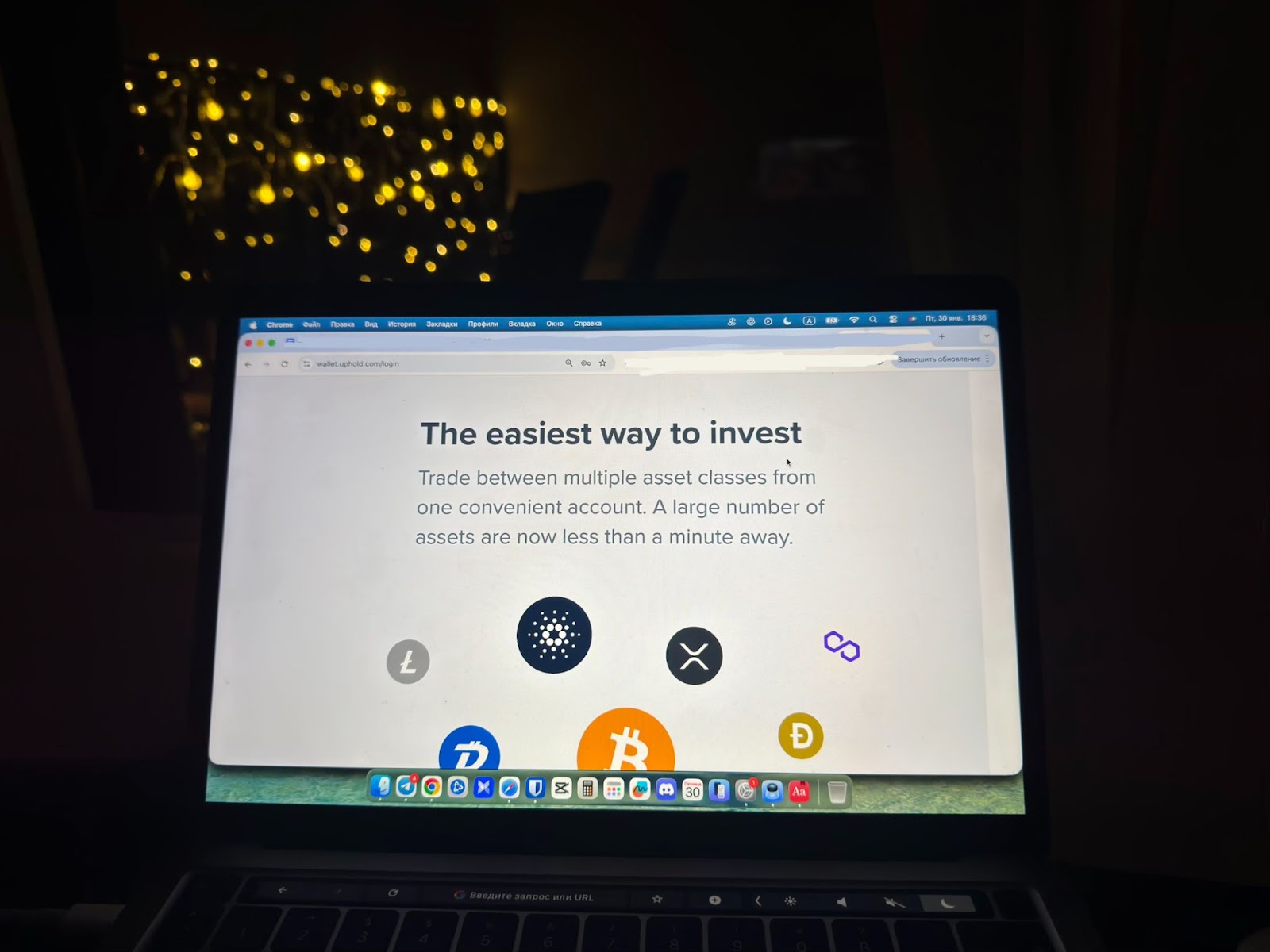
In 2026 testing, Uphold scored 3.9/5 overall. It is a centralized crypto platform and wallet that supports cryptocurrencies, fiat currencies, precious metals, and a small set of other assets in one account. Unlike Phantom, you do not control private keys directly. Uphold holds custody and manages key security for you, which is simpler for mainstream users but not true self-custody.
As an alternative to Phantom, Uphold is a different category of product. It is not built for Solana-first NFTs or a deep Web3 workflow. It is built for mobile-first daily management, quick conversions, and keeping multiple asset types in one place. Uphold’s anything-to-anything conversions execute in under 2 seconds.
The trade-offs are cost, speed of withdrawals, and account friction. In testing, a $25 conversion carried a 3.3% total spread, and the review notes typical spreads around 1.2% to 1.8% plus a $2.50 crypto withdrawal fee. A $15 USDT withdrawal to an external wallet took 18 hours, with 14 hours in processing. Fiat withdrawals took 4 business days. Registration also required a phone number and full KYC, and verification took 4 days.
Benefits
A unified mobile and web hub for crypto, cash, and metals, with instant internal conversions and a very intuitive interface.
Limitations
Uphold is custodial and requires full verification. Withdrawals can be slow, fees can be high for small transfers, and customer support is ticket-based with no live chat.
Best for
Mobile-first users who want a single app to manage a mixed portfolio that includes crypto plus fiat and metals, and who do not need Solana-first NFTs or heavy DeFi.
Strengths:
- Solid overall rating: 3.9/5.
- Strong user experience score (4.6/5) and smooth mobile and web use.
- Broad asset coverage for a centralized app, scored 4.5/5 for supported assets and networks.
- Fast internal swaps and conversions, with anything-to-anything conversions under 2 seconds.
- Security and key management scored 4.0/5, with custody handled by the platform and Proof of Reserves published.
Weaknesses:
- Custodial model, no direct private key control.
- Verification friction, including phone number requirement and a 4-day KYC process in testing.
- Withdrawal delays and fees, including a $2.50 crypto withdrawal fee and an 18-hour USDT withdrawal.
- Customer support scored 3.2/5, with a 52-hour ticket response time and no live chat.
Key features compared
To pick the right alternative to Phantom wallet, it helps to compare wallets by a few practical factors: custody model, chain coverage, swap costs, recovery, and whether you need Web3 at all.
Quick decision framework:
- If you want seedless Web3 inside one app and you already use Binance, choose Binance Wallet.
- If you want a simple buy-and-hold wallet for about 20 major coins, with easy account-based recovery and no key management, choose SoFi Wallet.
- If you want a custodial, multi-asset hub that includes fiat and metals, choose Uphold, but expect spreads and slower withdrawals.
- If you only work on Ethereum and EVM apps, choose MetaMask. for maximum compatibility, but expect higher in-wallet swap fees (0.875% plus gas).
- If you rarely swap and mainly want a polished all-in-one interface, choose Exodus, especially if you use the desktop app and Trezor integration, but be aware swaps can cost more due to 2% to 5% spreads.
If you are moving away from Phantom, do not treat it as an all-or-nothing migration. Many people use two wallets by design, one for long-term holding and another for active DeFi. Start small, test a send, test recovery on a second device, then scale up once you are confident your backup flow is solid.
Top Phantom alternatives – quick comparison
| Wallet | Standout | Fees | Assets | Security and key management | Overall rating | Best for |
|---|---|---|---|---|---|---|
| Phantom | Solana-first UX, spam filtering, fast mobile flow | Built-in swaps about 0.85% plus gas | Solana-first, limited EVM coverage noted | Non-custodial, Seedless Login option mentioned | 4.0/5 | Solana users, NFTs, mobile-first activity |
| MetaMask | EVM default, strong dApp connection flow | In-wallet swaps 0.875% plus gas | Ethereum and EVM networks out of the box, plus custom RPC networks | Clear signing and approval screens, user risk remains | 4.6/5 | EVM DeFi users who want maximum compatibility |
| Binance Wallet | Seedless MPC self-custody inside Binance | 0.25% protocol fee plus gas on BNB Smart Chain | EVM-first, strong BNB Smart Chain fit, Arbitrum supported | MPC keys, recovery tied to Binance account and 2FA | 4.2/5 | Binance users who want easy Web3 access |
| Exodus | Polished desktop plus mobile, Trezor integration | Built-in swaps often 2% to 5% spreads | Multi-chain (count not stated) | Non-custodial, but largely closed source | 4.2/5 | Portfolio management with optional Trezor use |
| Uphold | Multi-asset hub, fast internal conversions | Spreads noted around 1.2% to 1.8% plus fees, $2.50 crypto withdrawal fee | Crypto plus fiat and metals in one account | Custodial, platform custody, Proof of Reserves noted | 3.9/5 | Users who want a custodial, all-in-one asset app |
| SoFi Wallet | Mainstream fintech access, simple buy and hold | 7-day ACH holds and a $2.50 minimum withdrawal fee noted | About 20 major tokens | Custodial, keys managed by the platform | 3.8/5 | Beginners who want crypto inside a U.S. fintech app |
The material on GNcrypto is intended solely for informational use and must not be regarded as financial advice. We make every effort to keep the content accurate and current, but we cannot warrant its precision, completeness, or reliability. GNcrypto does not take responsibility for any mistakes, omissions, or financial losses resulting from reliance on this information. Any actions you take based on this content are done at your own risk. Always conduct independent research and seek guidance from a qualified specialist. For further details, please review our Terms, Privacy Policy and Disclaimers.
Articles by this author