Phantom wallet vs MetaMask 2026: key features compared
MetaMask and Phantom are often framed as “Ethereum vs Solana,” but daily use comes down to practical details. In our test, we compared how fast each wallet is to install, how safe and readable the approval flow feels, and how transparent swap costs are before you hit “Confirm”.
We installed both wallets on desktop and mobile, completed onboarding, connected to dApps, checked NFT handling, ran swaps, and paid close attention to warnings and action previews. The goal is simple: show where each wallet actually saves time and reduces the chance of mistakes, and where the responsibility still sits fully with the user.
MetaMask vs Phantom at a glance
| Category | MetaMask | Phantom | Winner |
|---|---|---|---|
| Overall GNcrypto rating | 4.6 / 5 | 4.0 / 5 | MetaMask (overall) |
| Supported Assets & Networks | 5 / 5 | 3 / 5 | MetaMask |
| Security & Key Management | 4 / 5 | 4 / 5 | Draw |
| Transaction Costs & Speed | 3 / 5 | 4 / 5 | Phantom |
| User Experience & Interface | 5 / 5 | 5 / 5 | Draw |
| DeFi & dApp Integration | 5 / 5 | 3 / 5 | MetaMask |
| Recovery & Backup Systems | 5 / 5 | 4 / 5 | MetaMask |
| Customer Support & Documentation | 5 / 5 | 5 / 5 | Draw |
Ethereum vs Solana focus: where each wallet feels at home today
For our MetaMask vs Phantom wallet review, we focused on whether each wallet feels like a natural extension of its home ecosystem.
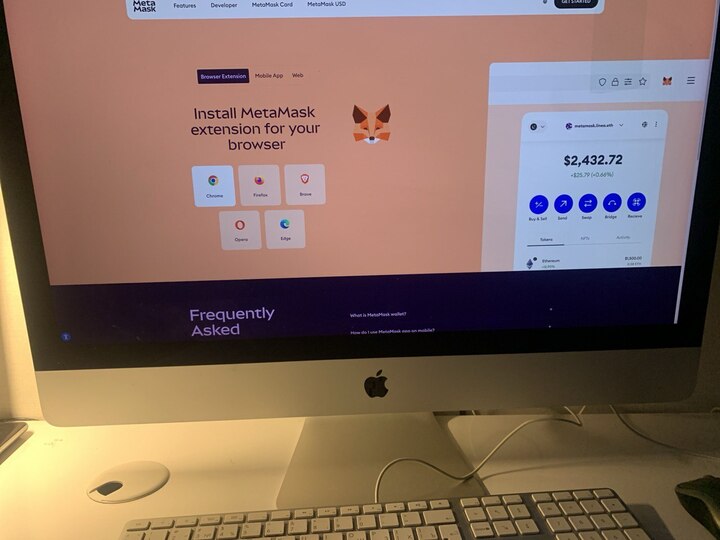
In our test, MetaMask felt like the default choice for EVM. Most dApps recognize it immediately, the connection step is quick, and the confirmation flow follows a familiar pattern. If your day-to-day is Ethereum and L2s, MetaMask often saves time because you rarely need extra setup to get things done.
One of the wallet’s biggest EVM strengths is network handling. We found that adding a custom network via RPC and switching between networks was straightforward. The downside is also practical: on custom networks, balance updates and activity can depend on the RPC provider you choose. If that provider is slow, you can run into frustrating delays.
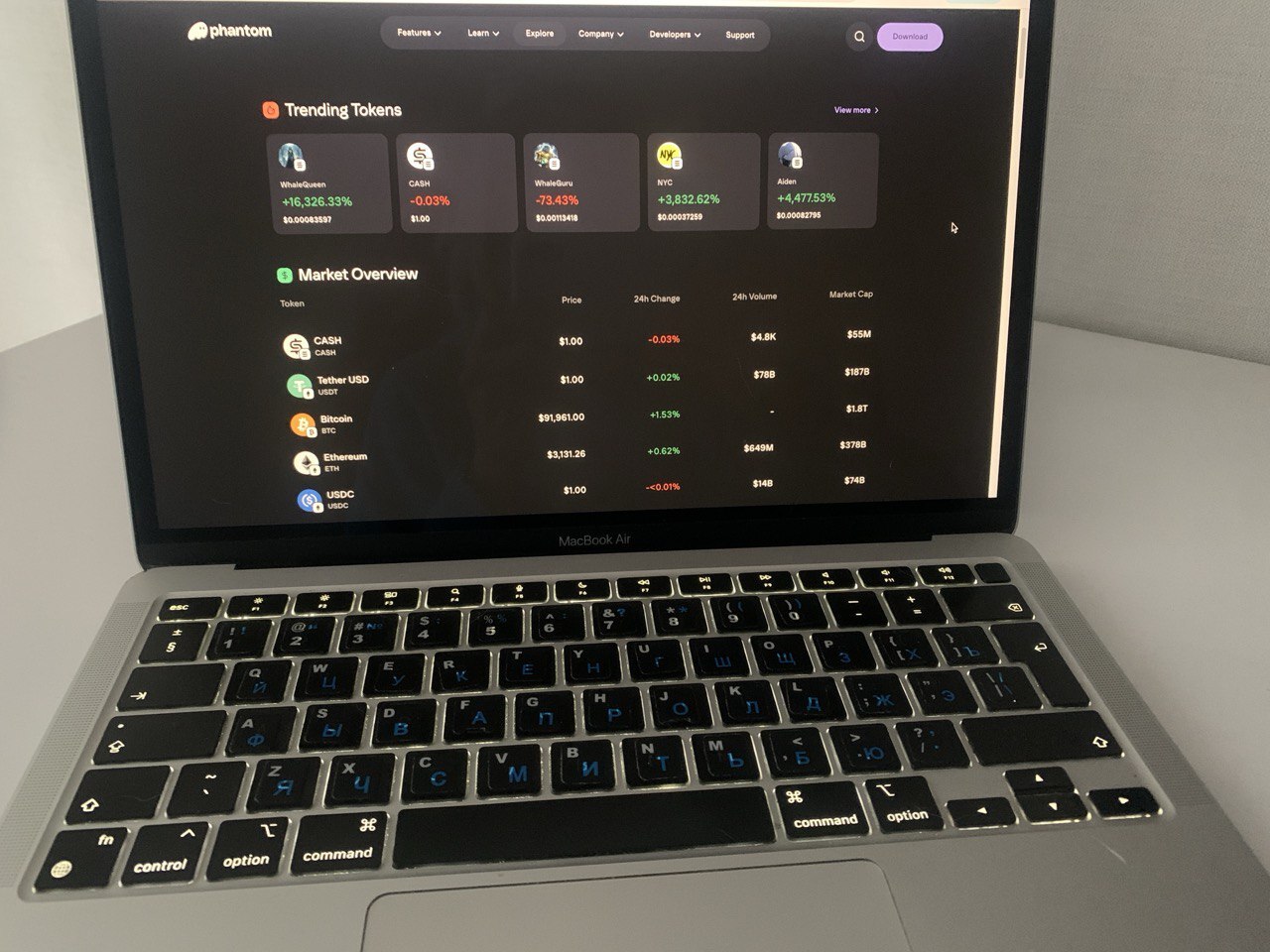
Phantom shines most on Solana. In our test, it felt steady in NFT and SOL scenarios, and the interface pushed you less toward manual configuration. The wallet already supports multiple chains, but its “universal” side still depends on a relatively narrow set of networks. If your activity is spread across many EVM networks, you may start to feel those limits and naturally drift toward a two-wallet setup.
NFT & DeFi experience: approvals, swaps, and dApp connections
To make this MetaMask vs Phantom wallet comparison really useful, we tested how each wallet behaves in everyday tasks such as connecting to a dApp, signing messages and transactions, granting approvals, and swapping. Along the way, we tracked two things: how clear it is what you are approving, and how transparently the total cost is shown before you hit “Confirm”.
- dApp connections and signing. In our test, MetaMask felt everywhere: most dApps recognize it as the default EVM wallet, so the connection flow looks consistent from one app to the next. Phantom connected just as reliably, but its home territory is clearer. Solana-first apps hook into it naturally, while in the EVM ecosystem the wallet can feel like an additional option rather than the standard, so MetaMask is often the faster choice.
- Approvals and permission control. In MetaMask, the interface emphasizes that signing a message and submitting an on-chain transaction are different actions. When you grant permissions, it is generally clear you are giving a smart contract access to tokens, which helps prevent “approve everything” habits. Phantom’s strength is the context it surfaces before you sign. Transaction previews and warnings about potentially risky permissions reduced the odds of hitting “Confirm” on autopilot in our test.
- Swaps and visibility of the total cost. We treated built-in swaps as the default path, meaning you do not leave the wallet for a third-party aggregator. In MetaMask, a service fee is added on top of network gas, so the final price can be higher than expected if you only watch gas. Phantom follows a similar model: swaps can include a wallet-level fee, and multi-chain routes can add bridge-related costs. In our test, both wallets surfaced this information on the confirmation screen before signing.
Our takeaway: for regular activity on EVM, MetaMask wins on compatibility and becomes the “automatic” pick faster. If you prefer Solana and have a large NFT lineup, Phantom tends to deliver a calmer experience, especially when spam filtering matters.
Multi-chain capabilities: add-ons and real-world limits in use
We tested what multi-chain support looks like in real use: how networks are added, how much the experience depends on RPC providers, and when keeping a second wallet becomes the practical choice.
- Networks and custom networks. In our test, MetaMask behaved like a builder. For EVM chains, you can add a custom network via RPC and switch between networks without leaving the app. Phantom takes a different approach: it offers a curated set of supported networks in one interface. Setup feels lighter, but the list is finite.
- Add-ons and extra features. MetaMask’s main expansion lever is Snaps. In practice, it works like a module store: you add what you need without switching wallets. Phantom feels more like a finished product. Instead of plug-ins, it relies on built-in features around Solana, NFTs, and signing.
- Real limits and when you need a second wallet. MetaMask is the more flexible option for EVM, but it still demands discipline around approvals and signing. Service features like built-in swaps can also raise your all-in cost. Phantom more often hits a coverage limit: if the L2 you need is not supported, extra configuration will not solve it.
Our takeaway from this Phantom wallet vs MetaMask comparison is simple. In 2026, a practical setup is often MetaMask as a base wallet for EVM and DeFi, and Phantom as a smoother tool for Solana and NFTs, especially if you actively use both ecosystems.
Phantom vs MetaMask: which should you choose?
If you’re a beginner or setting up your first wallet
Choose: Phantom
Phantom’s setup is simple, and its Solana-native UX makes common tasks (sending, receiving, swapping tokens, and managing NFTs) feel straightforward. During testing, the app’s spam filtering and clear signing previews helped reduce “blind signing,” which matters when you’re still learning what you’re approving.
If you mainly use DeFi apps on Ethereum and other EVM networks
Choose: MetaMask
MetaMask is still the default for most EVM DeFi dApps, so compatibility is usually the smoothest. It also makes it easy to add custom networks via RPC and switch between them quickly. If you need non-standard features, Snaps can extend MetaMask without forcing you to move to a different wallet.
If you want a clean wallet for Solana plus a simple multi-chain mode
Choose: Phantom
Phantom works well when your day-to-day activity is centered on Solana and you want one interface across the networks Phantom supports. The trade-off is coverage and control: Phantom is more limited across major EVM networks and L2s, and it is less flexible for custom networks compared with an RPC-based approach.
If you want maximum network flexibility and advanced customization
Choose: MetaMask
MetaMask is the better fit when you expect to use multiple EVM chains and L2s and you want control over network configuration. The trade-offs show up in real use: security depends heavily on user discipline with approvals and signing, built-in swaps can include service markups on top of gas, and custom-network reliability often depends on the quality of your chosen RPC provider.
How we test hot crypto wallets
At GNcrypto, we put transparency first when evaluating hot cryptocurrency wallets. Our reviews are based on hands-on testing and thorough analysis across all key dimensions that matter for self-custody and daily crypto use.
We do not audit wallet code or guarantee security against all attack vectors. Instead, our scores reflect usability, feature completeness, and observable security practices. We do not accept payment for ratings or modify scores based on partnerships.
Categories & weights
We rate hot wallets on seven criteria. Security and Asset Support are weighted heaviest because a wallet that isn’t safe or can’t hold your coins is useless, regardless of how pretty the UI is.
- Security & Key Management – 25%
- Supported Assets & Networks – 20%
- Transaction Costs & Speed – 15%
- User Experience & Interface – 15%
- DeFi & dApp Integration – 10%
- Recovery & Backup Systems – 10%
- Customer Support & Documentation – 5%
The material on GNcrypto is intended solely for informational use and must not be regarded as financial advice. We make every effort to keep the content accurate and current, but we cannot warrant its precision, completeness, or reliability. GNcrypto does not take responsibility for any mistakes, omissions, or financial losses resulting from reliance on this information. Any actions you take based on this content are done at your own risk. Always conduct independent research and seek guidance from a qualified specialist. For further details, please review our Terms, Privacy Policy and Disclaimers.
Articles by this author