MetaMask vs Coinbase Wallet (Base App) comparison 2026: Which fits beginners
MetaMask and Coinbase Wallet are two of the most searched hot wallets in 2026, but they feel very different in real use. We compared setup, recovery, dApp signing, swaps, and fees, then mapped the results to beginner scenarios so you can pick the safer fit for your first months onchain.
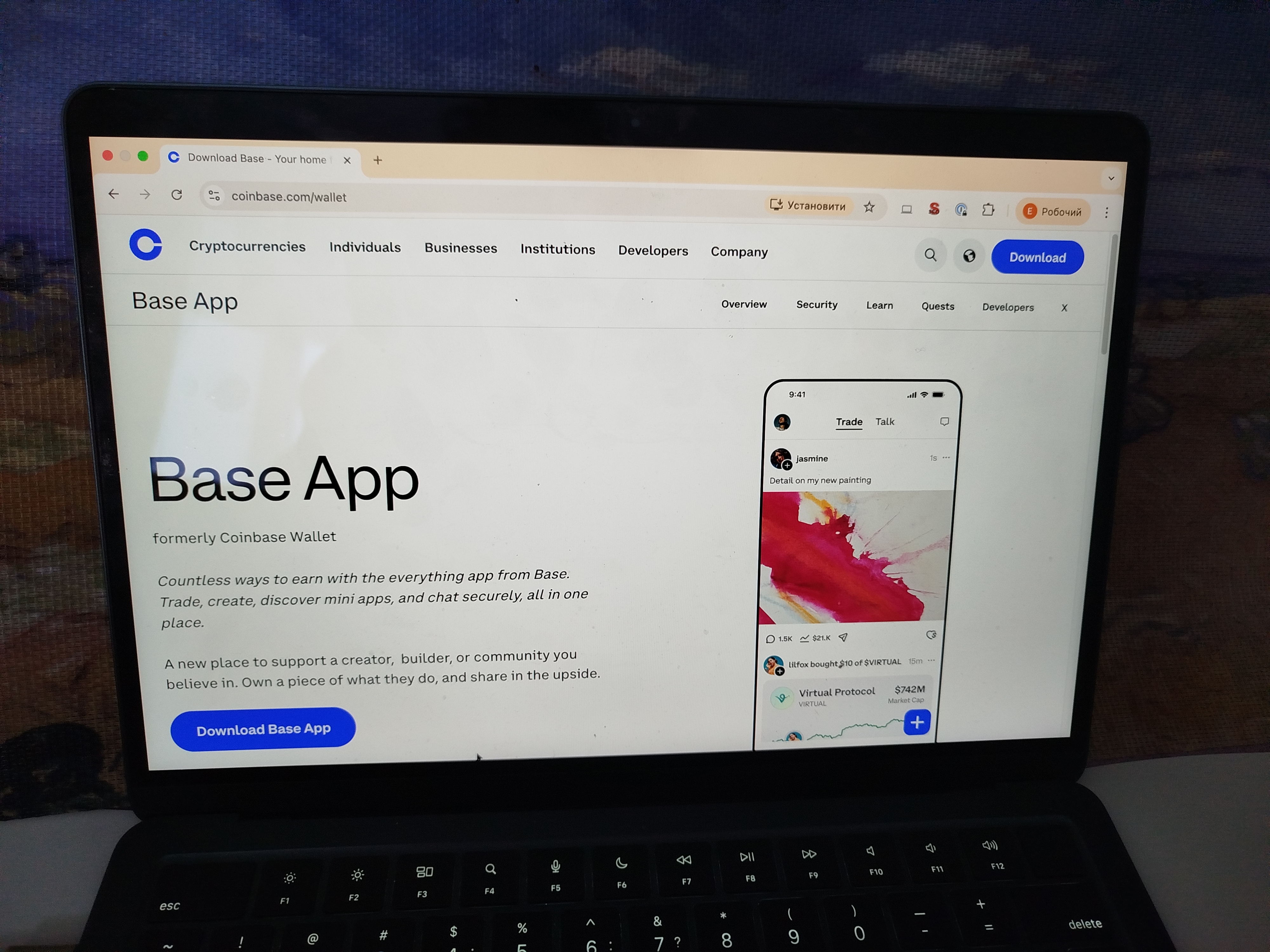
MetaMask and Coinbase Wallet (now marketed as the Base app) solve the same problem – getting crypto into your own control – but they assume completely different starting points. MetaMask treats you like someone who will eventually connect to a dozen dApps and needs full control over networks, gas, and approvals. Base app treats you like someone who just left an exchange and wants the wallet to feel less intimidating than the blockchain actually is.
The choice isn’t about “better.” It’s about whether you value flexibility (MetaMask) or guardrails (Coinbase Wallet). One is a Swiss Army knife for EVM power users; the other is a guided onboarding ramp with a familiar logo. For most beginners, the Coinbase brand recognition matters more than they’d admit. For DeFi natives, MetaMask’s universal compatibility is non-negotiable.
MetaMask vs Coinbase Wallet at a Glance
| Category | MetaMask | Coinbase Wallet | Winner |
|---|---|---|---|
| Security & Key Management | 4.8 | 4.0 | MetaMask |
| Supported Assets & Networks | 4.6 | 4.5 | MetaMask |
| Transaction Costs & Speed | 4.6 | 3.5 | MetaMask |
| User Experience & Interface | 4.3 | 4.0 | MetaMask |
| DeFi & dApp Integration | 5.0 | 4.5 | MetaMask |
| Recovery & Backup Systems | 4.4 | 4.0 | MetaMask |
| Customer Support & Documentation | 4.1 | 3.5 | MetaMask |
| Total | 4.6 | 4.05 | MetaMask |
Core philosophy: simplicity vs flexibility
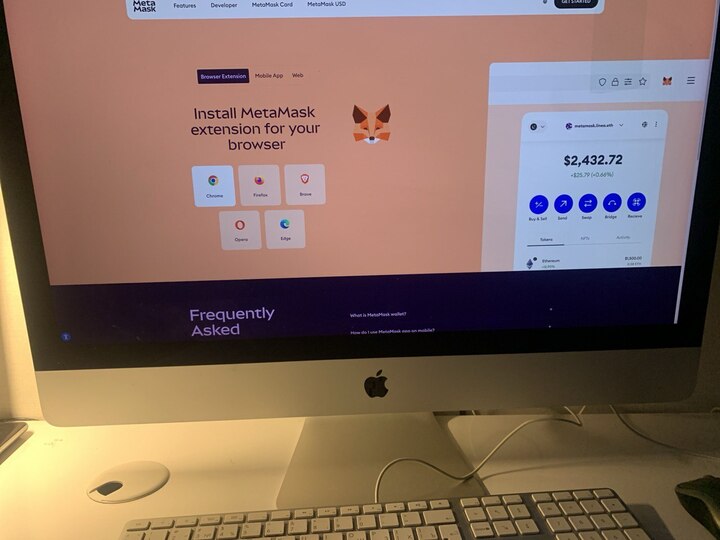
MetaMask and Coinbase Wallet solve the same beginner problem, but they start from different priorities. MetaMask operates as a flexibility-first Web3 tool: it assumes you will connect to many apps, switch networks, and make your own choices about what you sign. Coinbase Wallet (now marketed as the Base app) works as a guided first step into self-custody.
When researching MetaMask vs Trust Wallet vs Coinbase wallet, the real split comes down to simplicity versus control. Coinbase Wallet is designed to feel familiar: get crypto in, see a clean portfolio, and send it out with fewer sharp edges. MetaMask is built to be broadly compatible inside the EVM world: it gives you accounts, custom networks, and a signing flow that expects you to slow down and read what you approve.
MetaMask doesn’t try to protect you from yourself. If you approve a malicious contract, the wallet will execute it without questioning your judgment. That’s a feature for experienced users who know what they’re signing, but it’s a liability for beginners who click “Approve” reflexively.
Coinbase Wallet adds more friction to dangerous actions – clearer warnings, plain-language explanations, simplified approval screens. This slows down experienced users but probably saves beginners from their first major mistake.
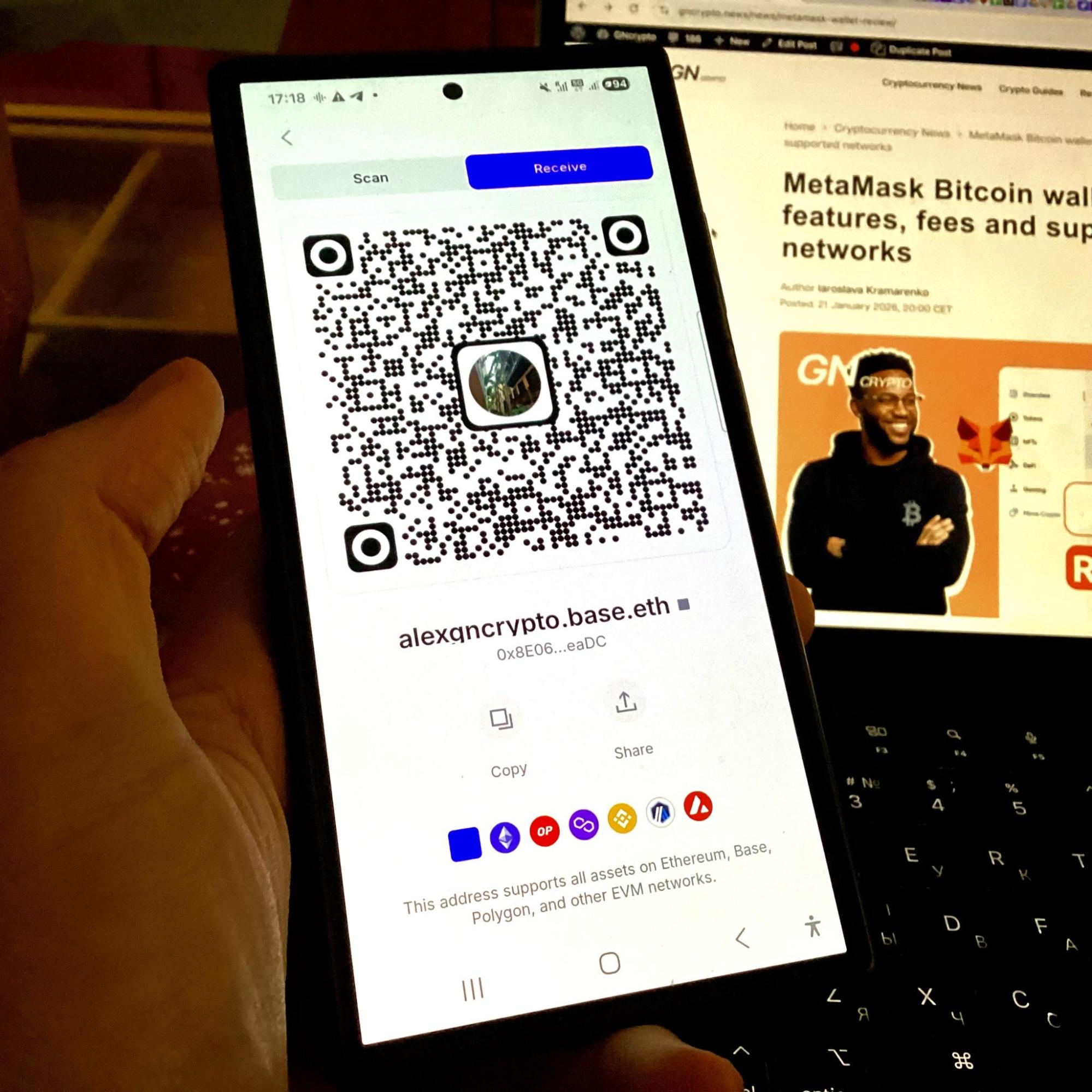
We ran both through a typical first-hour path: set up from scratch, move in a small test amount, connect to one popular dApp, and watch for the moments that trigger mistakes. Neither philosophy is automatically better. The right fit depends on what you plan to do next, so the first three sections stay descriptive, and we save the final pick for the scenario-based decision block at the end.
Transaction costs & speed
Network fees: Both wallets use the same Ethereum network, so gas costs are identical for the same transaction type. We sent $20 ETH on Ethereum mainnet during moderate congestion (evening hours): MetaMask quoted $1.85 (Normal speed), Coinbase Wallet quoted $1.90 for the same transaction. Both allowed custom gas adjustment.
Fee presets: MetaMask offers granular control (Slow/Market/Aggressive plus custom input). Coinbase Wallet shows Slow/Normal/Fast with limited custom options. For beginners, Coinbase’s simplified presets reduce confusion. For active users adjusting gas frequently, MetaMask’s flexibility saves money during off-peak hours.
Speed: Transaction confirmation times are network-dependent, not wallet-dependent. A Normal-speed ETH send confirmed in 2-3 minutes on both wallets during our test.
Control, custody & recovery
In a Coinbase Wallet vs MetaMask comparison, the biggest beginner difference shows up on your worst day: you lose a phone, you reinstall an app, or you need to migrate to a new device.
Both wallets are self-custody. That means an exchange password reset does not apply here. In our tests, the mental model that matters is simple: access equals your recovery method. If someone gets that recovery method, they can move your funds. If you lose it, nobody can restore it for you.
MetaMask is the classic route. You create a wallet, you get a seed phrase, and that phrase is the master key for restoring the same accounts anywhere. This is clean and predictable, but unforgiving. A wrong backup, a screenshot leak, or typing the phrase into a fake site can be game over. The upside is consistency: a fresh install plus the seed phrase equals full recovery, and you can keep the wallet fully separate from any email identity.
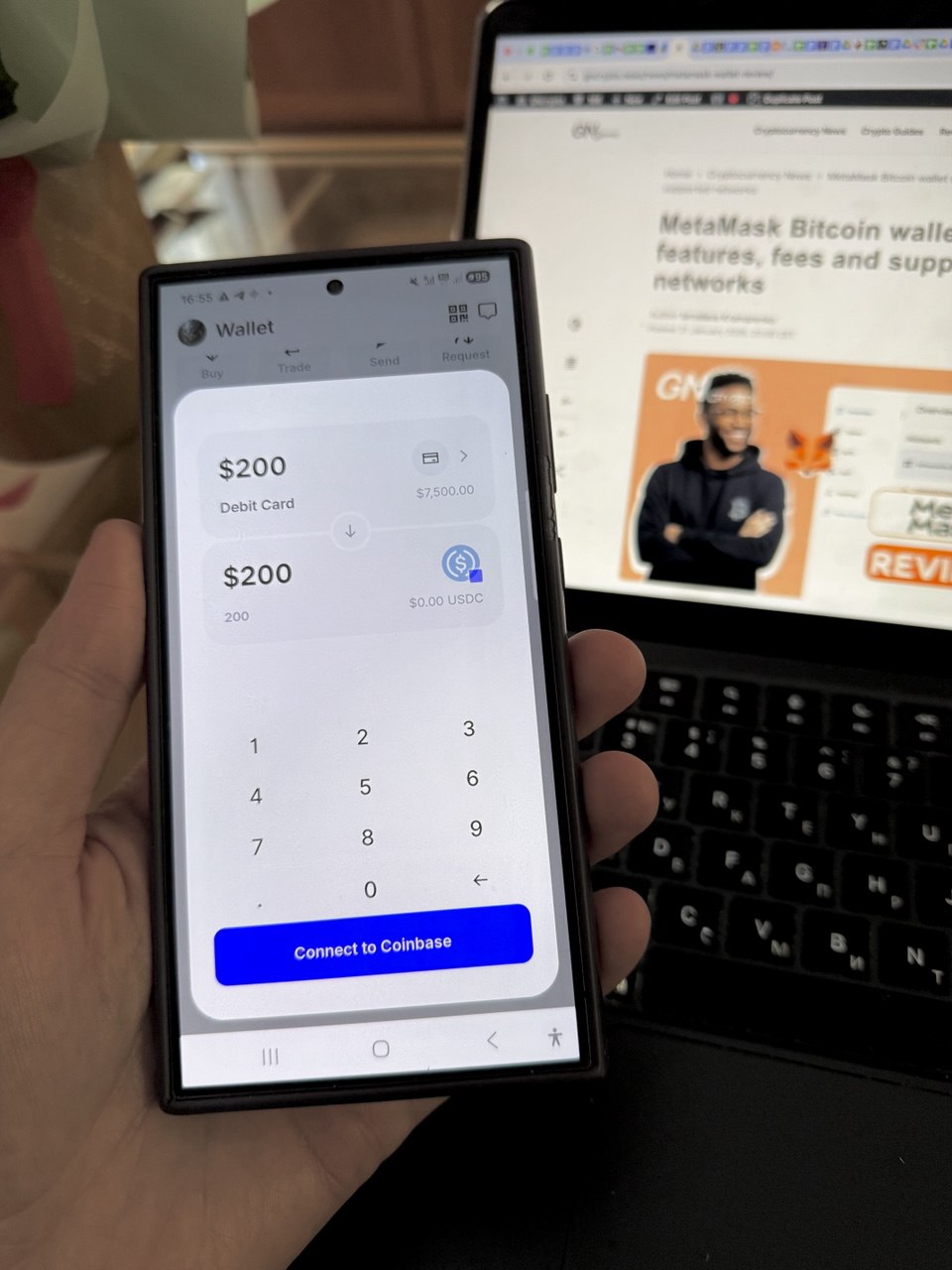
Coinbase Wallet offers more than one recovery feel. You can still use a traditional seed phrase, but the product also supports passkey and smart-wallet style upgrades and encrypted cloud backup options. For beginners, that can reduce panic after a lost phone because recovery can resemble restoring an app. The trade-off is that device security and your Apple ID or Google account security become part of your wallet security story, and availability can vary by app version and region.
Here’s the brutal truth: if you lose your seed phrase with MetaMask, your funds are gone forever. If you lose your Apple ID password with Coinbase Wallet’s passkey setup, your funds are also gone – but at least Apple has a password reset flow. Neither scenario is good, but one feels slightly less catastrophic to non-technical users.
Our practical checkpoint is to do a dry run before you fund anything meaningful: back up once, then restore on a second device or a fresh install while your balance is still zero. If you cannot restore calmly, you are not ready to hold value yet.
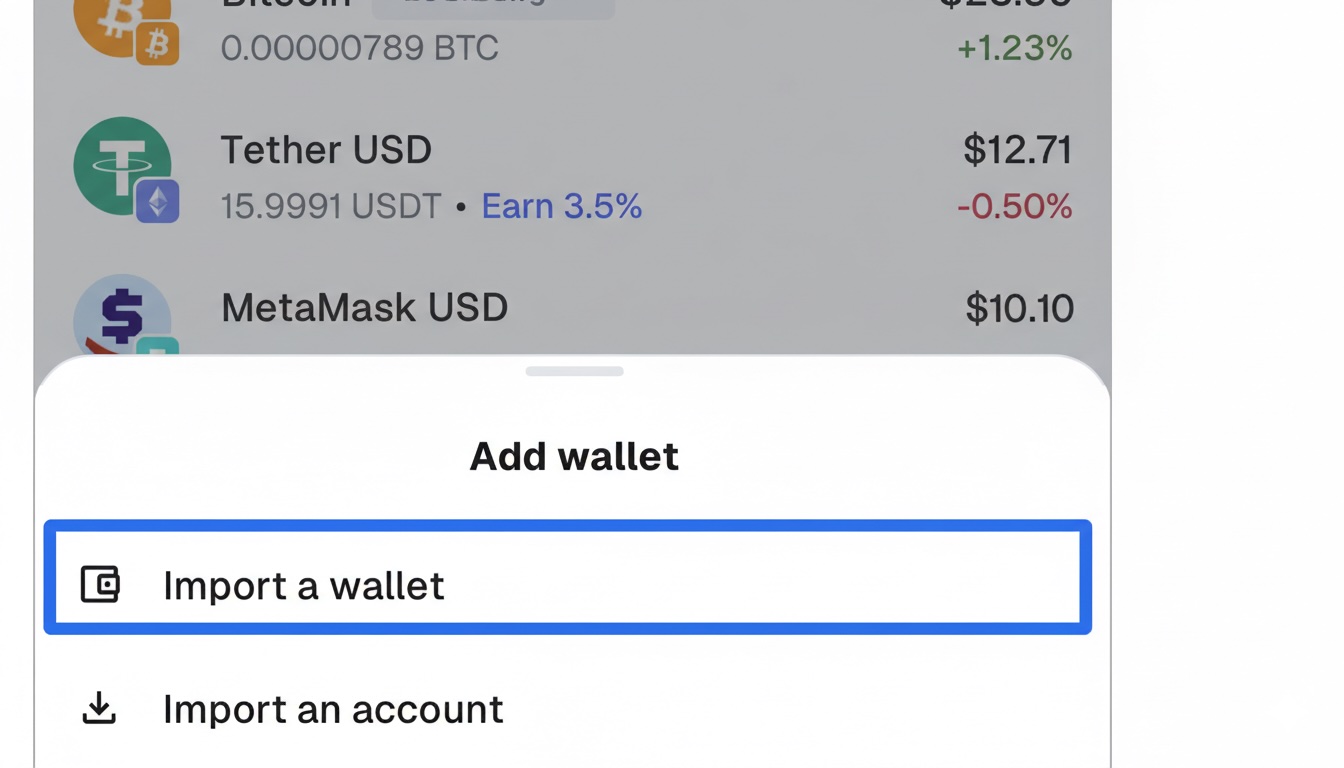
Recovery test: We created a MetaMask wallet, backed up the 12-word seed phrase, and restored it on a second device. The process took 90 seconds: opened the extension, selected “Import wallet,” entered the seed, and all accounts appeared immediately.
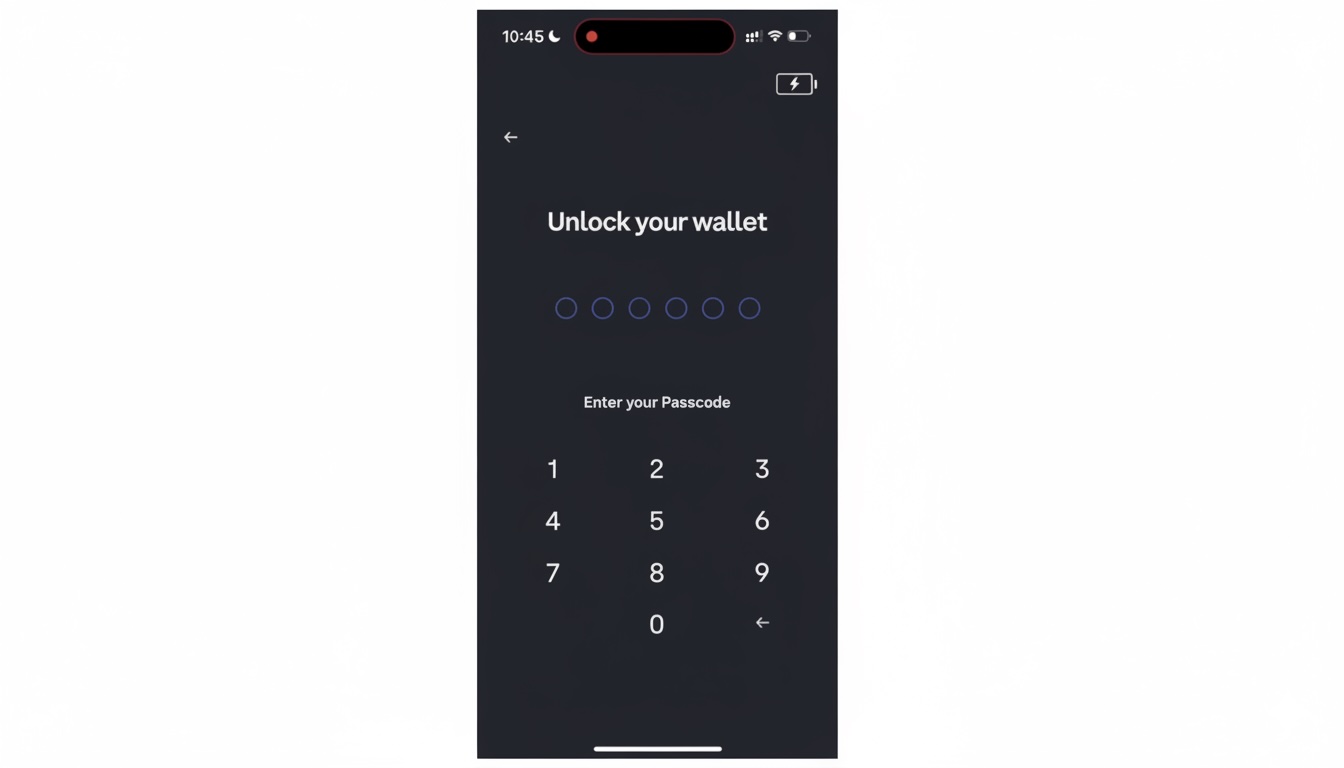
For Coinbase Wallet, we tested both seed phrase recovery (similar 90-second process) and passkey recovery via iCloud. Passkey restoration took under 30 seconds with Face ID authentication, but depends entirely on Apple ID security remaining intact. If you lose access to your Apple account, passkey recovery becomes unavailable unless you also saved the optional seed phrase backup.
DeFi & NFT access
In our MetaMask wallet vs Coinbase Wallet dApp test, both were capable, but they guide beginners differently once you leave the simple send-and-receive world.
MetaMask is one of the most widely supported EVM connectors. On many common dApps, MetaMask is a first-class option, and the flow is direct: pick the account, confirm the network, then approve or sign. message signatures, and contract calls that can be risky if you click through fast.
Coinbase Wallet also connects broadly through its in-app browser and extension, but the experience felt more guided. The UI leans into clearer prompts and a more consumer-friendly layout, which can help first-timers avoid misclicks. Where beginners still get hurt is the same place as anywhere else: a fake site, a rushed approval, or a network mismatch when a dApp expects a specific chain.
dApp connection test: We connected both wallets to Uniswap on Base network. MetaMask connected via browser extension in under 5 seconds, displayed clear approval prompts showing token amounts and contract address. Coinbase Wallet connected via in-app browser (mobile) and extension (desktop) with similar speed, but the approval interface included more beginner-friendly explanations of what we were signing.
Both wallets successfully completed a test swap on Uniswap. The key difference: MetaMask assumes you understand what “approve USDC spending” means, while Coinbase Wallet adds a plain-language explanation (“This allows Uniswap to access your USDC”).
Swap cost comparison: We tested swapping $50 USDC for ETH on Base network. MetaMask charged 0.875% service fee ($0.44) plus $0.12 in network gas, a total of $0.56. Coinbase Wallet charged a standard 1% fee for this pair ($0.50) plus $0.15 gas, total $0.65. For a single swap, the difference is minor. For weekly $100 swaps over a year, MetaMask saves roughly $30-40 compared to Coinbase Wallet’s higher fee structure.
Both wallets make swapping convenient, but connecting directly to Uniswap or another DEX bypasses these wallet fees entirely – you’d pay only network gas ($0.12-0.20 on Base).
Customer Support & Documentation
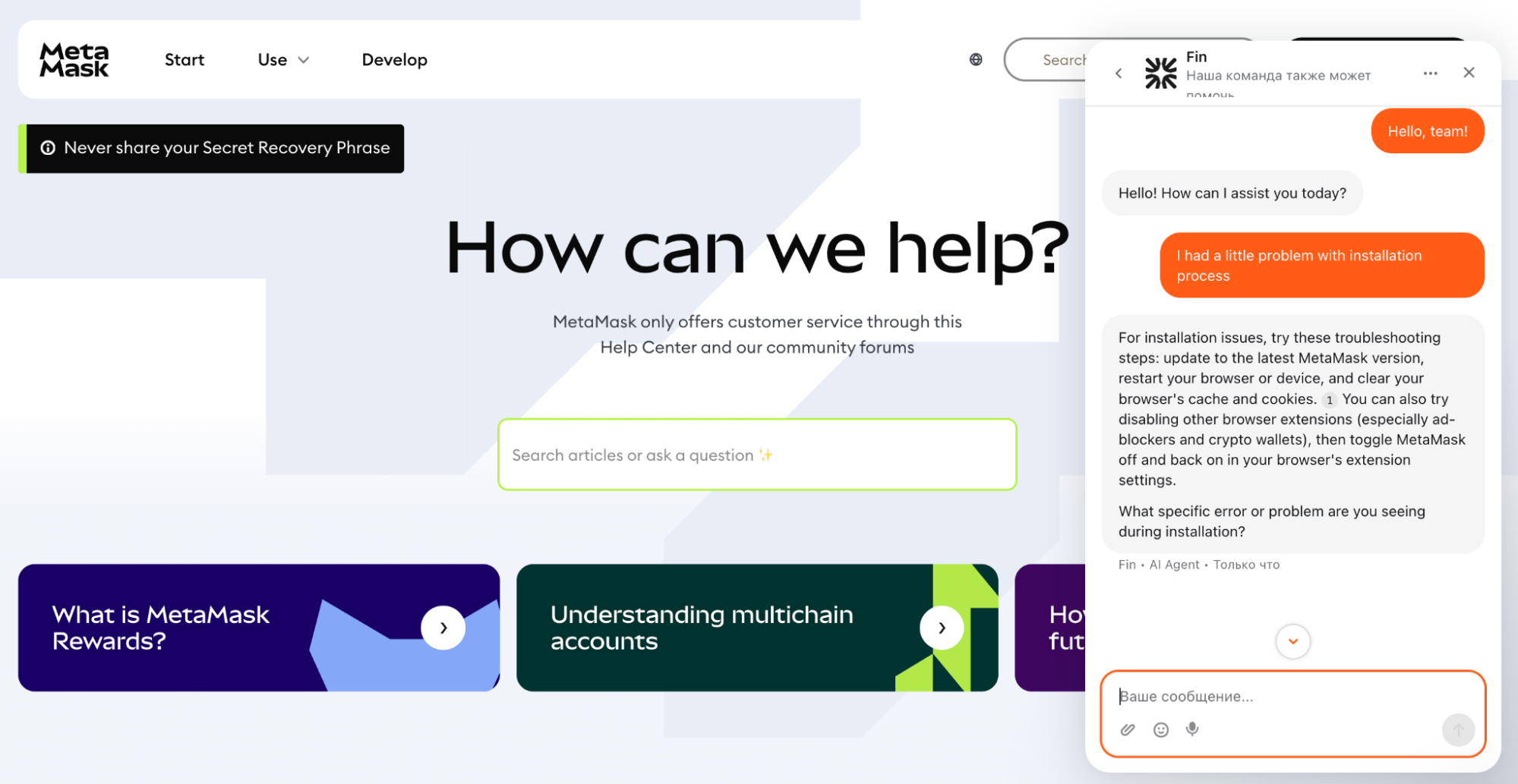
MetaMask: Offers extensive documentation, active community forums, and a detailed knowledge base. While it was once documentation-only, MetaMask now provides live chat support via its help center. You’ll start with an AI assistant for basic troubleshooting, but you can escalate to a human agent for complex technical issues. It remains a “self-help first” ecosystem, which is ideal for independent learners but can still feel overwhelming for absolute beginners.
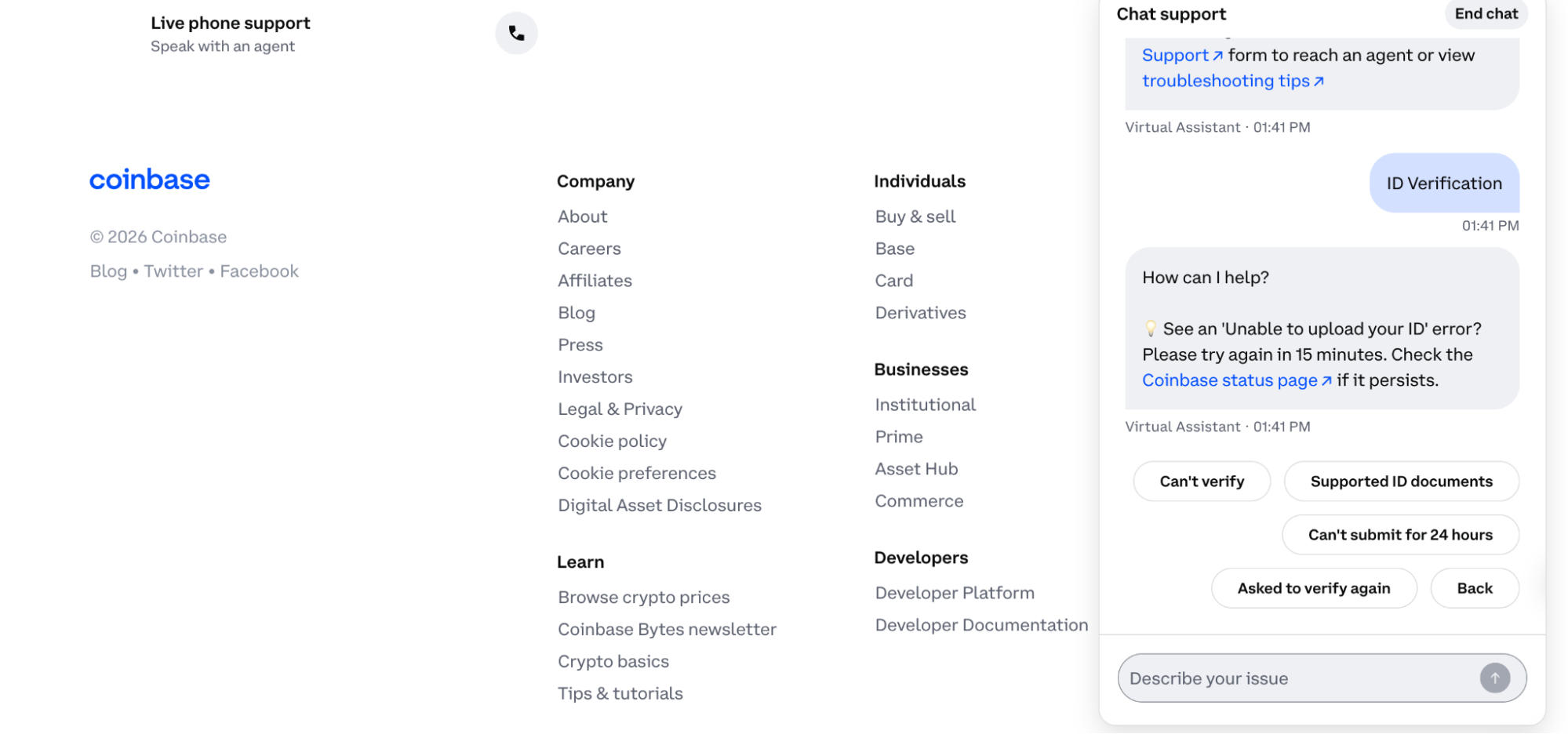
Coinbase Wallet: Provides a streamlined help center with beginner-friendly guides. Coinbase’s main advantage is its multi-channel support, including live chat and phone assistance (in supported regions). The Coinbase brand offers significant psychological comfort; users feel there is a safety net, even though the self-custodial nature of the wallet limits what support can actually do.
Reality Check: Neither wallet can recover your funds if you lose your secret recovery phrase. Support agents can assist with app bugs, interface glitches, or connection issues, but they are powerless against lost keys or irreversible blockchain transactions.
MetaMask vs Coinbase Wallet – Which should you choose
If you want the most guided first self-custody setup and a softer learning curve
Choose: Coinbase Wallet
Reason: the Base app style flow is designed to get you through day one with fewer confusing steps and more recovery options.
If you already use Coinbase and want a simple bridge from exchange to wallet
Choose: Coinbase Wallet
Reason: the ecosystem feels familiar, and moving funds out of a Coinbase account can be a smoother first step.
If you plan to connect to DeFi daily and want the widest EVM dApp compatibility
Choose: MetaMask
Reason: MetaMask is the default option on many dApps, and the power-user flow is built around frequent signing.
If you want maximum control over networks, RPCs, and advanced settings
Choose: MetaMask
Reason: it is designed for custom setups, not for a curated beginner path.
If you need Solana plus EVM in one mainstream wallet experience
Choose: Coinbase Wallet
Reason: it supports Solana alongside EVM networks out of the box, while MetaMask is primarily an EVM wallet for most users.
If you mostly sign from a hardware wallet in the browser
Choose: Either
Reason: both can work, so pick the one whose prompts and connection flow you find clearer during your own test run.
If scams and social engineering are your biggest fear
Choose: Either, but follow one rule
Reason: never share a seed phrase and never approve what you do not understand, even if the message claims to be supported.
How we tested MetaMask vs Coinbase Wallet
We compared both wallets using the same GNcrypto hot-wallet methodology, so this MetaMask vs Coinbase Wallet comparison stays consistent. Our framework uses seven categories: Security and Key Management, Supported Assets and Networks, Transaction Costs and Speed, User Experience and Interface, DeFi and dApp Integration, Recovery and Backup Systems, and Customer Support and Documentation.
We normalize observations into a 1.0 to 5.0 rating in 0.1 point steps and roll them into an overall score. To ground the review, we combined public sources such as official docs, support articles, extension listings, security pages, and network and asset support pages with hands-on checks: installing both apps, creating and importing wallets, moving small test amounts, connecting to a dApp, reviewing approval prompts, trying an in wallet swap, adjusting fees for a send, and doing a recovery dry run on a clean install.
The material on GNcrypto is intended solely for informational use and must not be regarded as financial advice. We make every effort to keep the content accurate and current, but we cannot warrant its precision, completeness, or reliability. GNcrypto does not take responsibility for any mistakes, omissions, or financial losses resulting from reliance on this information. Any actions you take based on this content are done at your own risk. Always conduct independent research and seek guidance from a qualified specialist. For further details, please review our Terms, Privacy Policy and Disclaimers.
Articles by this author