Review Coinbase Wallet 2026: Base App rebrand, fees, and safety basics
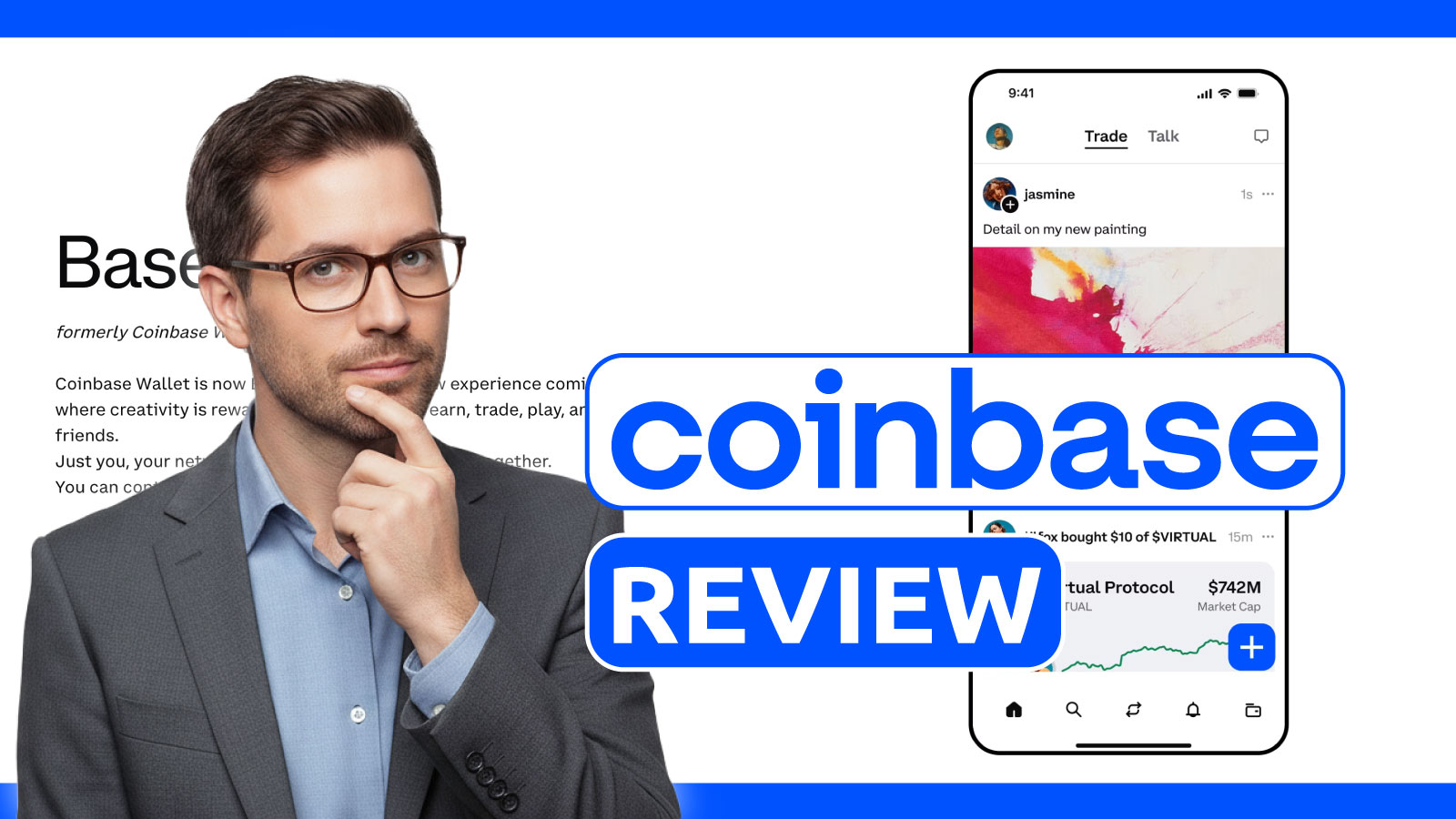
Coinbase Wallet is now marketed as the Base app, but the beginner reality is the same: you are moving from a familiar brand into self custody. We tested setup, a first buy or transfer, a send on the right network, and a first dApp connection. Here is where costs can show up, how recovery choices affect risk, and what to check before approving transactions.
We tested Coinbase Wallet the way a first time user would: set up the app (Android), try a small buy or transfer in, send out on a chosen network, and then connect to a dApp to see what the signing flow feels like. Because the product is now marketed as the Base app, we also checked what actually changed in naming versus what stays the same for daily wallet use.
The big practical upside: guided entry into self custody with multiple recovery paths. The main downside: convenience hides real costs and real risks. Swaps can include a Coinbase fee up to 1% on top of gas, and the biggest danger is still human error: wrong network choices, rushed approvals, or trusting a fake support message. The table below shows how Coinbase Wallet scores across our categories.
What Coinbase Wallet is
Coinbase Wallet is a self-custody wallet that is separate from the Coinbase exchange account. The exchange is where Coinbase can help with account access, while the wallet is where you hold the keys and you are the only one who can restore funds. It is not a bank: on-chain transfers do not have chargebacks, and a wrong address or wrong network can mean permanent loss.
One nuance in 2026 is naming. Coinbase has been rebranding the product as the Base app, but in this Coinbase Bitcoin wallet review we call it Coinbase Wallet because that is how most beginners search for it. In day-to-day use, it acts like a hot wallet for Web3: you can hold assets, send and receive, view a simple portfolio and history, and connect to dApps through the in-app browser or the browser extension.
In our testing, Coinbase Wallet feels like a bridge from a familiar brand into self-custody. You can start without a Coinbase exchange account, but some buy and on-ramp flows may ask you to sign in and confirm with two-step verification. Either way, the core trade-off is the same: you get fewer steps and a guided interface, but you still carry the responsibility of self-custody, including protecting your recovery method and avoiding bad links. Below, we cover the first-hour onboarding choices that matter most.
Ease of use & onboarding
Coinbase Wallet works well for beginners on ease of use. The experience is smoother if you already use Coinbase, because some on-ramp paths may ask you to sign in, but you can also set up the wallet without a Coinbase exchange account. We tested the first-hour experience: install the app, choose between creating a new wallet or importing an existing one, then try a small funding and a simple send. The screens are more guided than many DeFi-first wallets, and the app is designed to get you to a usable state quickly.
The biggest practical decision during onboarding is recovery. If you use the classic seed-phrase route, you must write it down offline and confirm you can find it again before you deposit meaningful funds. If you choose the newer passkey-based flow inside the Base app, you are trading seed management for device and cloud-account security. In some smart wallet or dapp wallet style upgrades, recovery can rely on passkeys and a split-key model, which changes what “restoring a wallet” looks like compared with a single seed phrase. The takeaway: protect your Apple ID or Google account as carefully as you would protect a seed phrase.
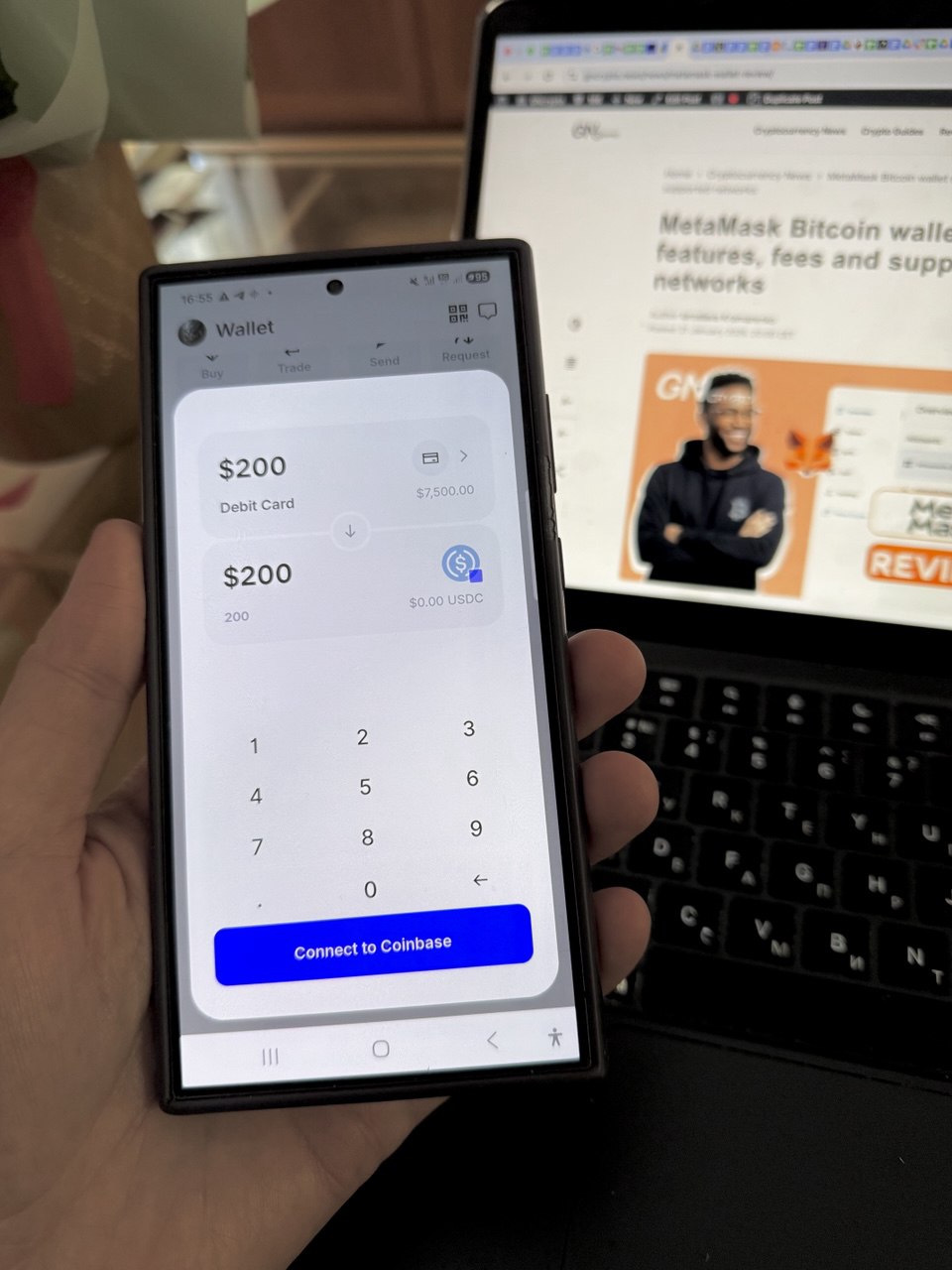
Funding is beginner-friendly, but it has traps. You can buy inside the wallet via an on-ramp, or you can send from the Coinbase exchange to your wallet, but you must pick the correct network each time. In our experience, most early mistakes come from sending on the wrong chain, or copying the right address but using the wrong network toggle. We also checked fee presets for sends, because they affect what you pay and how long a transfer stays pending, and we tested speeding up a pending transaction by raising the network fee.
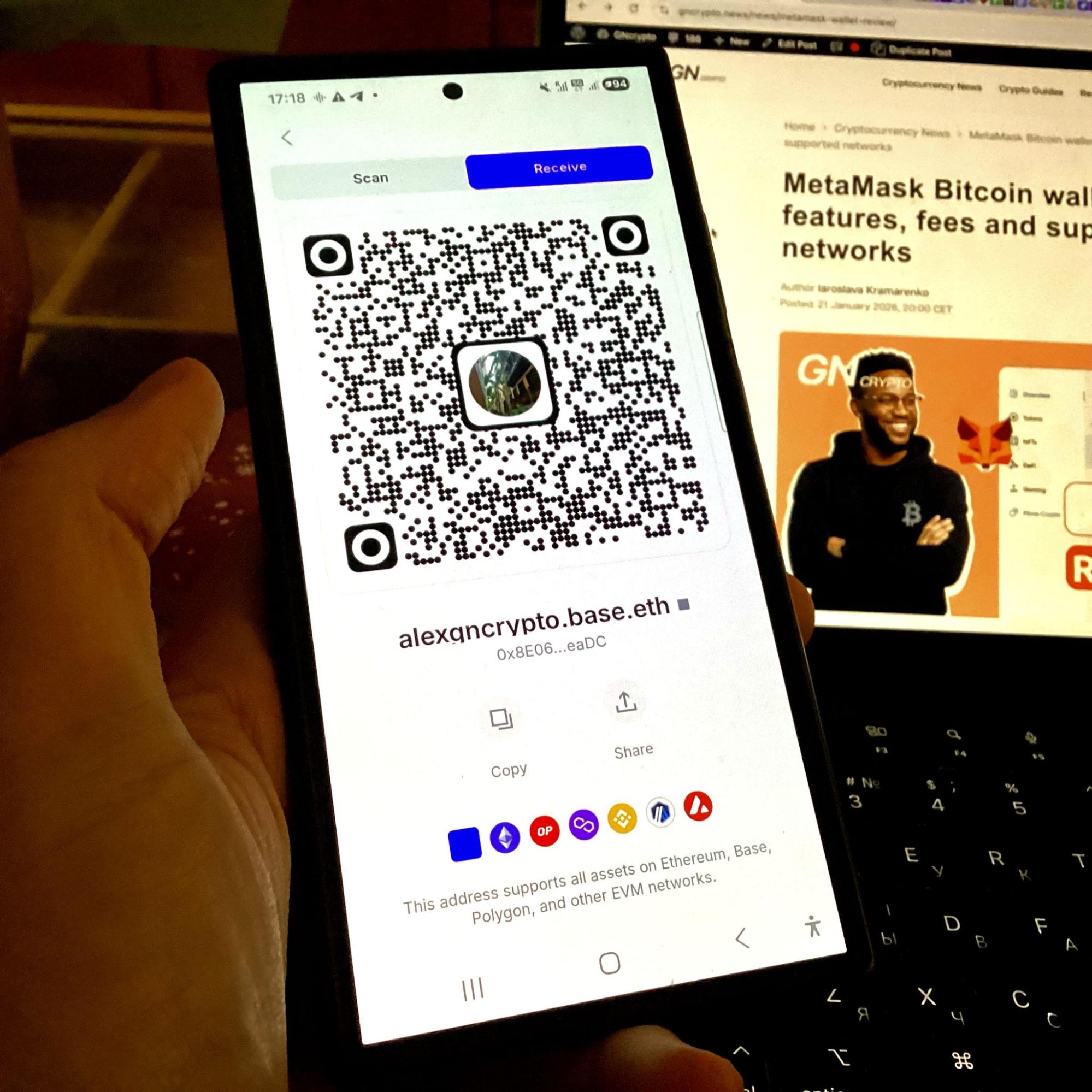
We also tested a first dApp connection, because this is where beginners often click too fast. Our Coinbase wallet reviews takeaway is to start with a test amount, double-check the network label, and only then scale up.
Recovery and backup tested
Seed phrase recovery: We tested the 12-word recovery by restoring a wallet on an iPad. The process took 3 minutes: selected “Import with recovery phrase,” entered the words, and all balances (ETH, USDC on Base, SOL) appeared correctly within 20 seconds.
Passkey recovery: We created a second wallet using Passkey authentication (Face ID). Setup took 90 seconds with no seed phrase required. Recovery relies on iCloud Keychain/Google Password Manager. On a MacBook, the wallet unlocked immediately via Face ID. The risk: losing your Apple/Google account means losing access unless you’ve generated a secondary manual backup.
Verification: The app prompts for verification during setup but uses a partial check (usually confirming the first and last words) rather than a full quiz. This speeds up the process but trusts the user to have recorded the middle words accurately.
Cloud backup: Coinbase Wallet offers encrypted backup to iCloud/Google Drive. We enabled this in Settings with a dedicated password; the upload took under 10 seconds. Since the backup is AES-encrypted, an attacker with access to your cloud account still cannot restore the wallet without your specific encryption password.
Pros, cons & limitations
How Coinbase Wallet compares to other hot wallets in daily use:
Strengths:
- Easy entry with a guided create or import flow and clear portfolio views.
- Flexible ways to get started: you can buy inside the wallet or transfer from the Coinbase exchange, depending on what is available in your region.
- Strong Web3 coverage for mainstream use, including dApp access via the in-app browser and extension, plus optional hardware wallet pairing for those who want an extra layer.
Weaknesses:
- Swaps can be expensive: Coinbase says a Coinbase fee can be up to 1% on top of network gas, so frequent small swaps add up fast.
- Not a universal wallet for every chain: it is strongest on EVM networks and Solana, but niche ecosystems often require a second wallet.
- The interface is more feature-rich than a pure “store and send” wallet, so some beginners may feel overwhelmed until they learn the basics.
- Because the Coinbase brand is a magnet for scams, you have to be strict about official download links and ignore anyone claiming to be in support.
Our Coinbase crypto wallet reviews show the wallet fits beginners who want a familiar on-ramp into self-custody, though it’s not the cheapest choice for heavy swapping or the best option for every chain.
Trustworthiness check
Trustworthiness for Coinbase Wallet comes down to two things: visible security practices, and the scam pressure that follows the Coinbase brand.
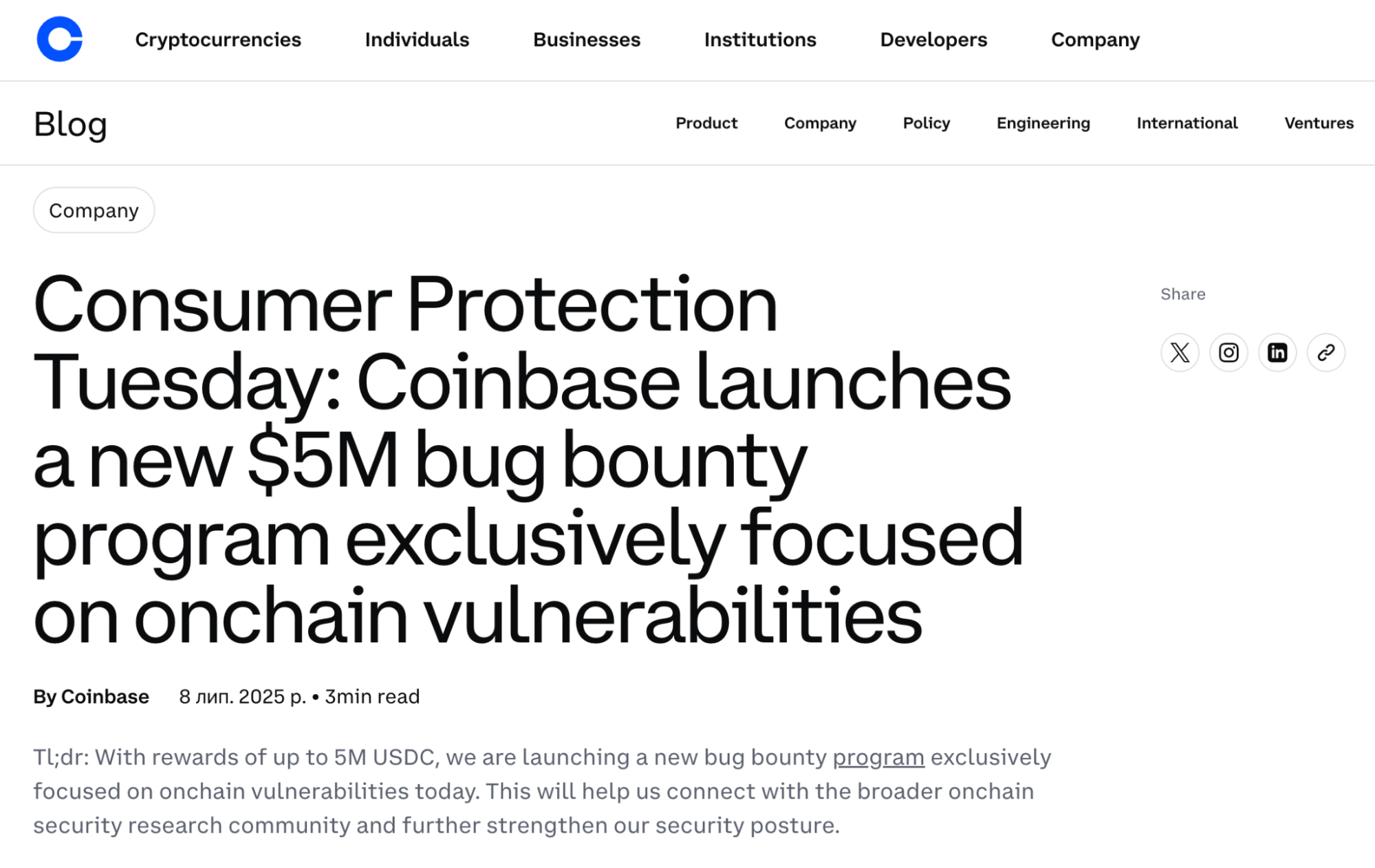
On the positive side, Coinbase runs a public bug bounty program and publishes anti-phishing guidance aimed at everyday users. That combination matters because most wallet losses for beginners are not “code hacks.” They are bad links, fake support, and rushed approvals.
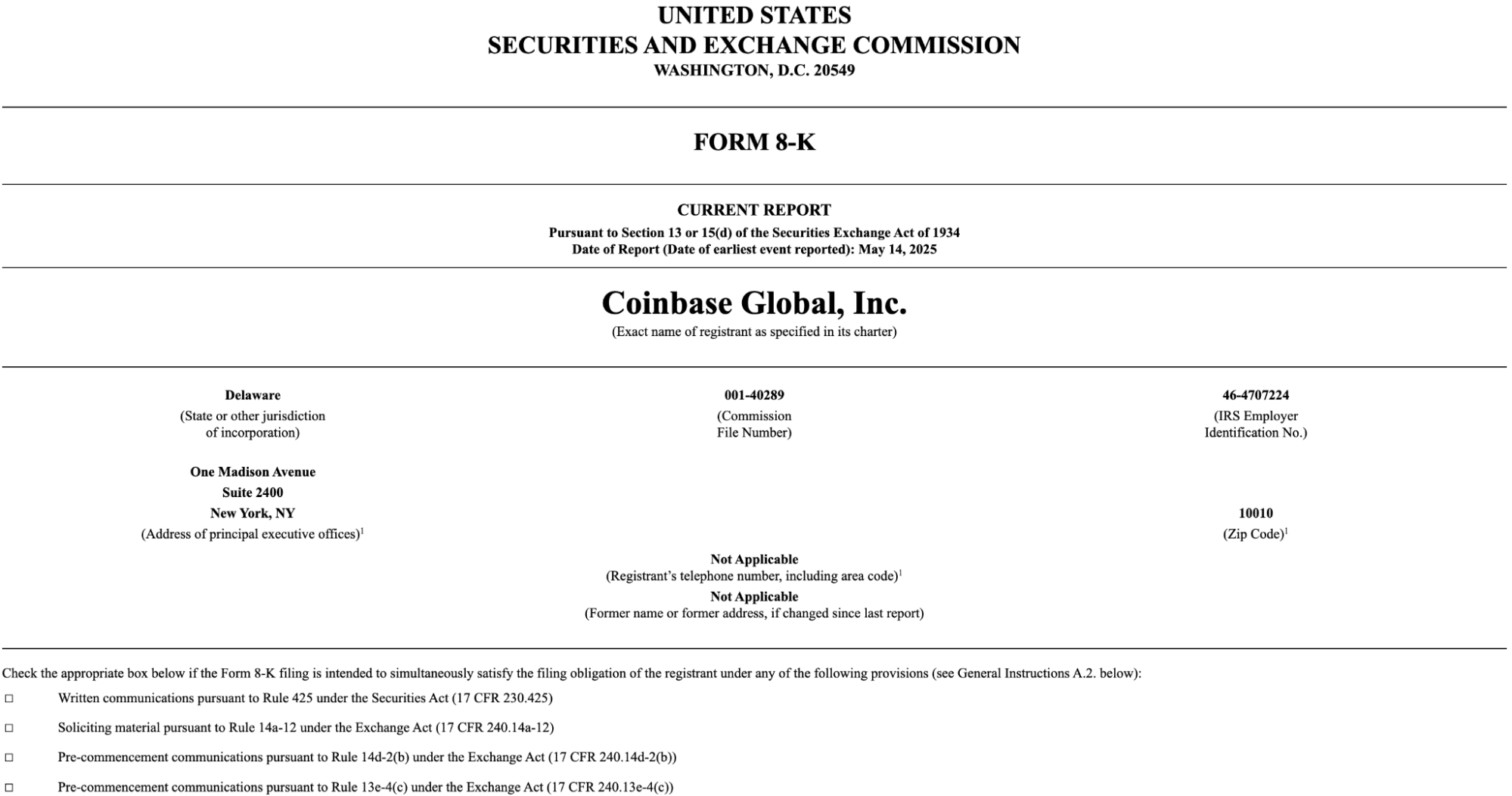
The downside is that popularity makes you a target. On May 15, 2025, Coinbase disclosed an incident involving customer data and support-related abuse that increased the effectiveness of impersonation scams. Coinbase said logins, two-step verification, and private keys were not accessed, but attackers with personal details can sound convincing. In December 2025, criminal cases also described “customer-care” style fraud where victims were persuaded to share a recovery phrase, after which wallets were drained. This doesn’t proof the wallet software is unsafe, but it shows that social engineering is the biggest risk for beginners.
Our rule is simple: no real support agent will ever ask for your seed phrase or private key, and you should verify any inbound contact through official channels before you do anything.
GNcrypto’s overall Coinbase Wallet rating
| Criterion | Score |
|---|---|
| Security & Key Management | 4.0 |
| Supported Assets & Networks | 4.5 |
| Transaction Costs & Speed | 3.5 |
| User Experience & Interface | 4.0 |
| DeFi & dApp Integration | 4.5 |
| Recovery & Backup Systems | 4.0 |
| Customer Support & Documentation | 3.5 |
| Total | 4.05 / 5.00 |
How we test hot crypto wallets
At GNcrypto, we put transparency first when evaluating hot cryptocurrency wallets. Our reviews are based on hands-on testing and thorough analysis across all key dimensions that matter for self-custody and daily crypto use.
We do not audit wallet code or guarantee security against all attack vectors. Instead, our scores reflect usability, feature completeness, and observable security practices. We do not accept payment for ratings or modify scores based on partnerships.
Categories & weights
We rate hot wallets on seven criteria. Security and Asset Support are weighted heaviest because a wallet that isn’t safe or can’t hold your coins is useless, regardless of how pretty the UI is.
- Security & Key Management – 25%
- Supported Assets & Networks – 20%
- Transaction Costs & Speed – 15%
- User Experience & Interface – 15%
- DeFi & dApp Integration – 10%
- Recovery & Backup Systems – 10%
- Customer Support & Documentation – 5%
The material on GNcrypto is intended solely for informational use and must not be regarded as financial advice. We make every effort to keep the content accurate and current, but we cannot warrant its precision, completeness, or reliability. GNcrypto does not take responsibility for any mistakes, omissions, or financial losses resulting from reliance on this information. Any actions you take based on this content are done at your own risk. Always conduct independent research and seek guidance from a qualified specialist. For further details, please review our Terms, Privacy Policy and Disclaimers.
Articles by this author