Coinbase Wallet alternatives in 2026 to reduce fees and signing mistakes
Coinbase Wallet, now marketed as the Base app, is a common first stop in 2026. We tested the first week flow and explained why users move on, then map the best alternatives by use case and key model, so you can pick a safer fit before you fund and sign your first dApp.
GNcrypto’s verdict: best Coinbase Wallet alternatives 2026
After a beginner style live test across setup, funding, swaps, dApp signing, and recovery checks, here is our ranking:
Best overall: MetaMask (4.6/5)
Best fit for EVM DeFi because it is the default wallet most dApps support first, with the strongest day to day control over networks, approvals, and signing context.
Runner-up: Kraken Wallet (4.4/5)
Best for beginners who want calm, mobile first self custody and fewer wrong click moments, with WalletConnect access when you are ready for DeFi.
Third option: Binance Wallet (4.2/5)
Best for users who want a seedless MPC setup inside a major app, with very fast restore and smooth mainstream multichain Web3 workflows.
Specialized pick: Phantom (4.0/5)
Best Solana first choice if you care about NFTs, clean signing previews, and a beginner friendly Solana daily use experience.
Finance style alternative: Uphold (3.9/5)
Best for people who want a custodial, KYC based app to hold and convert crypto plus fiat plus metals, and who do not need heavy DeFi.
Quick decision framework:
- New to self custody and you want the calmest mobile experience → Kraken Wallet
- DeFi first on EVM and you connect to many dApps → MetaMask
- You hate seed phrase anxiety and prefer account style recovery → Binance Wallet
- You are mainly on Solana for NFTs and swaps → Phantom
- You want an all in one finance app and can accept custody and spreads → Uphold
Full breakdowns below.
Reasons users look beyond Coinbase Wallet
Coinbase Wallet is now marketed as the Base app, but in this article we call it Coinbase Wallet because that is still how most beginners search. When we tested the typical first-week path (setup → fund → send → first dApp connection), the same friction points kept showing up. That is usually why people start looking for Coinbase Wallet alternatives: not because the wallet is “bad”, but because their real workflow exposes costs, mistakes, or stress they did not expect.
Costs that show up after the first week. The first swaps and buys inside a wallet feel convenient, but they are not always the cheapest route. A common beginner pattern we saw is doing three or four small swaps to “tidy up” a portfolio, then realizing the final receive is meaningfully lower than expected once swap fees, provider spreads, and network gas are all added together.
Network confusion and the wrong-chain trap. In our view, most early losses and panics are not about copying the wrong address, but about choosing the wrong network. This shows up fast with L2s: a user withdraws USDC from an exchange, picks a network toggle in a hurry, and then opens the wallet asking where the token went. Often it is a visibility or network-selection issue, but the stress is real and it pushes people to wallets that make networks harder to mess up.
DeFi signing anxiety and approvals. The moment you click Sign is where beginners get punished. Approvals (especially unlimited approvals), lookalike dApps, and rushed confirmations are a classic recipe for regret: a user approves something without reading, then later sees repeated signature prompts or notices tokens moving out and does not understand why.
Recovery comfort level. Some users want a more fintech-like recovery flow, while others want the portability of a classic seed phrase. The typical mistake is assuming that having a Coinbase account or “support” means the wallet can be restored like a password reset. With self-custody, if you did not protect your recovery method, nobody can reverse that mistake for you.
Scam pressure around the Coinbase brand. Popular brands attract professional impersonators. We would treat this as part of the product reality: fake support messages, cloned extensions, and “helpdesk” scams are common enough that beginners need a hard rule set from day one. Our baseline advice is to install only from official links, ignore inbound “support” outreach, and never share a recovery phrase with anyone.
We list wallet options by beginner use case, so you can choose based on your day-to-day workflow, not just a brand name.
Alternative wallet options by use case
The wallet options we would shortlist as an alternative to Coinbase Wallet based on real beginner workflows. We kept each card consistent: a quick why-it-made-the-list intro, one-line benefits and limitations, then the concrete strengths and weaknesses we noticed in our checks. Use the Best for line as the fastest filter, and treat the bullets as your practical checklist before you move funds.
MetaMask
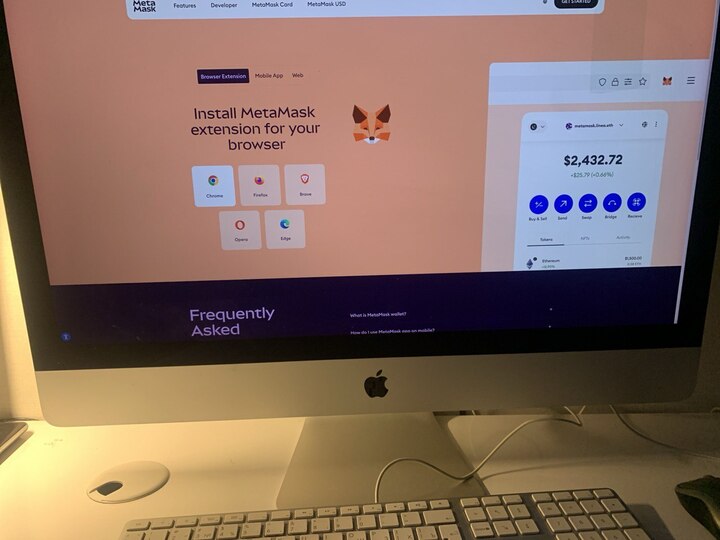
We think MetaMask earns a spot as a strong Coinbase Wallet alternative for its default-status EVM dApp compatibility, flexible network customization via RPC, Snaps-based extensibility, and clearer signing and approval context than most beginner wallets. In our checks, the permission flow stood out: MetaMask separates message signatures from onchain transactions and makes token approvals harder to click through blindly.
Benefits
Default EVM wallet for most dApps; strong approval and signing context; flexible network setup plus Snaps for extra features.
Limitations
MetaMask Swaps adds a 0.875% fee plus gas; desktop is extension-only; custom networks depend on RPC quality and can show delayed or missing balances.
Best for
DeFi-first users who connect to new dApps often and want hands-on control over networks, approvals, and wallet behavior.
Strengths:
- Most EVM apps optimize for MetaMask first, so Connect and signature prompts usually work without extra workarounds.
- Manual RPC apps let you reach niche EVM chains and L2 testnets when they are not preloaded.
- Snaps can add extra chain and security tooling, but each Snap is an extra trust surface to evaluate.
- Confirmation screens label message signatures vs transactions vs token approvals, which helps beginners avoid accidental unlimited spend.
- Transparent swap pricing in-wallet: we saw the swap fee displayed as 0.875% plus gas before confirmation.
- Optional Transaction Shield layer: positioned as extra transaction protection up to $10,000 per month plus priority support if compromise is suspected.
Weaknesses:
- Approvals remain a user-risk zone: overly broad token approvals can be exploited later without additional confirmations.
- “It looks empty” issues happen: unstable or misconfigured RPC endpoints can temporarily show zero balances or delayed updates.
- Not a great fit for advanced non-EVM workflows (many users still end up adding a second wallet for other ecosystems).
- No built-in 2FA, so device security + recovery discipline still do the heavy lifting.
Binance Wallet
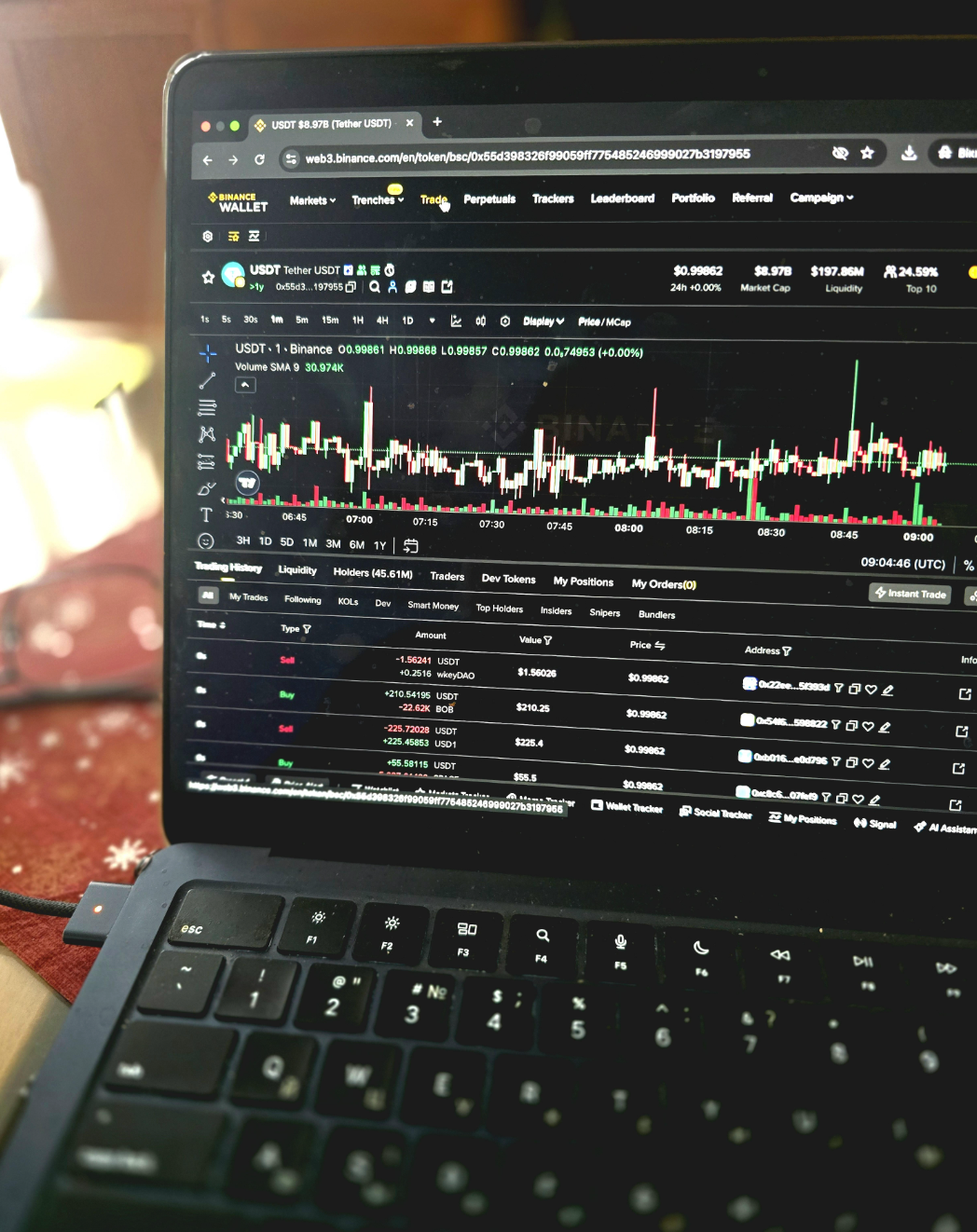
In our opinion, if you want a seedless, account-secured route away from Coinbase Wallet, Binance Wallet is one we would recommend for its seedless MPC setup inside the Binance app, strong account-level protections (2FA and device checks), and smooth multi-chain Web3 access across major EVM networks. In our checks, setup felt extremely fast, recovery on a second device was nearly instant after login, and swaps on BNB Smart Chain showed competitive, clearly itemized costs.
Benefits
Seedless MPC onboarding plus fast account-based recovery makes Web3 feel closer to fintech than classic self-custody.
Limitations
Recovery is tied to your Binance account and security stack, and you cannot export a classic seed phrase for “any wallet anywhere.”
Best for
Existing Binance users who want a low-friction path from exchange activity into DeFi, swaps, and NFTs without managing a seed phrase.
Strengths:
- MPC-based key model means no seed phrase to lose or leak, which removes a common beginner failure mode.
- Fast recovery in practice: logging into the same Binance account on a second device restored the wallet after 2FA quickly.
- Solid mainstream EVM coverage (Ethereum, BNB Smart Chain, Polygon, Arbitrum and other leading networks) for typical DeFi use.
- Clear fee presets and ETA-style prompts for sends; gas is shown before you confirm.
- Built-in swaps can be cost-competitive on BSC, with fees shown as protocol fee plus gas.
- dApp connections happen inside the app without extra WalletConnect setup; signing feels streamlined and NFT display is straightforward.
Weaknesses:
- Not “full sovereignty”: portability is limited because recovery relies on Binance account access rather than a standalone seed phrase.
- Tied to Binance’s operational and policy layer; if your account is restricted, that becomes your main risk surface.
- More clarity than customization: advanced users may find niche controls less flexible than dedicated DeFi-first wallets.
- Education and support feel more “platform-wide” than wallet-specialist deep dives.
Kraken Wallet
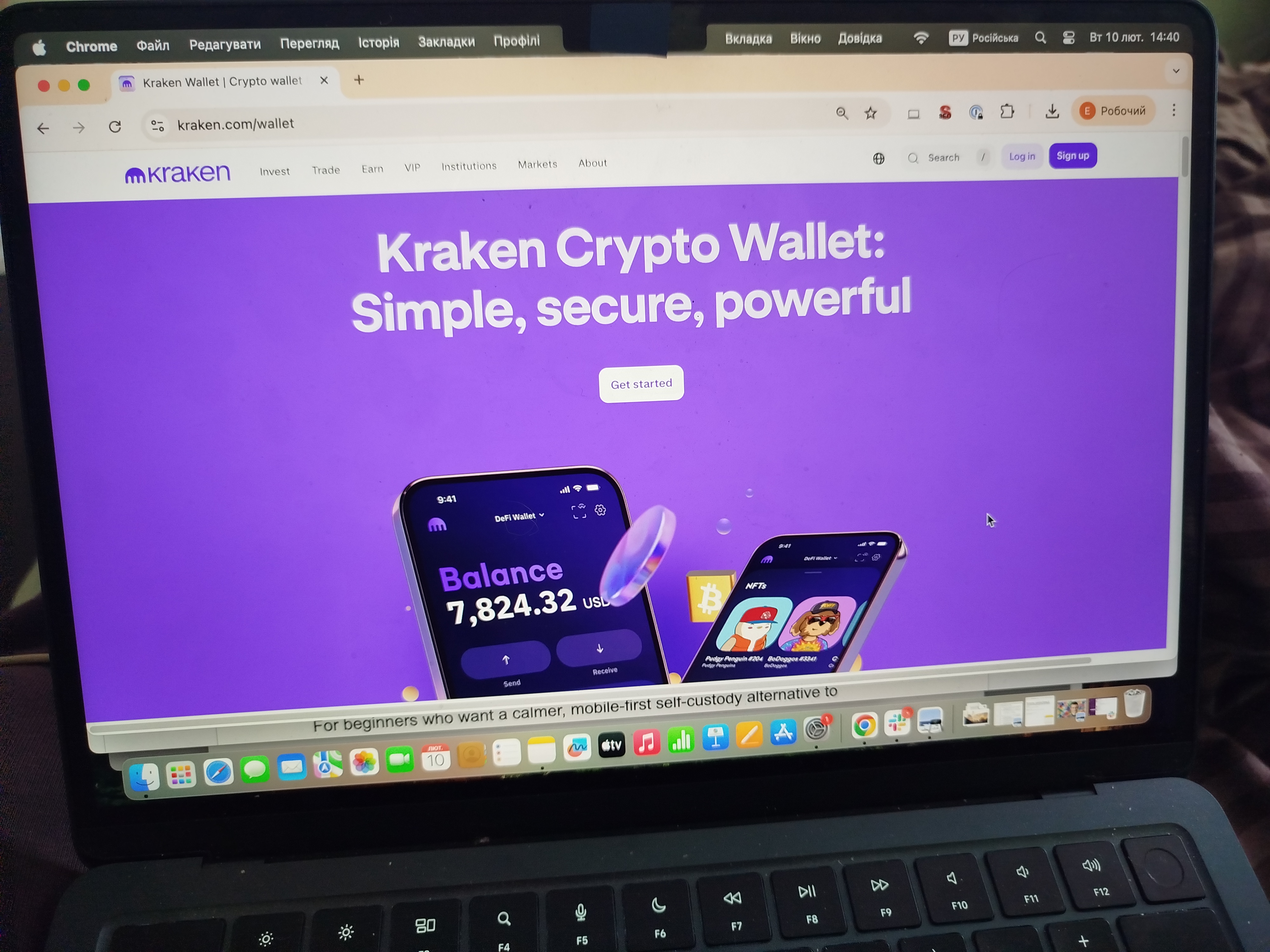
For beginners who want a calmer, mobile-first self-custody alternative to Coinbase Wallet, Kraken Wallet is a strong pick if you want a mobile-first self-custody wallet with a clean interface, strong default security basics, and a straightforward path into dApps via WalletConnect. In our checks, setup was fast, network switching felt frictionless, and the app pushed sensible transfer guardrails (network warnings, clear send and receive screens) that reduce beginner mistakes.
Benefits
Mobile-first self-custody with strong default security, clear UX, and smooth WalletConnect access to DeFi and NFTs.
Limitations
Mobile-only experience and a smaller feature set than power-user wallets, including no native swap and no hardware wallet support.
Best for
Beginners who want a simple, reliable self-custody wallet for mainstream chains and occasional DeFi connections without living in a browser extension.
Strengths:
- Strong baseline security flow: 12-word seed phrase, PIN setup, and quick biometric enablement in onboarding.
- Optional iCloud backup (encrypted): useful for users who prioritize recovery convenience, as long as Apple account security is strong.
- Mainstream chain coverage in one app: Bitcoin, Ethereum, Solana, Polygon, Arbitrum, Base, and Optimism are easy to manage.
- WalletConnect sessions are easy to review and disconnect later; approvals can be set with spend limits instead of unlimited.
- Practical, readable transfer UX: clear pending status and network warnings reduce common first-week errors.
- Recovery behaves predictably: reinstall + seed restore brings balances and settings back without drama.
Weaknesses:
- No hardware wallet integration: if your end-game is signing from a Ledger-style device, this will feel limiting.
- No native swap: you must connect to a DEX, which adds steps and makes “total cost” harder to compare.
- Portfolio visibility can be imperfect for some tokens or DeFi positions, which can confuse new users.
- Support is not in-app; help flows route through the broader Kraken support system.
Phantom Wallet
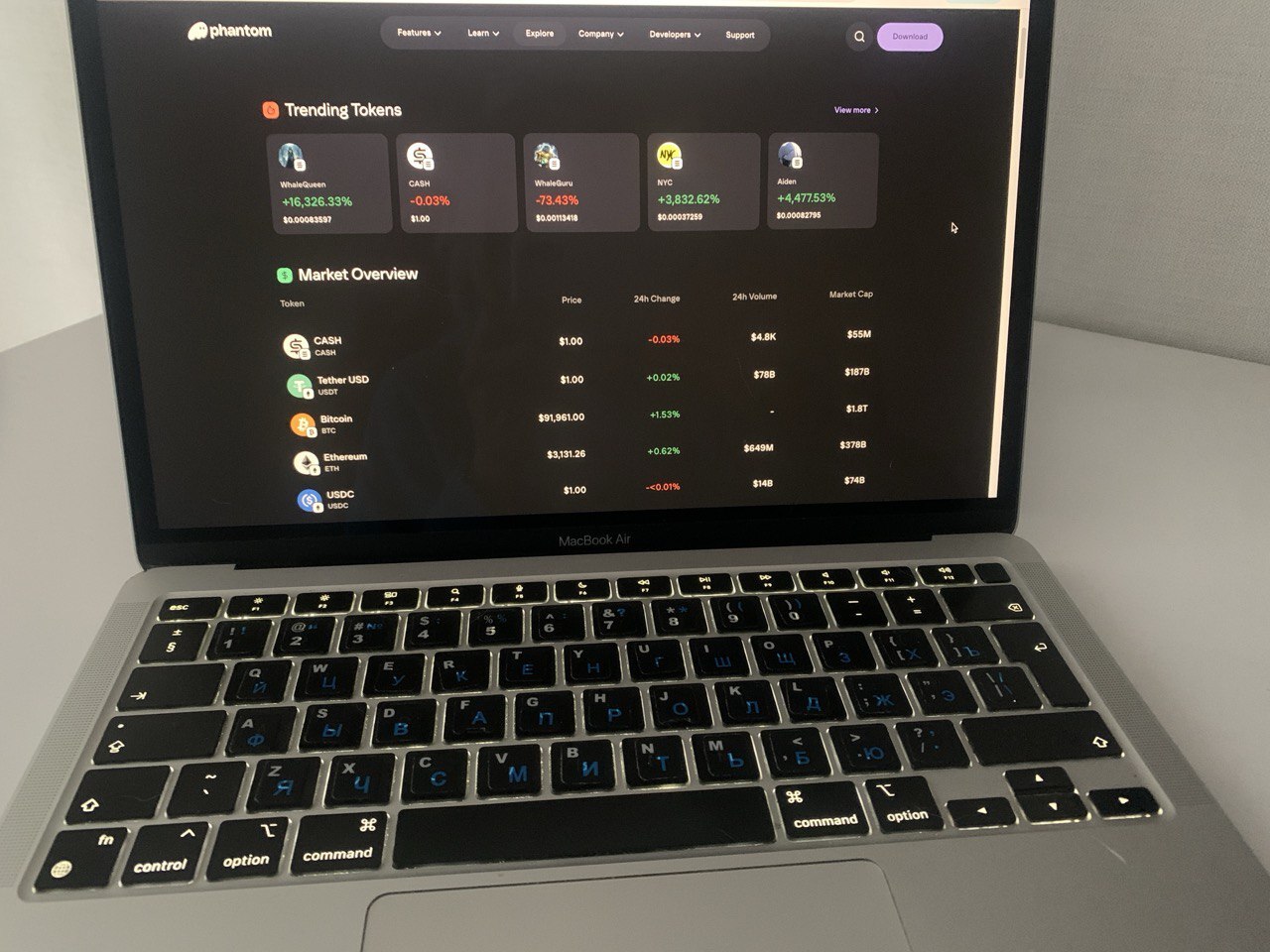
Phantom is a strong Coinbase Wallet alternative if you are Solana-first and want a wallet that makes NFTs, swaps, and daily sends feel simple without drowning you in settings. In our checks, Phantom setup was fast (seed phrase or Seedless Login), dApp connections (NFT marketplaces and DeFi apps) were smooth, and the signing previews were consistently easy to read before we confirmed anything.
Benefits
Very beginner-friendly UX for Solana, strong NFT handling, and clear pre-sign transaction previews that reduce rushed mistakes.
Limitations
EVM coverage is still limited, and built-in swaps add a wallet fee, so heavy multi-chain DeFi users often need a second wallet.
Best for
Solana-focused beginners and NFT users who want a clean interface plus guardrails before signing.
Strengths:
- Solana-native flows feel default: SPL tokens, NFTs, and SOL actions sit where you expect them.
- Two onboarding paths: classic 12-word seed or Seedless Login (Google or Apple + PIN or biometrics) for faster setup.
- Signing screens show token amounts, fees, and program actions in plain language, which makes risky prompts harder to rush.
- Built-in spam filtering hides suspicious tokens and NFTs by default, keeping the main view clean.
- Multi-chain dashboard for supported networks, with Solana as the core.
- Built-in swap and cross-chain flows are easy for small first-week actions without extra apps.
Weaknesses:
- Limited EVM network support compared with EVM-first wallets.
- Swap costs can add up: wallet-level fees plus network costs hurt frequent small swaps.
- Seedless Login reduces paper-seed friction but increases dependence on Google or Apple account security.
Uphold Wallet
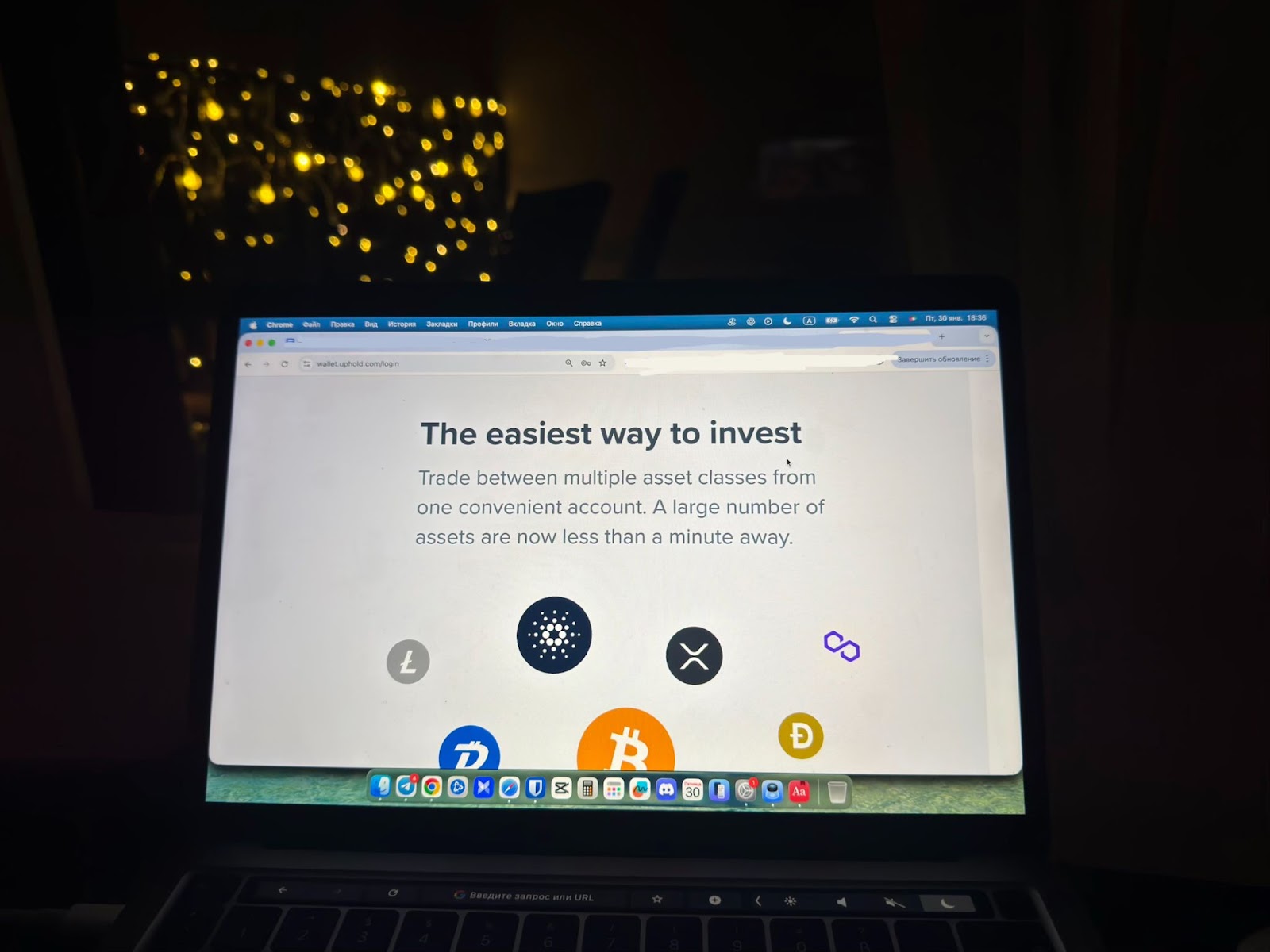
If your priority is a finance-style app rather than a pure Web3 wallet, Uphold can work as an alternative to Coinbase Wallet for unified multi-asset management (crypto plus fiat plus metals), instant internal conversions, simple staking, and a transparency-focused reserves posture. In our checks, conversions were genuinely fast, but the trade-off showed up when moving funds out: small withdrawals can be slow and fee-heavy, which matters if you plan to hop between wallets often.
Benefits
One app for crypto, fiat, and metals, with instant internal swaps and an easy mobile UX that feels closer to fintech than DeFi.
Limitations
This is a centralized, KYC-first platform, and active users can feel costs through spreads, withdrawal fees, and occasional slow crypto withdrawals.
Best for
Beginners who want a mobile-first hold and occasionally swap app for mixed assets, and who do not need fast, low-cost withdrawals every week.
Strengths:
- A single balance view across crypto, fiat, and metals helps beginners treat crypto as one sleeve of a broader portfolio.
- In-app conversions settle immediately and show a quoted rate before you confirm, which is useful for quick rebalancing.
- Straightforward staking flow for supported tokens, with a clear rewards cadence.
- Useful ecosystem hooks for specific niches (for example, certain rewards integrations).
- Public reserves transparency positioning, which is a meaningful trust signal for a custodial platform.
Weaknesses:
- KYC and verification can be slow versus pure self-custody wallets.
- Crypto withdrawals can be painful on small amounts due to minimums, fees, or processing delays.
- Trading costs can hide in spreads, so frequent small swaps get expensive fast.
- Support can feel limited versus platforms with live chat or phone escalation.
Core features breakdown
If you are trying to pick a Coinbase Wallet alternative without guessing, the fastest way is to stop thinking in brand names and start thinking in “failure modes.” In our experience, beginners do not lose money because they chose the “wrong” wallet. They lose money because their wallet’s recovery model did not match their habits, because they signed a bad approval, or because they assumed the cheapest-looking swap was the cheapest route. The table below summarizes how the major alternatives line up, but this section explains how to read those differences.
- Custody and what recovery really means
Seed phrase wallets are portable and simple in theory, but they make you the only recovery department: if the phrase leaks or gets lost, there is no undo. Keyless or MPC-style wallets remove the paper-seed failure mode, but they usually shift the single point of failure to your device security, your email account, or a recovery kit you must set up correctly. Passkey-style flows can feel safer for beginners because they behave like fintech logins, yet the trade-off is dependence on Apple ID or Google account hygiene and strong 2FA.
- Where you sign transactions (because that is your real attack surface)
Mobile-only wallets reduce browser extension risk and can feel calmer for “store and send,” while extensions are often the smoothest way to live inside DeFi on desktop. If you use an extension, your baseline checklist should include: install only from official links, update regularly, and treat every new browser profile or device as a new security boundary. Hardware wallet support is the practical upgrade path here: it does not make you invincible, but it can dramatically reduce the blast radius of a compromised computer.
- Network coverage and whether the wallet helps you stay on the right chain
Some wallets are EVM-first and excellent across L2s; others are true multichain and reduce the “I need a second wallet” problem. For beginners, the important part is not how many networks are listed, but how the wallet labels them in the send flow and history. A common panic case is “my token disappeared.” In our checks, that is usually a wrong network selection or a visibility issue, not an actual loss, but the wallet should make it easy to switch networks, add a token, and confirm the same address is valid on that chain.
- DeFi access and guardrails
Most losses happen at the approval layer, not at the send button. A strong wallet makes risky signing harder by showing what the transaction will do, warning about suspicious contracts, and letting you review or limit token approvals. If you are new, our practical habit is to start with a small test amount, avoid unlimited approvals unless you truly understand the dApp, and disconnect dApps you no longer use.
- Fees and the “final receive” habit
Built-in swaps are convenient, but they can add service fees, partner spreads, and slippage on top of gas. The safest rule is to compare the final receive amount before you confirm, especially on small trades where percentage fees sting. On sends, look for fee controls you can understand: speed presets are usually enough at the start, but the ability to adjust fees or speed up a stuck transaction can save you stress when the network is busy.
- Fiat onramps and support
If a wallet offers card or bank buys, availability and pricing can change by country and provider, and extra checks can appear at the worst possible moment. And while strong documentation is a trust signal, no support team can reverse an onchain mistake in a self-custody wallet. That is why we weigh preventive UX and clear warnings so heavily.
With those axes in mind, the comparison table below is easier to interpret: it is not about who “wins,” but which wallet matches the way you actually plan to buy, sign, swap, and recover.
Top Coinbase Wallet alternatives 2026: side-by-side comparison
| Wallet | Standout | Key model | Chain focus | Built in swaps and onramp | Best for |
|---|---|---|---|---|---|
| Coinbase Wallet (marketed as Base app) | Guided self custody entry from a familiar brand, with beginner friendly flows | Seed phrase by default; optional encrypted cloud backup; passkey based smart wallet options depending on setup | EVM first with strong L2 support, plus Solana; some UTXO assets on mobile | Yes: in wallet swaps; yes: fiat onramp and buys via Coinbase rails and partners (availability varies) | First time self custody users who want onboarding help and easy funding |
| MetaMask | Default EVM standard for dApps, strongest compatibility and power user controls | Seed phrase; optional backup and sync layers depending on setup | EVM and L2 heavy | Yes: MetaMask Swaps; onramp via third party buy providers (region dependent) | DeFi first users who connect to many dApps and want maximum control |
| Binance Wallet | Seedless MPC inside Binance app with fast restore and account security stack | MPC key shares tied to Binance account security | Broad multichain with strong EVM core, especially BNB Smart Chain and major L2s | Yes: swaps; yes: fiat onramp via Binance (region dependent) | Binance users who want quick setup without seed phrase management |
| Kraken Wallet | Calm mobile first self custody with fewer wrong click moments | Seed phrase; optional encrypted iCloud backup if enabled | Mainstream multichain for everyday use | Limited native swaps; no direct in app fiat buy, easiest funding is transfers | Beginners who want simple store and send with occasional DeFi via WalletConnect |
| Phantom | Best Solana beginner UX with strong NFT handling and readable signing previews | Seed phrase or seedless login (Apple or Google) | Solana first; lighter EVM support | Yes: built in swaps; onramp via partners (availability varies) | Solana focused users and NFT buyers who want clean signing UX |
| Uphold | Finance style all in one app for crypto plus fiat plus metals, fast internal conversions | Custodial account model (KYC and account based access) | Multi asset platform, not chain first DeFi | Yes: instant internal swaps; yes: fiat onramp built in (rails vary by region) | Beginners who want one app for mixed assets and do not need heavy DeFi |
Methodology – why you should trust us
We reviewed Coinbase Wallet and its main alternatives using our weighted, category-based model designed for self-custody crypto wallets. As a consistent benchmark, we conduct beginner-style live tests: setup → fund → swap → dApp signing → recovery checks on both mobile and desktop where available. We test wallets with small balances (around $50-200), execute test transactions across major chains (Ethereum, Solana, Polygon, Base, Arbitrum), connect to real dApps (Uniswap, OpenSea, Jupiter), and verify recovery flows on secondary devices. We track swap costs (service fees + spreads + gas), measure signing clarity (approval warnings, transaction previews), and test common beginner mistakes (wrong network selection, seed phrase backup, dApp disconnect).
We rate wallets across seven weighted criteria from 1.0 to 5.0, focusing on real usability, security guardrails, and beginner mistake prevention – not marketing claims.
Read our full methodology: How We Test Crypto Wallets
The material on GNcrypto is intended solely for informational use and must not be regarded as financial advice. We make every effort to keep the content accurate and current, but we cannot warrant its precision, completeness, or reliability. GNcrypto does not take responsibility for any mistakes, omissions, or financial losses resulting from reliance on this information. Any actions you take based on this content are done at your own risk. Always conduct independent research and seek guidance from a qualified specialist. For further details, please review our Terms, Privacy Policy and Disclaimers.
Articles by this author