Coinbase vs Best Wallet: hands-on wallet comparison in 2026
We tested Coinbase Wallet (now rebranded to Base App) and Best Wallet in the same real-world flows and are writing this as an independent report based on hands-on use. We focused on practical questions: how fast setup feels, how clear confirmations and fees are, and which wallet is genuinely more convenient for everyday tasks.
In this matchup, Coinbase Wallet felt like the more comfortable option for daily use and long-term storage, while Best Wallet came across as a tool built around presales and more speculative strategies.
Coinbase Wallet vs Base App at a glance
| Category | Best Wallet | Coinbase Wallet | Winner |
|---|---|---|---|
| Overall GNcrypto rating | 3.8 / 5 | 4.4 / 5 | Coinbase Wallet (overall) |
| Supported Assets & Networks | 4 / 5 | 4 / 5 | Draw |
| Security & Key Management | 3 / 5 | 4.5 / 5 | Coinbase Wallet |
| Transaction Costs & Speed | 4 / 5 | 4 / 5 | Draw |
| User Experience & Interface | 4 / 5 | 4.5 / 5 | Coinbase Wallet |
| DeFi & dApp Integration | 4 / 5 | 4 / 5 | Draw |
| Recovery & Backup Systems | 3 / 5 | 4.5 / 5 | Coinbase Wallet |
| Customer Support & Documentation | 5 / 5 | 5 / 5 | Draw |
Wallet purpose and core philosophy: scenarios and product logic
When we put Coinbase Wallet vs Best Wallet side by side, the differences come down to what each wallet is built for by default, and where the trade-offs start.
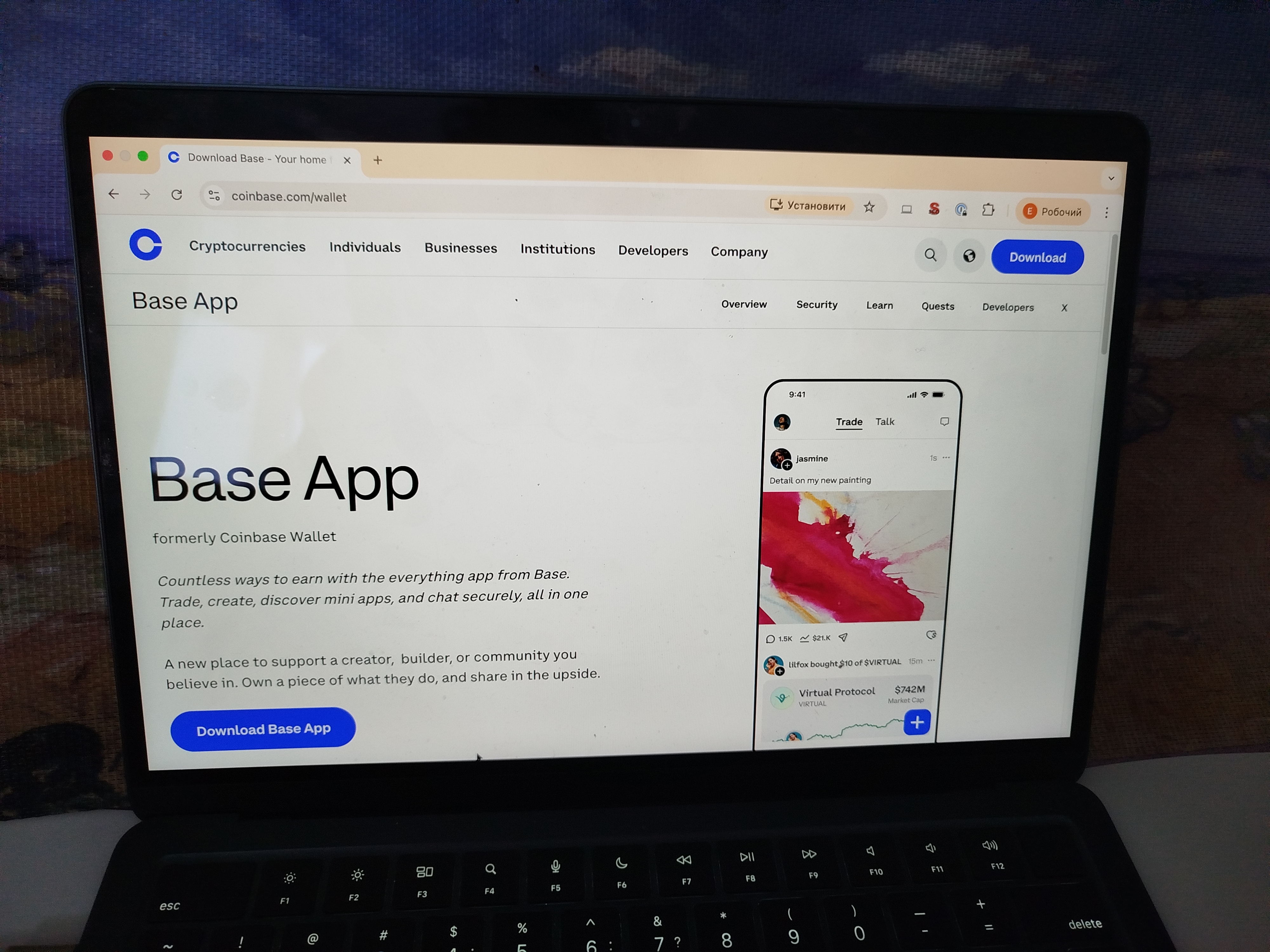
In our test, Coinbase Wallet felt like a general-purpose Web3 wallet designed for dApps, NFTs, and multi-chain assets. On a computer, it works through a browser extension. On mobile, it runs as an app (in the App Store and Google Play, it is currently listed as Base: formerly Coinbase Wallet). This setup is a good fit if you use DeFi regularly and care about predictable browser-based integrations.
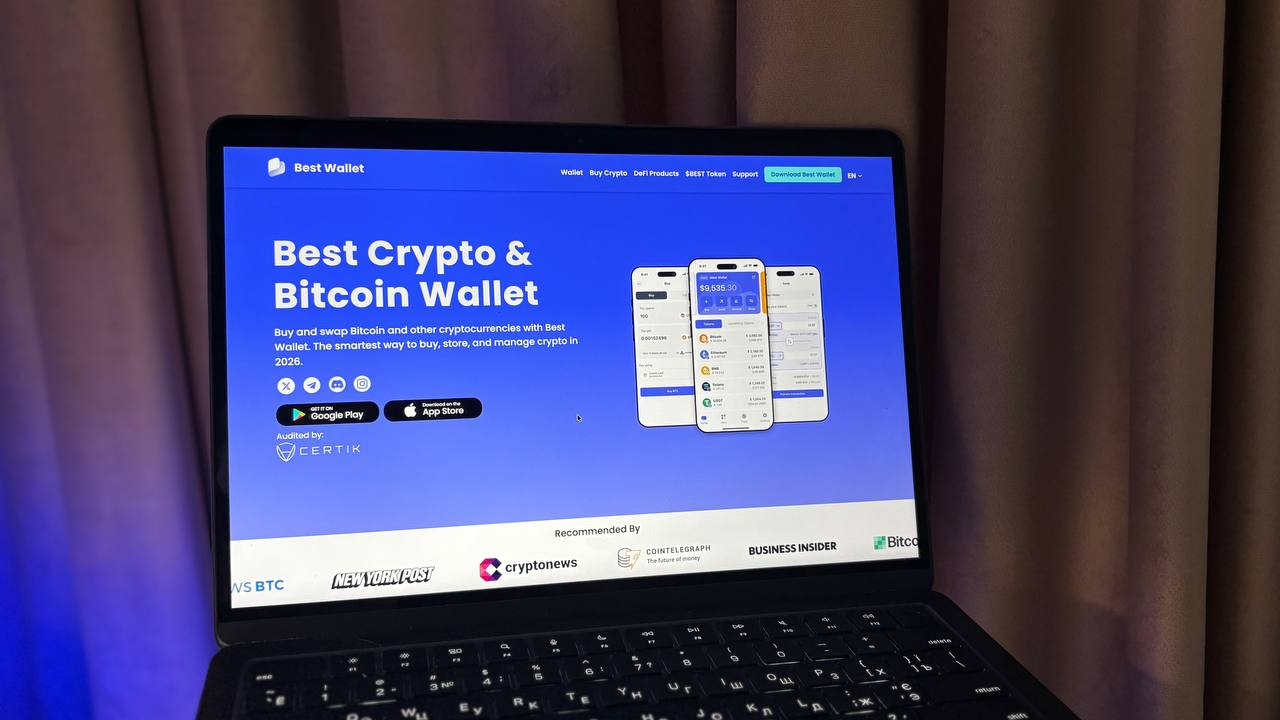
Best Wallet is closer to a mobile hub that pulls users into built-in workflows: a presale and launch storefront, activities tied to its own token, and fast cross-chain swaps. For beginners, that can feel simpler because you do not have to juggle multiple tabs or connect to different networks manually.
However, there is a trade-off. In our test and across real user reports, Best Wallet is more often associated with friction at critical moments: issues claiming tokens after presales, occasional UI instability (for example, balances temporarily showing as 0), and built-in swaps that do not always deliver the best effective rate. In practice, that makes it a better secondary tool for presales and a small speculative slice of a portfolio, not a primary wallet for meaningful balances.
Our takeaway is that Coinbase Wallet fits better for day-to-day Web3 and browser-based use, while Best Wallet is a better match for early launches and quick in-app actions if you are comfortable with a higher risk of UX surprises and less predictable total cost.
Custody model and user control: keys, backups, and recovery
We tested Coinbase vs Best Wallet at the points where control matters most: key ownership, recovery paths, and the hidden risks of extra dependencies.
- Start and key ownership. With Coinbase Wallet, the setup follows a classic self-custody model: you receive a recovery phrase and you are responsible for storing it securely. The benefit is transparency; the drawback is that any seed phrase leak can mean losing control. With Best Wallet, access is tied to email or a phone number plus device security (PIN, biometrics).
- Backups and recovery: offline versus cloud. In Coinbase Wallet, you can keep your recovery phrase offline and restore access with it. If you enable any additional backup methods, it is worth knowing exactly where the backup lives and how it is protected. In Best Wallet, the flow leans more toward account-based and cloud-style recovery. That can help beginners, but security depends on the protection of your email, cloud account, and passwords.
- Restoring on a new device. With Coinbase Wallet, you regain access by entering the recovery phrase. With Best Wallet, you need access to the account to restore. The convenience is higher, but problems with email, phone number, two-factor security, or cloud access add another path to losing access.
- Day-to-day risk control. In Coinbase Wallet, we looked at local protection (auto-lock, password or biometrics) and how readable confirmations are. Overall, it works but the core defense still comes down to reading what you are signing every time. In Best Wallet, beyond the usual approvals risk, you also have built-in workflows: presales, quests, and fast swaps. Here it is especially important to slow down before confirming fees and choosing the network route.
Overall, Coinbase Wallet offers solid protection if you store your seed phrase securely. Best Wallet makes recovery easier up front, but you pay for that convenience with more dependencies and more points where you can lose access or make a costly mistake.
Supported assets and networks: tokens and practical limits
Instead of counting supported chains on the Best Wallet vs Coinbase list, we compared coverage the way it shows up in real use: what works out of the box, how quickly tokens and NFTs appear, and when a second wallet is simply easier.
- Default networks and core assets. In our test, Coinbase Wallet had a stronger baseline: major EVM networks, including Base, plus Solana support. On mobile, it also supports certain non-EVM coins, so it fits better if your portfolio is not EVM-only. Best Wallet is mainly positioned around Ethereum, BNB Chain, and Polygon. Outside those chains, results depend on which networks you need and how reliably the app surfaces them on your device.
- Token detection, manual adds, and balance stability. In Coinbase Wallet, assets on supported networks typically appeared automatically. When they did not, adding a token by contract address fixed it. Power users also benefit from the browser extension for dApp workflows. In Best Wallet, the network list is narrower, and transaction statuses can lag behind the explorer. In practice, you end up double-checking the address and transaction hash more often.
- Cross-chain actions and total cost. Cross-network actions in Coinbase Wallet usually follow a clear pattern: choose the network, review gas, confirm. In Best Wallet, cross-chain swaps are fast and take only a few taps, which can be convenient for small amounts. This is also where the gap between the expected and final price shows up more often: slippage and weaker pricing can feel like the hidden cost of convenience. For frequent swaps of meaningful size, Best Wallet is unlikely to be the best option.
Coinbase Wallet looked like a more reliable primary multi-chain wallet for Web3 and browser-based dApps. Best Wallet makes more sense as a secondary wallet for presales and quick cross-chain swaps on smaller tickets.
Best Wallet vs Coinbase Wallet: which should you choose?
If you want predictable dApp connections and stable day-to-day tracking
Choose: Coinbase Wallet
In testing, Coinbase Wallet was more consistent for basic Web3 use. The browser extension connected to dApps in a predictable way, and the mobile app kept asset balances and transaction status updates stable during normal activity. The main trade-off is cost and edge cases: swaps can include service markups on top of network gas, and on custom networks or niche tokens you may need to add assets manually and double-check parameters.
If you want broad multi-chain coverage for everyday Web3, including Base
Choose: Coinbase Wallet
Coinbase Wallet is a safer default if you bounce between multiple chains and just want things to work across common ecosystems. Its coverage is broad enough for most everyday Web3 flows, and the experience is usually smoother than wallets that focus on in-app promos or storefront features.
If you care most about presales, early launches, and reward-style activities
Choose: Best Wallet
Best Wallet is built around discovery and ecosystem incentives. It pushes in-app presales and an “early launches” storefront, plus activities and quests tied to the $BEST ecosystem for users chasing rewards. The downside is reliability: claiming presale tokens can be inconsistent, and tokens are not always available to withdraw right away. Some users also report UI instability, including zero balances or delayed status updates.
If you want fast cross-chain swaps and accept pricing trade-offs
Choose: Best Wallet
Best Wallet can feel quick for cross-chain swaps, which is the main reason to consider it. The trade-off is execution quality and clarity: swaps can show noticeable slippage and worse effective pricing than major DEX routes. If swap pricing and transparency matter more than speed, Coinbase Wallet is often the safer baseline, even if its swaps can still include service markups.
How we test hot crypto wallets
At GNcrypto, we put transparency first when evaluating hot cryptocurrency wallets. Our reviews are based on hands-on testing and thorough analysis across all key dimensions that matter for self-custody and daily crypto use.
We do not audit wallet code or guarantee security against all attack vectors. Instead, our scores reflect usability, feature completeness, and observable security practices. We do not accept payment for ratings or modify scores based on partnerships.
The material on GNcrypto is intended solely for informational use and must not be regarded as financial advice. We make every effort to keep the content accurate and current, but we cannot warrant its precision, completeness, or reliability. GNcrypto does not take responsibility for any mistakes, omissions, or financial losses resulting from reliance on this information. Any actions you take based on this content are done at your own risk. Always conduct independent research and seek guidance from a qualified specialist. For further details, please review our Terms, Privacy Policy and Disclaimers.
Articles by this author