Atomic Wallet reviews 2026: What it offers, costs, and trust signals
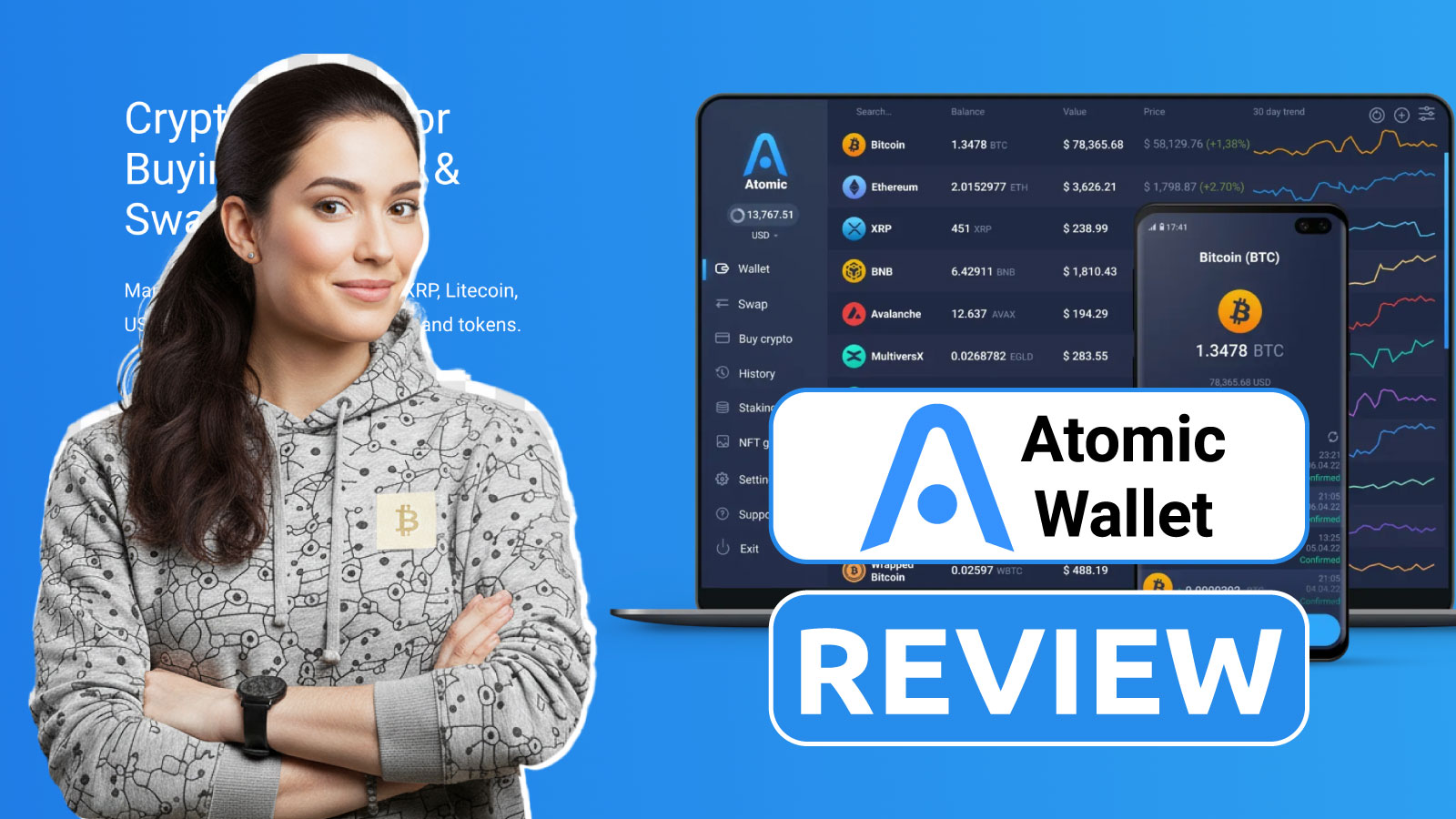
Atomic Wallet is a non custodial hot wallet that combines multi network storage with swaps, staking, NFTs, and Web3 access. In this review, we focus on what beginners actually face: setup safety, everyday usability, fee surprises, and the trust signals that matter before you deposit meaningful funds.
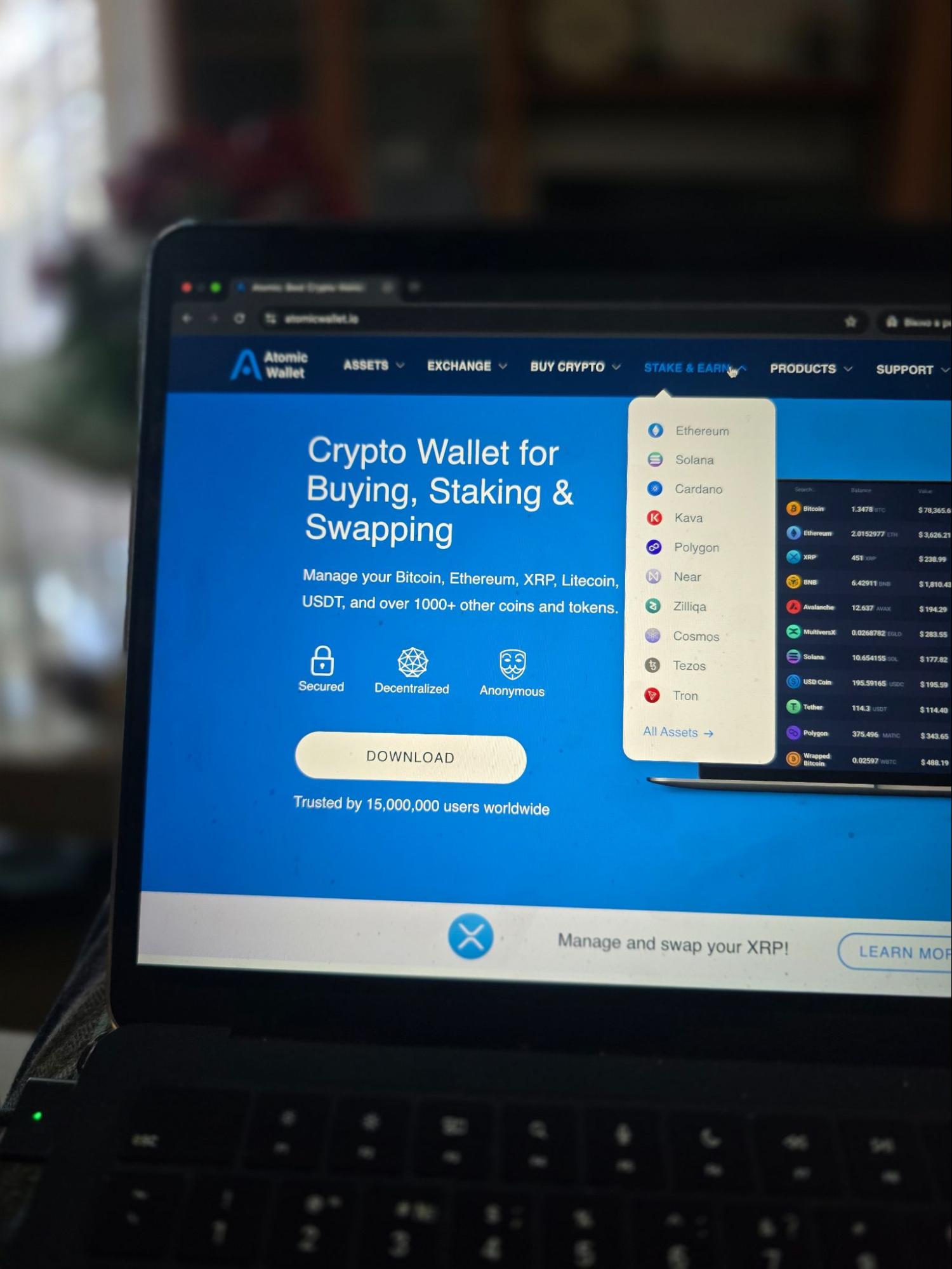
We walked through the typical beginner path in Atomic Wallet and focused on the trade-offs that show up in real daily use. Atomic aims to be an all in one hot wallet: you can store and send across multiple networks, track a simple portfolio and history view, and optionally explore swaps, staking, NFTs, and Web3 connections as you get more comfortable.
In our view, the big practical upside is convenience, while the main downside is that self custody leaves little room for mistakes. Your recovery phrase remains the single point of failure, and one wrong network choice can turn a normal transfer into a permanent loss. We also note that some in-app actions can involve third party providers, which can affect costs, available methods, and the overall flow. The table below shows how Atomic Wallet scores across our categories.
Testing process: We installed Atomic Wallet on Windows desktop and iOS mobile app, created a new wallet using a 12-word seed phrase, and sent 3 test transactions: $10 in ETH (ERC-20), $15 in USDT (TRC-20 via Tron network), and $8 in BTC. We tested the built-in swap by exchanging $50 USDT for ETH through Changelly (paying 1.8% exchange margin plus $2.40 in network fees). We also connected the wallet to Uniswap via WalletConnect to test dApp signing.
Total setup time: 4 minutes for seed phrase wallet creation and backup. All core functions – creating/restoring wallets, sending tokens, swapping, and connecting to dApps – worked as expected, though swap rates ran 1-3% below market due to third-party provider margins.
Atomic Wallet overview
Atomic Wallet is a non-custodial hot wallet for everyday crypto storage and transfers across multiple networks, with apps for mobile and desktop (and an optional browser extension for Web3 use). In our Atomic crypto wallet review, we focus on what a first-time user needs to know upfront: what the wallet is, what it can do, and what responsibilities come with self-custody.
The core rule is simple: your recovery phrase is the wallet. Atomic generates a seed phrase during setup, and anyone who has it can restore access and move funds. Atomic is not a bank, and on-chain transfers are not reversible, so safety comes down to protecting the seed phrase and double-checking the network and address before you confirm.
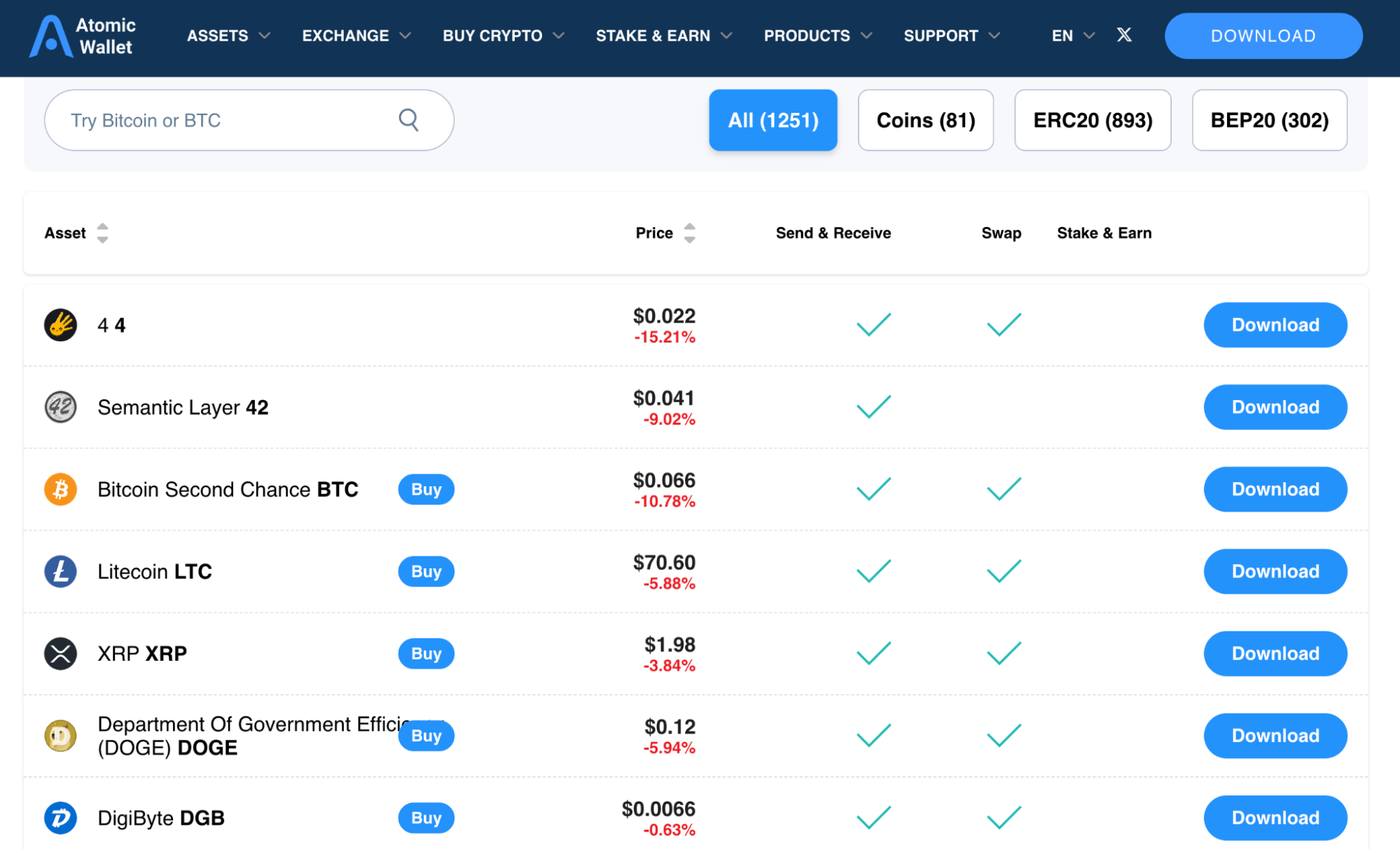
Feature-wise, Atomic tries to cover the basics in one place: send and receive, portfolio and history, plus optional swaps, staking, NFT viewing (where supported), and dApp access via WalletConnect or the extension. One practical caveat is that some purchases and swap routes rely on third-party providers (as Atomic notes in its support and legal materials), which can change final costs, available payment methods, and the checks you may be asked to complete.
Before depositing meaningful funds, we’d keep setup boring: store the seed offline, enable a device lock plus PIN/biometrics, and do a small test transfer first.
Usability across the platform
In our Atomic Wallet reviews, we judge usability by what a beginner can safely do in the first session. Atomic’s onboarding is quick: you create a wallet, you see the recovery phrase, and you’re expected to treat it like the master key. What matters is whether the app makes that responsibility obvious and pushes you to enable a lock (PIN or biometrics) before you start moving funds.
Daily use comes down to Receive, Send, and History. The most common beginner mistake is choosing the wrong network for the same token name, so the flow has to make network selection hard to miss: pick the asset, confirm the network, then copy or scan the address. When sending, we look for a clear pre-send summary that shows the fee and the network before you confirm; regardless of UI, we still recommend the habit of re-checking the network and verifying the first and last characters of the destination address.
Fees tested: We sent $10 in ETH using the Normal preset, which cost $0.80, and confirmed in 3 minutes. The Fast preset showed $3.20 for the same transaction. Bitcoin sends offered Low/Normal/High options – we used Normal for a $15 BTC send, paying $0.85 in network fees (confirmed in 12 minutes). The wallet doesn’t allow manual gas input without switching to Advanced mode in settings.
Across platforms, we’d expect the same basics to feel familiar. Most users will rely on mobile for quick sends and balance checks, while desktop is often easier for longer reviews of activity. Our first-day routine is simple: install from official sources, create a fresh wallet and write down the seed phrase, do one small receive and one small send, find the fee controls before you need them, and only then explore swaps, staking, or dApp connections.
Who Atomic Wallet fits best
We think Atomic Wallet fits best as an “everyday” hot wallet for beginners who want one app for basic self-custody across several chains, with optional extras like swaps, staking, and light Web3 access. If you’re holding a small-to-medium portfolio and mainly need simple send/receive plus a clean portfolio view, Atomic can be a practical starting point, as long as you treat the seed phrase like the single point of failure.
Where this Atomic crypto wallet makes the most sense is for users who prefer convenience over advanced security setups. If you occasionally connect to DeFi through WalletConnect or the extension, Atomic can cover that without forcing you to learn complicated tooling on day one. That said, we would not treat it as a “set and forget” vault. If your priority is maximum verifiability (fully open-source) or you want native hardware wallet integration for an extra layer of protection, Atomic is likely not your best match.
Our bottom-line advice is simple: use it for everyday amounts, keep long-term holdings in a more security-focused setup, and build the habit of test transfers whenever you use a new address or network.
Pros and Cons
In our testing, Atomic Wallet makes the most sense when you want an everyday hot wallet that keeps common actions simple, and you’re comfortable managing your own recovery phrase. The upside is convenience across chains and features; the downside is that costs and support boundaries can feel less predictable once you rely on in-app swaps or card purchases.
Strengths:
- If you hold a small mixed portfolio (for example BTC, ETH, and a stablecoin) and just want one app to check balances and send funds quickly, Atomic covers that “daily wallet” routine without extra setup.
- If you want to try your first DeFi interaction, you can connect to a dApp via WalletConnect or the extension instead of building a separate wallet stack on day one.
- If you prefer convenience over optimization, the built-in swap and staking options can work well for small, occasional actions (think: swapping a modest amount or testing staking with funds you can afford to lock up).
- If you receive NFTs to your wallet address, having basic NFT viewing in the same app can save you from juggling a separate gallery tool.
- Built-in swap tested: We exchanged $50 USDT for ETH via Changelly. The wallet quoted 0.0138 ETH (market rate was 0.0141 ETH at the time, showing ~2.1% provider margin). Total cost: $1.05 in exchange fees + $2.40 ETH network fee. Swap completed in 8 minutes from confirmation to funds appearing. For occasional small swaps under $100, this works without needing a separate exchange account.
Weaknesses:
- If you plan to buy crypto by card in small sizes (for example $50–$200), fees can add up quickly (wallet fee, provider fees, and possible bank charges), making the final cost feel higher than funding an exchange and withdrawing.
- If you often move the same token across multiple networks, the biggest risk is still user error: choosing the wrong chain or address can permanently lose funds.
- If your security plan relies on adding a hardware wallet layer, Atomic’s lack of native hardware integration is a real limitation.
- If you want maximum verifiability (fully open-source) or you expect wallet support to “fix” mistakes, Atomic may not match those expectations.
- Card purchase fees tested: We attempted a $100 card purchase through Simplex. The quote showed: $100 card charge → $93.20 in crypto after fees (6.8% total). Combined with a potential 1-2% bank foreign transaction fee, the final cost would be 8-9% – significantly more expensive than depositing $100 to an exchange ($0-1 fee) and withdrawing to the wallet ($1-2 network fee).
Recovery and backup tested
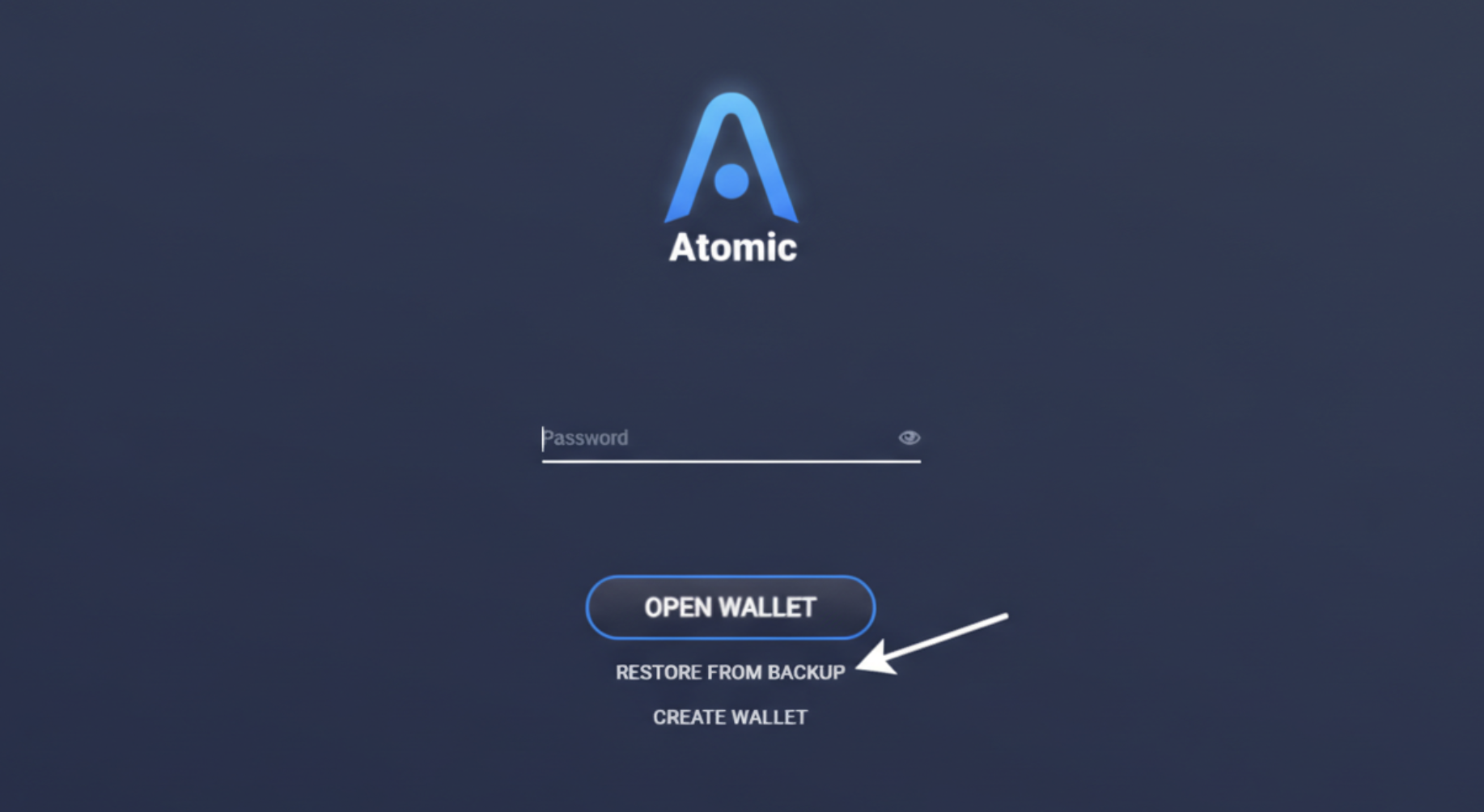
We tested Atomic’s recovery flow by restoring the wallet on a second device using the 12-word seed phrase. The process is straightforward: after selecting “Restore from backup” on the start screen, we entered the phrases and set a new password. All balances (ETH, USDT, BTC) appeared correctly within a short synchronization period.
Atomic Wallet does not offer backup verification during the initial setup. After displaying the seed phrase, the app allows you to proceed without quizzing you on random words to confirm you’ve written them down correctly. This design increases the risk of users skipping the backup step or making transcription errors, which could lead to a permanent loss of funds since Atomic is non-custodial and cannot recover lost phrases.
Trustworthiness check
During our testing period (Jan 13-19, 2026), we monitored Atomic’s official channels and did not observe any new security incidents or user reports of unauthorized access. The wallet functioned as expected across all test transactions. However, the 2023 breach remains the most significant trust checkpoint, and we approached this review with that context in mind.
Here are the milestones we think a beginner should know before choosing Atomic as a primary wallet:
- 2022: external security commentary and research put Atomic on the radar as a product worth scrutinizing, even before the later breach.
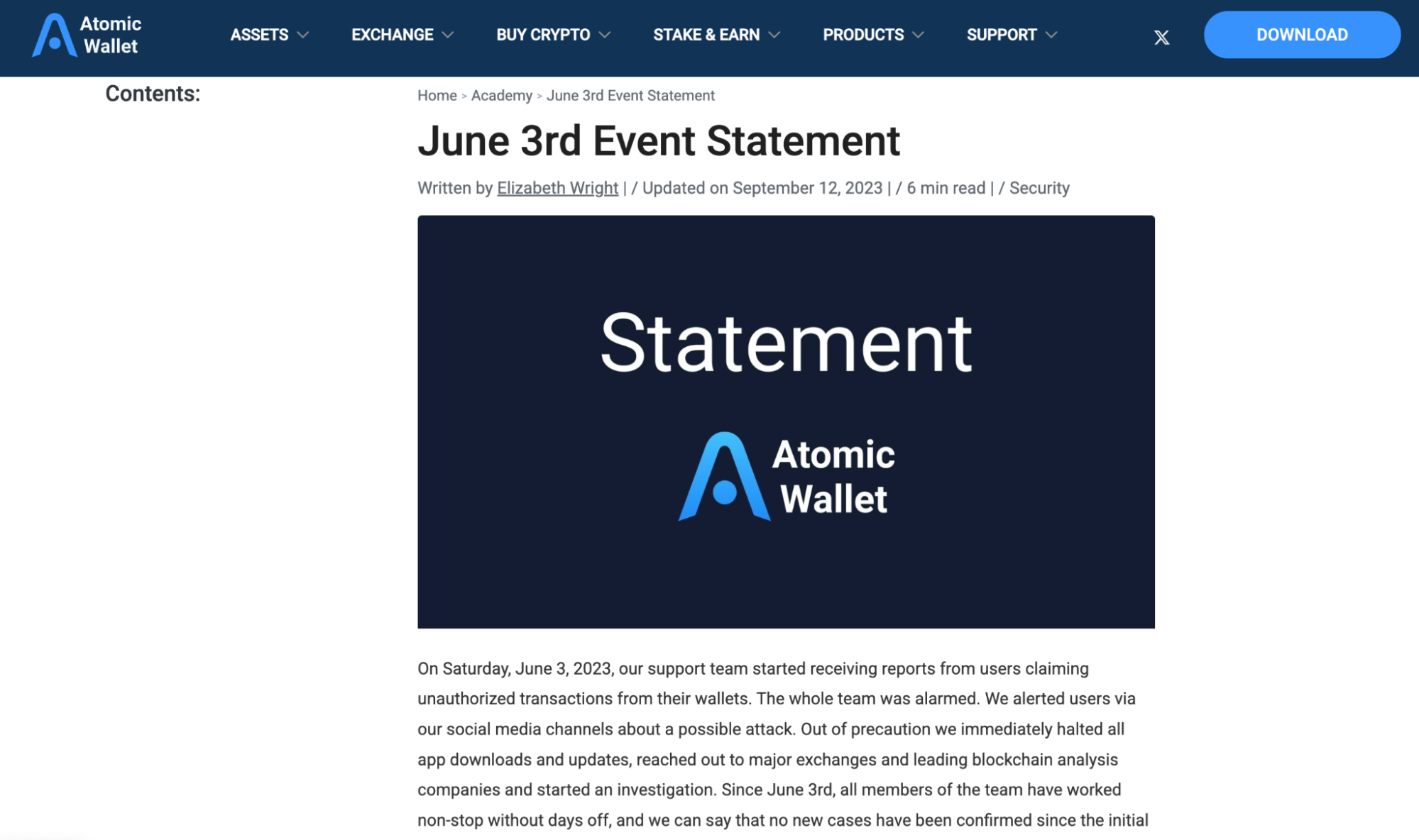
- June 3, 2023: Atomic publicly acknowledged unauthorized transactions. For most users, this is the single biggest trust checkpoint.
- 2023–2024: public reporting and government statements discussed large estimated losses tied to the incident, reinforcing why we don’t recommend treating any hot wallet as a long-term vault.
- Oct 2023: Atomic reported cooperating with partners, and some exchanges froze a portion of suspected stolen funds – helpful context, but not a guarantee of recovery.
- Dec 2023: the project launched a security bounty program, suggesting a push to attract external vulnerability reports.
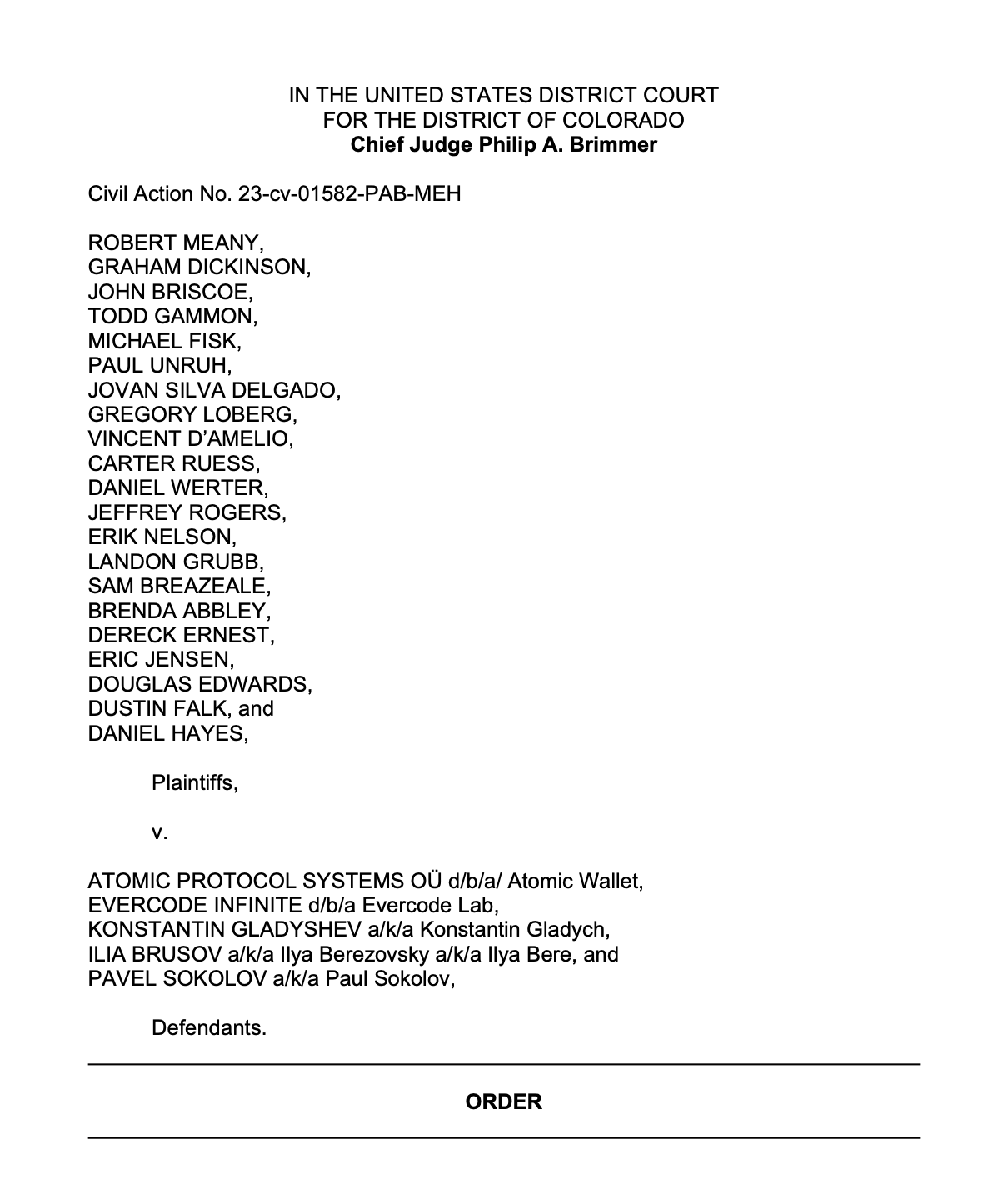
- 2024: a U.S. user lawsuit was dismissed on procedural grounds (lack of personal jurisdiction in Colorado), which adds legal context but doesn’t answer the core user-risk question.
- 2025: supply-chain style malware campaigns targeting popular wallets highlighted a broader lesson: even “legit” apps can be attacked through the ecosystem.
Our practical takeaway: use Atomic for everyday amounts under $500-1,000. For long-term holdings ($5K+), use hardware wallets (Ledger, Trezor) or security-focused setups. Always download from official sources (atomic.io for desktop, App Store/Google Play for mobile), verify the first/last 6 characters of every destination address, and double-check network selection before confirming sends.
GNcrypto’s overall Atomic Wallet rating
After our test, Atomic Wallet works as a convenient multi-chain hot wallet for everyday amounts, with broad asset support and straightforward send/receive flows. Setup is quick on desktop and mobile, the portfolio view is clean, and basic WalletConnect integration allows simple dApp access. We rated it moderately for usability and network coverage, but knocked it down significantly for security due to the 2023 breach, closed-source code, and lack of hardware wallet support. Swap margins and card purchase fees also add meaningful costs compared to alternatives.
| Criteria | Score |
|---|---|
| Security & Key Management | 2.0 |
| Supported Assets & Networks | 4.0 |
| Transaction Costs & Speed | 3.0 |
| User Experience & Interface | 3.5 |
| DeFi & dApp Integration | 3.5 |
| Recovery & Backup Systems | 3.0 |
| Customer Support & Documentation | 3.0 |
| Total | 3.08 / 5.00 |
How we test hot crypto wallets
At GNcrypto, we put transparency first when evaluating hot cryptocurrency wallets. Our reviews are based on hands-on testing and thorough analysis across all key dimensions that matter for self-custody and daily crypto use. Our basic principles for evaluating hot crypto wallets can be found in this article.
The material on GNcrypto is intended solely for informational use and must not be regarded as financial advice. We make every effort to keep the content accurate and current, but we cannot warrant its precision, completeness, or reliability. GNcrypto does not take responsibility for any mistakes, omissions, or financial losses resulting from reliance on this information. Any actions you take based on this content are done at your own risk. Always conduct independent research and seek guidance from a qualified specialist. For further details, please review our Terms, Privacy Policy and Disclaimers.
Articles by this author