
OneKey Classic 1S Review 2026: Security, Recovery, and Real Use for Beginners
Affiliate Disclosure:
GNCrypto editors review services independently. If you click on affiliate links, we may earn commissions, which help support our testing. The goal of our reviews is to provide our readers with the most objective and unbiased overviews of available platforms for spot crypto trading.
OneKey Classic 1S

OneKey Classic 1S is a solid starter hardware wallet for long-term holders who want phone-friendly Bluetooth signing and broad wallet support. However, it is not air-gapped, and the built-in battery adds long-term wear risk.
GNcrypto's Verdict

If you are buying your first hardware wallet, OneKey Classic 1S makes a good first impression. We found it easy to set up, comfortable to use, and much less intimidating than some more advanced devices. The main compromise is that it focuses more on convenience than maximum isolation, so it fits casual long-term holders better than security purists.
- Phone-first signing and on-device confirmation
- Works with MetaMask, Rabby, Sparrow, WalletConnect v2
- Hidden wallets via passphrase for separate long-term storage
- Not air-gapped, relies on connected workflows
- Built-in battery adds long-term aging risk
- Reproducible build verification is debated
On this page
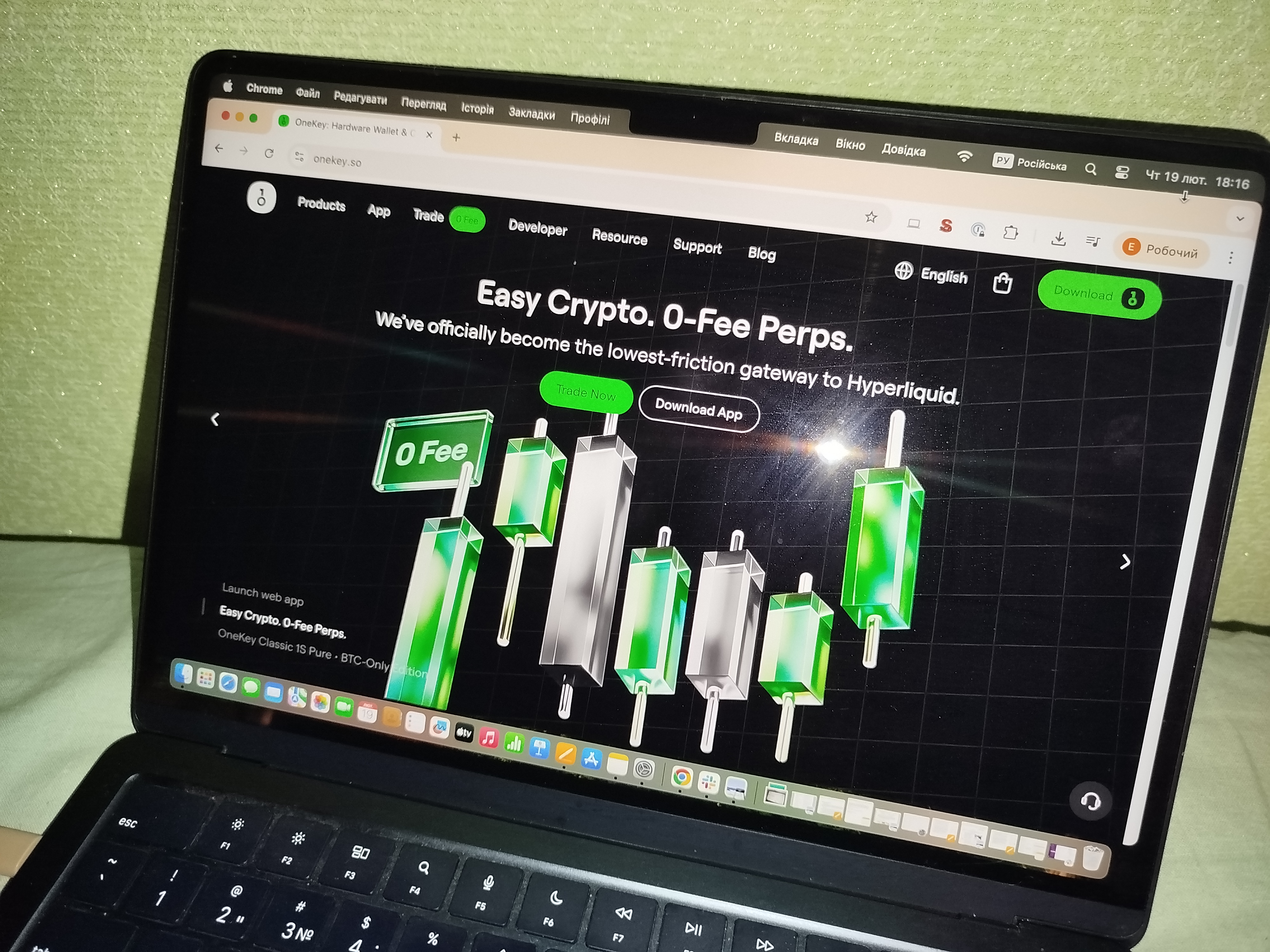
GNcrypto’s finance team tested the OneKey Classic 1S to evaluate its security model, recovery process, Bluetooth functionality, and beginner experience. We checked how easy it is to set up, use, and restore, then rated the wallet 4.1/5 based on its strengths for long-term storage and its practical trade-offs.
OneKey Classic 1S Overview
In this section, we share our OneKey Classic 1S reviews and explain what the Classic 1S is designed to do for beginners who want safer long-term storage. It is a hardware wallet that keeps your private keys offline and lets you approve transactions on the device when you decide to move funds.
We think Classic 1S fits a very common first hardware wallet scenario: you plan to hold crypto for six months or longer, you buy periodically, and you do not want your main balance sitting on an exchange. If your priority is security and peace of mind, not daily trading speed, this device is closer to what you need.
A few practical expectations help before you buy. Classic 1S supports USB-C and Bluetooth, so you can manage it with a cable at home or sign in from a phone when you are away. It also has a built-in battery, which is convenient for mobile use, but it is worth remembering for multi-year storage planning.
If you buy once a month and transfer to cold storage, Classic 1S is built for that routine. If you occasionally sell a small portion or send funds to an exchange, the phone-friendly workflow can make that step simpler. Our main message for beginners is straightforward: the real asset is your seed phrase backup, and the device is the tool that helps you use it safely.
Offline Security, Backup and Recovery Framework
When we test a cold wallet, the first question is simple: are the keys truly offline, and can a beginner keep them that way without making a costly mistake? In our opinion, that is where a OneKey hardware wallet either earns its place in long term storage or becomes an expensive gadget that adds false confidence.
During setup, we focus on habits that prevent the most common failures. We check the packaging and the first boot flow for anything suspicious, then create a PIN and generate the recovery phrase on the device. Our rule is strict: the seed should never appear on your phone or computer screen. Write it down offline, take your time, and do not store it in photos, notes apps, email drafts, or any cloud backup.
For spending, we walk through the full signing loop in plain terms. You prepare a transaction in the companion app, then the device shows the destination address and amount. That on-screen check is not a formality. For beginners, it is the main defense against sending to the wrong address or approving a tampered request. We recommend comparing the first and last characters of the address on the device before you confirm and sign.
Backup and recovery is the real pass or fail moment. Classic 1S uses a standard BIP39 recovery phrase, so the seed is your master key. If you enable a passphrase, treat it like a second lock: it can protect you, but forgetting it can also lock you out. After setup, we strongly prefer a recovery drill: reset the device or use a safe recovery check, then restore the wallet from your written seed. Do this before you store meaningful funds, and start with a small test amount so you can verify you can move coins in and out.
For long-term storage, we keep the plan simple. Store the seed separately from the device, keep at least two backups in different places, and consider a metal backup if the amount is significant. Because this model has a built-in battery, we also think it is smart to power it on occasionally, confirm you still have access, and keep a careful, deliberate update routine when firmware releases arrive.
Pros, Limitations and Overall Value
In this OneKey Classic 1S review, we focus on what a beginner will notice in real use: how confident storage feels, and how much friction there is when you need to move funds. Our testing suggests Classic 1S is best for long-term holders who still want a phone-friendly signing option.
Strengths:
- Bluetooth signing for phone first use, USB-C when you prefer a cable.
- MetaMask and Rabby for EVM, Sparrow for BTC, WalletConnect v2 for dApps.
- Hidden wallets via a passphrase to separate savings and spending.
- Multi-chain support for mixed portfolios so you can consolidate early.
- Optional metal style backups help if you want a durable seed storage plan.
Weaknesses:
- Not air gapped: you rely on USB-C or Bluetooth connectivity.
- Built-in battery adds one more aging point for multi-year storage.
- Reproducible build verification is debated, which may matter for strict verifiers.
- Passphrase improves protection but increases lockout risk if forgotten.
- Physical access attacks remain a category, so storage and updates matter.
Trustworthiness Check
Here are the audits, certifications, and public security notes we found.
- Feb 9, 2023: Security researchers at Unciphered published a video showing a physical access attack against a OneKey hardware wallet; reporting said the issue was later patched via firmware updates.
- Dec 30, 2025: OneKey published a SlowMist security audit summary with an overall Low Risk conclusion and listed mitigations such as downgrade restrictions and tighter Bluetooth pairing rules.
- Dec 11, 2025: OneKey reported Classic 1S and Classic 1S Pure passed EU EN 18031 cybersecurity certification under the Radio Equipment Directive; the certificate was issued Sep 15, 2025 (No. 0370-RED-10138).
- Dec 11, 2025: OneKey reported the Classic 1S battery passed UN38.3 lithium transport safety testing; the test summary was issued Sep 16, 2025 (ECTBE0H21C031A).
- Sep 2025: WalletScrutiny lists OneKey Classic as not verifiable due to reproducible build differences, which matters if you rely on independent firmware build verification.
GNcrypto’s Overall OneKey Rating
| Criteria | Rating (out of 5) |
|---|---|
| Offline Security & Key Isolation | 4.3 |
| Recovery & Backup Reliability | 4.0 |
| Long-Term Durability & Obsolescence Risk | 3.6 |
| Transaction Signing & Spending Workflow | 3.8 |
| Multi-Chain & Asset Support | 4.7 |
| Usability & Learning Curve | 4.1 |
| Cost vs Security Tradeoff | 4.0 |
Methodology – How We Test Cold Crypto Wallets
We use a weighted, category-based model built for offline storage. Our testing focuses on one question: can you keep private keys permanently offline while still being able to recover funds if something goes wrong.
We score each category from 1.0 to 5.0 and calculate a weighted average. Our rating reflects practical security and usability, not a formal code audit or a guarantee of protection against every edge-case attack.
Categories & Weights
- Offline Security and Key Isolation – 35%
- Recovery and Backup Reliability – 25%
- Long-Term Durability and Obsolescence Risk – 15%
- Transaction Signing and Spending Workflow – 10%
- Multi-Chain and Asset Support – 8%
- Usability and Learning Curve – 5%
- Cost vs Security Tradeoff – 2%
Latest News





Recommended Articles/Reviews



The material on GNcrypto is intended solely for informational use and must not be regarded as financial advice. We make every effort to keep the content accurate and current, but we cannot warrant its precision, completeness, or reliability. GNcrypto does not take responsibility for any mistakes, omissions, or financial losses resulting from reliance on this information. Any actions you take based on this content are done at your own risk. Always conduct independent research and seek guidance from a qualified specialist. For further details, please review our Terms, Privacy Policy and Disclaimers.